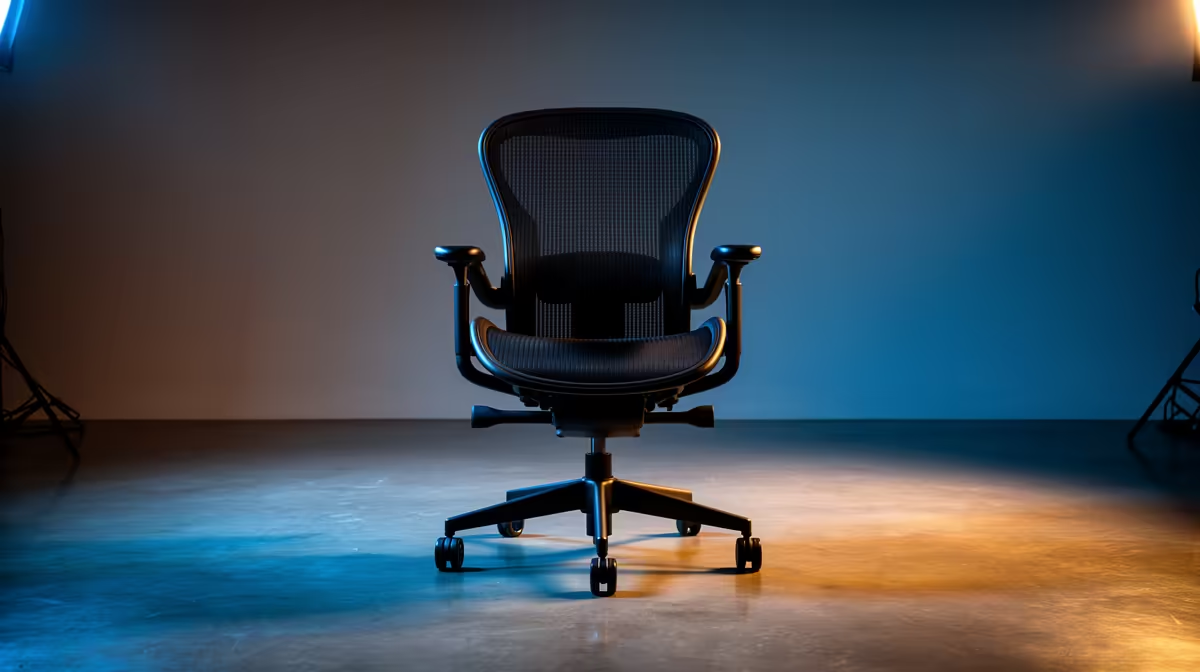
An adjustable chair is worthwhile for long Call of Duty sessions when it fits the player and the desk. It will not improve aim or frame rate, and a gaming label does not prove support. The useful chair allows stable feet, relaxed shoulders and close mouse access without trapping the legs or forcing the elbows outward.
Test rapid mouse and keyboard movement
The verified GAMDIAS ZELUS E2 L chair in black costs R1,700 and can be assessed for personal fit. Confirm current dimensions, adjustment controls and weight guidance on the product page. Sit in the normal aiming posture, move across the full mouse area and check whether armrests strike the desk. The seat should support posture changes rather than locking the player into one dramatic recline.
Keep the complete setup responsive
Place the monitor where the neck remains neutral, secure headset and charging cables away from chair wheels and keep the case vents clear. The verified Dell SE2726H 27-inch Full HD 144Hz monitor at R1,797 offers a high-refresh display option for a compatible gaming PC. Actual benefit depends on the system delivering suitable frame rates. Take movement breaks between matches, adjust one chair control at a time and seek qualified medical advice for persistent pain or numbness. Recheck fasteners after the first weeks of regular play.
Improving a Call of Duty desk? > Compare Evetech chairs and monitors around player fit, mouse space and measured PC performance.