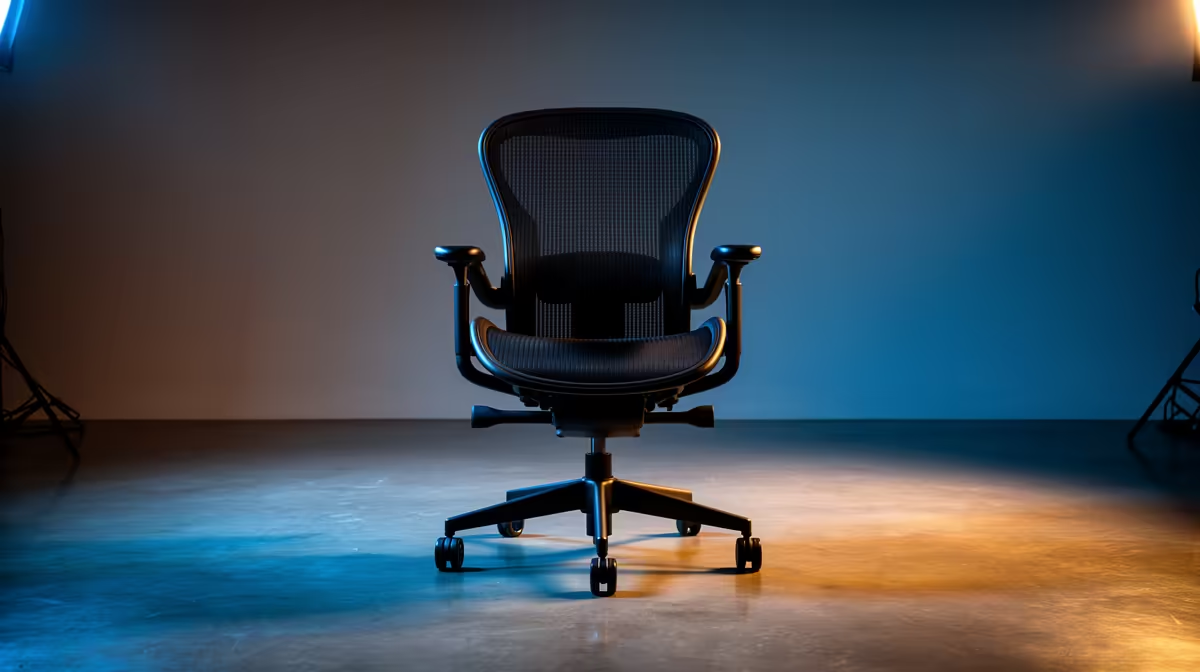
An ergonomic office chair is worthwhile for Twitch streaming when it fits the person, desk and length of a normal broadcast. It can support posture without forcing a gaming visual style into the camera frame. Adjustment range, seat dimensions and stable arm support matter more than whether the chair is marketed to creators.
Fit the broadcasting position
The verified GAMDIAS Zelus E5 L black chair costs R1,540, while the verified GAMDIAS Achilles E4 L black costs R1,650. Confirm current dimensions, supported weight and adjustment details for each listing. Set the seat so feet rest securely and shoulders remain relaxed. Armrests should support the forearms without pushing the microphone, controller or mouse out of position.
Test comfort and framing together
Sit through the length of a usual stream, then check pressure behind the knees, lower-back support and ease of movement between controls. Record a short camera sample at normal lighting to see whether a headrest or tall back blocks the scene. Leave safe clearance around chair wheels, cables and tripod legs. A footrest may help a shorter user when the desk cannot move. Choose the chair after a real fit check instead of relying on appearance or padding alone.
Measure chair clearance with the door, cupboard and camera tripod in their normal positions before accepting the final location.
Improving streaming comfort? > Compare Evetech chairs by dimensions, adjustment range and fit at the actual broadcast desk.