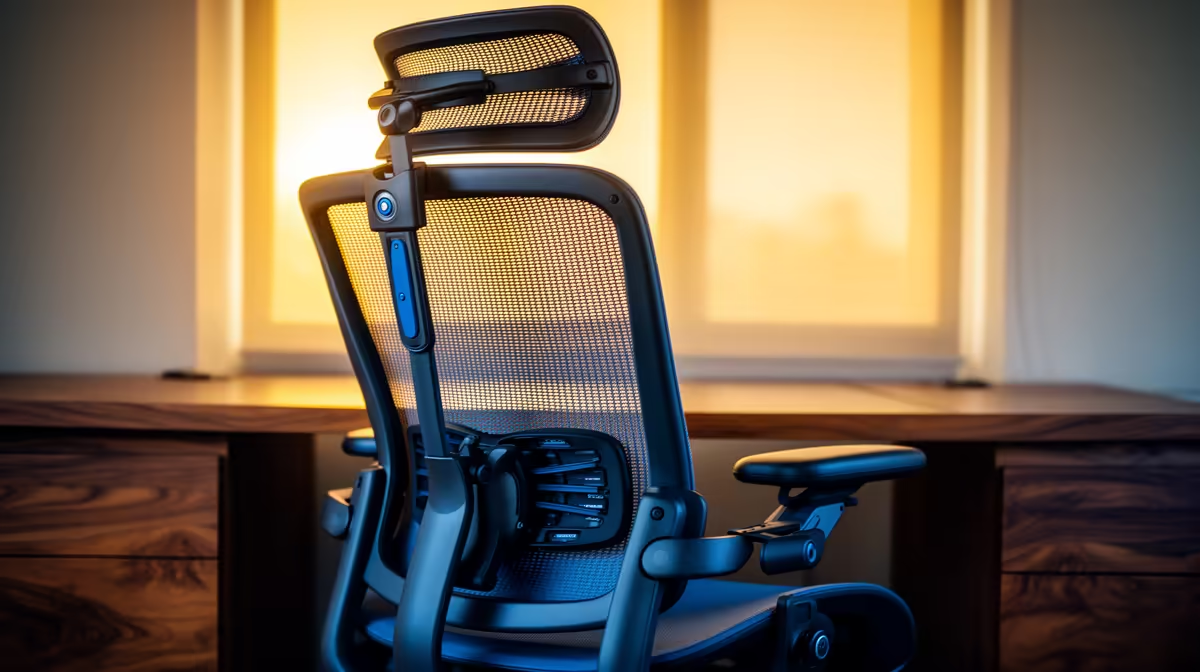
An engineering student should choose an ergonomic office chair by fit, adjustment range and desk compatibility during CAD, coding, calculations and report writing. The label does not guarantee comfort, and one posture is not healthy merely because the chair has many controls.
Measure the student, desk and full technical-work position before comparing chairs
Check seat height, usable depth, back support, arm position and floor space. Feet should rest securely, thighs should remain supported without pressure and shoulders should stay relaxed. Include keyboard, mouse, drawing tablet, large monitor and paper calculations, then verify that the chair allows frequent posture changes.
The GAMDIAS ZELUS E5 at R1,540 and HBADA E3 Pro at R5,700 are verified chair references. Confirm current dimensions, adjustment range, materials, assembly, weight guidance and warranty on live listings. The NearStream USB/XLR microphone at R676 is a separate reference for project presentations.
Position the display to reduce neck bending, keep input devices within reach and route cables away from chair wheels. Schedule movement between long simulations or coding blocks. A foot support may help when a fixed desk is too high.
Buy the model whose ranges match real measurements. Extra features do not help when the seat, backrest or arms cannot fit the student.
Recheck chair fit after adding a drawing tablet or second monitor.
Improving an engineering desk? > Compare Evetech chairs and microphones around fit and presentation needs.