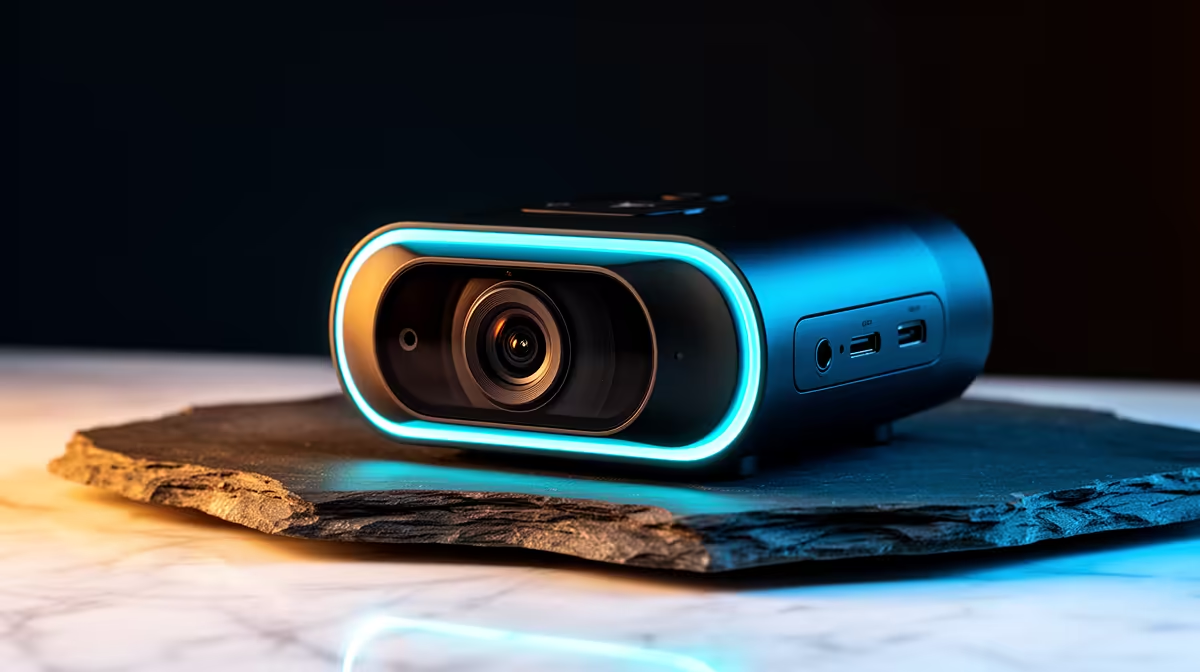
Cutting the cable opens a new set of decisions. A 2K wireless streaming camera removes the tether to the desk, but the moment you step away from a wired connection you take on responsibility for radio stability, battery endurance, and a sensor that still has to hold 1440p quality without a physical pipeline feeding it power continuously. The specs on the box do not always make those trade-offs clear. Knowing which numbers to check before buying saves a frustrating return trip.
Quick Answer
For a capable 2K wireless streaming camera, prioritise sensor size, wireless band compatibility, and battery capacity. A 1440p feed needs a stable 5GHz or 2.4GHz connection. Aim for at least 4 hours of battery life, and prefer cameras with swappable packs if sessions regularly run long.
🔧 Sensor Size at 1440p: Still the First Check
The sensor conversation does not become less important because a camera is wireless. At 1440p the pixel density demands a sensor that can resolve that detail cleanly without introducing softness or heavy noise reduction that erases the resolution advantage over 1080p.
Sensor physical size matters here for the same reason it matters in wired cameras. A physically larger sensor at 2K resolution distributes the pixel array across more surface area, allowing each pixel to collect more light. That produces cleaner output in moderate ambient conditions without demanding a studio-level lighting rig. A small sensor crammed to 1440p often looks only marginally better than a clean 1080p feed from a larger sensor, because the noise reduction required to keep the image presentable costs the fine detail that 1440p should provide.
Check the specified sensor size in the product documentation, not just the resolution claim. A quarter-inch sensor at 1440p and a half-inch sensor at 1440p are very different cameras, and that difference will be visible in any environment that is not perfectly lit.
⚡ Wireless Band: 5GHz vs 2.4GHz for 1440p
The wireless link carrying a 1440p video stream has to move a significant amount of data reliably, and the band the camera operates on determines how well it manages that in real conditions.
5GHz operates on a less congested part of the radio spectrum than 2.4GHz and offers more bandwidth per connection, which makes it the better choice for 1440p video. In a South African apartment block or student residence where dozens of devices share the 2.4GHz band, a 5GHz connection is measurably more stable for high-resolution streaming. The trade-off is range: 5GHz does not travel as far through walls and obstacles as 2.4GHz, so a camera in a corner far from the router may drop signal quality on 5GHz while holding adequately on 2.4GHz.
Dual-band cameras that support both 5GHz and 2.4GHz give the most flexibility. Using 5GHz when the camera is close to the access point and falling back to 2.4GHz when distance demands it covers both scenarios without forcing a hardware compromise. If the camera you are considering is single-band only, confirm which band it uses and assess whether the intended placement suits that frequency's characteristics.
Interference in Dense SA Environments
Cape Town and Joburg apartment buildings often host dozens of access points and Bluetooth devices competing in the same frequency space. Running a site survey on your phone before deciding on camera placement will show you which channels in the 2.4GHz and 5GHz bands are already congested. A wireless camera pointed into a wall of interference will stutter regardless of its hardware quality.
Pro Tip ⚡
Before your first live broadcast with a wireless camera, run a fifteen-minute dry stream at peak household hours, typically early evening when fibre traffic is heaviest. Check the recorded output for dropped frames or bitrate dips. A wireless link that holds 1440p through peak congestion is a link you can trust when it counts.
🔋 Battery Life and Swappability
Wireless streaming draws on the battery hard. The camera is simultaneously running the sensor, the image signal processor, the wireless radio, and often additional features like continuous autofocus or subject tracking. Four hours of rated battery life is a reasonable minimum for a session that has buffer time on each end. Six hours is comfortable for a full shooting day.
Rated battery life in manufacturer specifications tends to reflect optimal conditions: moderate resolution, moderate frame rate, strong wireless signal, and ambient temperature around 20 to 25 degrees. Real-world usage at full 1440p60, with autofocus active and wireless signal at 70 percent strength, typically runs 15 to 25 percent shorter than the rated figure.
Cameras with removable battery packs solve the endurance problem more elegantly than higher-capacity fixed batteries. A spare charged pack swapped in during a natural break extends the session without waiting for a charge cycle. For creators who shoot outdoors or in locations without convenient power access, swappable packs are worth specifically seeking out rather than treating as an optional feature.
🌐 Additional Wireless Specs Worth Checking
Beyond band compatibility, two other wireless specifications deserve attention in the pre-purchase research.
Transmission range is the maximum distance the camera maintains a stable link. In an open space this is a theoretical figure; in a real room with walls, furniture, and competing signals the effective range is typically 30 to 50 percent of the stated maximum. For a desktop or close indoor setup this rarely matters. For an outdoor event or a large hall, confirm the practical range holds the distance your intended camera placement requires.
Latency is the delay between the physical action and its appearance in the stream. For a live stream where the audio is captured separately and synchronised in software, low latency matters mostly for the operational experience of monitoring. For a setup where the camera audio and video are captured together over the wireless link, latency above a few hundred milliseconds will create a visible lip-sync issue that is genuinely difficult to correct in post.
Frequently Asked Questions
Is 2K wireless streaming noticeably better than 1080p wireless?
At typical streaming resolutions and delivery bitrates, the difference is visible but not dramatic on screens smaller than 27 inches. The advantage of 1440p becomes more apparent in recorded content played back at full resolution on a large screen, and in setups where the creator crops or reframes footage during editing. For live stream viewers on standard screens, the jump from a clean 1080p feed to 1440p is a quality improvement but not a transformation.
What does the wireless protocol matter beyond the band?
Some cameras use proprietary wireless protocols rather than standard Wi-Fi, particularly action camera designs intended for rugged outdoor use. A proprietary protocol may offer lower latency or stronger signal in specific conditions, but it requires a compatible receiver rather than connecting to a standard router or access point. For a desk or studio setup with an existing Wi-Fi network, standard Wi-Fi compatibility on the 5GHz band is simpler and more flexible.
Can a 2K wireless camera connect directly to a PC without a router?
Some models support direct Wi-Fi connection to a PC or laptop acting as an access point, bypassing the need for a router. This mode is useful for location shooting without network infrastructure available. Check the camera's documentation specifically for a direct connection or point-to-point mode, as it is not universal.
How does coastal humidity in SA affect wireless cameras?
Humidity affects electronics rather than the wireless signal itself. Cameras regularly used in humid environments such as Durban or coastal Cape Town benefit from being stored in a dry bag or sealed case when not in use, particularly if temperature swings cause condensation to form on internal components. The wireless performance itself is unaffected by moderate humidity.
What frame rate suits 2K wireless streaming best?
1440p at 30fps is the reliable baseline most capable wireless cameras sustain. 60fps doubles the data rate and strains both battery and link quality. For live streaming 30fps is entirely acceptable. Reserve 60fps for recordings where motion smoothness is a specific requirement and the wireless link clearly supports it.
Ready to go wireless without sacrificing 2K quality?
Browse 2K wireless streaming cameras at Evetech and compare sensor sizes, battery capacities, and wireless band support to find the right fit for your setup.