Quick Answer
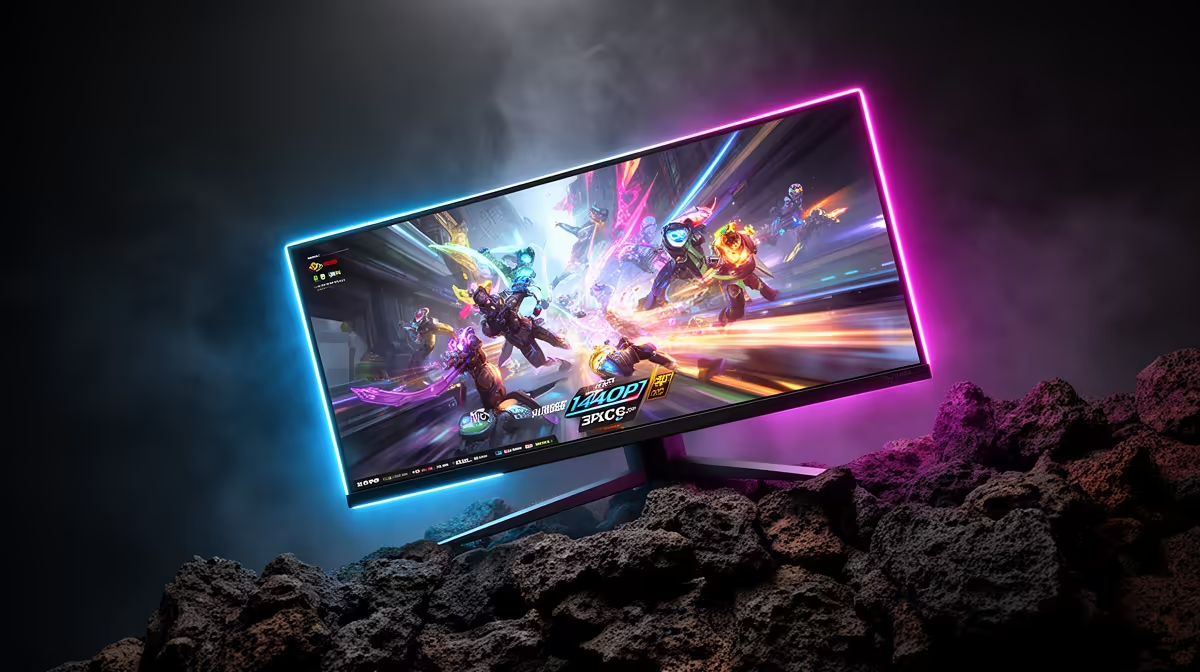
The practical shortlist is a 27-inch 2560x1440 at 144Hz to 240Hz display in the broad R3,500 to R10,000 local price band. Choose it only if your GPU can produce the frames you want; a monitor shows FPS, it does not create FPS.
The comparison that matters first
Use refresh rate, panel type, stand adjustment, and warranty route as the first filter. Common reference models to compare include Dell G2724D, LG UltraGear 27GP850, and ASUS TUF VG27AQ, but final stock and pricing must be checked locally before purchase. For competitive esports, expect roughly 90 fps to 165 fps in most AAA games with an RTX 4070-class or RX 7800 XT-class GPU when the PC is matched well.
Match the monitor to the PC
IPS is the safe default for colour and motion. A 1440p 240Hz panel wants a fast CPU for esports, while a 4K panel wants a stronger GPU and enough VRAM. If the current graphics card is below an RTX 4070-class level, spending extra on a premium panel can leave the screen waiting for frames the PC cannot supply.
SA buyer checks
For South African buyers, compare local warranty handling, courier practicality, and whether the spec changes daily use. Keep the box until the screen is tested for dead pixels, backlight bleed, stand wobble, and cable compatibility. For dual-screen desks, measure the stand footprint because some 32-inch bases take more space than the panel size suggests.
FAQ
Is 27-inch 2560x1440 at 144Hz to 240Hz worth it for SA gamers?
Yes, it is worth it when your PC can stay near the refresh target in the games you play. If most sessions sit below 100 fps, a cheaper 144Hz or 165Hz model may be the better value.
What price band should I expect?
Use R3,500 to R10,000 as a cautious planning band for this class of monitor. Exact live pricing changes, so compare the final Evetech listing against panel type, ports, warranty, and stand quality.
Which GPU tier pairs best with this monitor?
For 1440p high refresh, start around an RTX 4070 Super or RX 7800 XT class and go higher for 240Hz esports. For 4K 144Hz, use an RTX 4080-class or stronger GPU if you want high settings in demanding games.
Panel check
Before checkout, confirm resolution, refresh rate, adaptive sync, HDMI or DisplayPort needs, and desk footprint. Those five checks prevent most monitor regrets.