Quick Answer
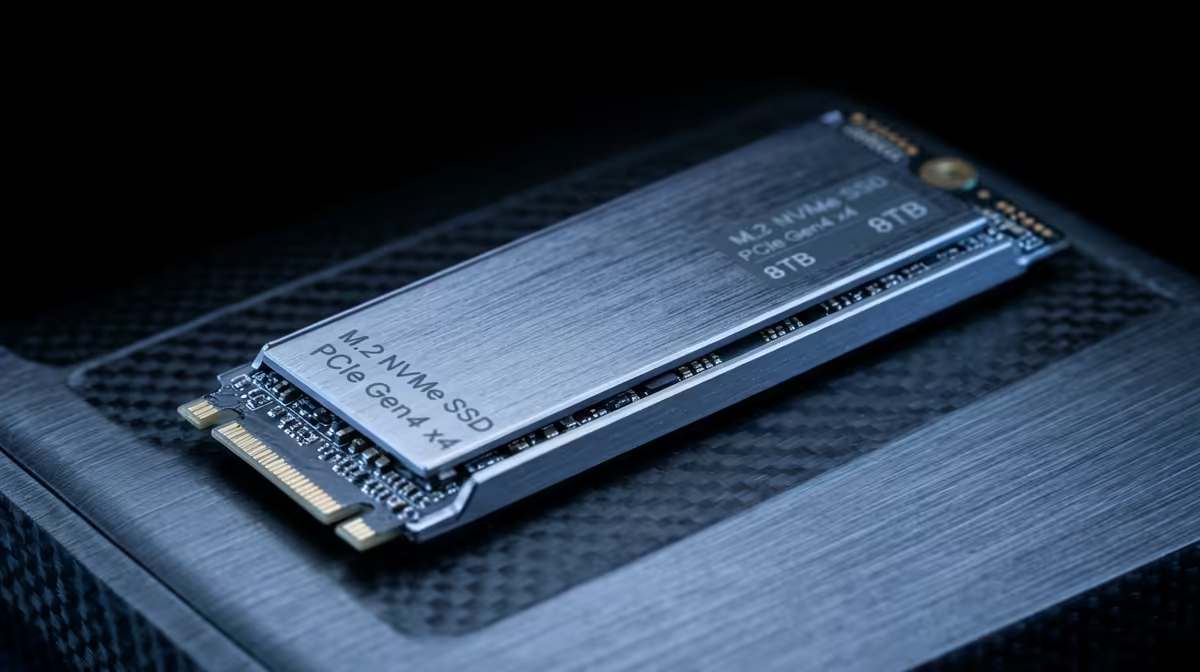
A 4TB NVMe SSD makes sense for big AAA and cinematic libraries, with PCIe 4.0 models in roughly the R3,500 to R6,500 range and PCIe 5.0 drives higher. For gaming, PCIe 4.0 is plenty; you will not feel Gen 5 speeds in load times.
Why 4TB for AAA and story games
Modern AAA installs are huge: Call of Duty can pass 200GB, and titles like Baldur's Gate 3, Starfield and Hogwarts Legacy each run 100GB or more. A 4TB drive lets you keep a deep library installed without constant uninstalling. A PCIe 4.0 NVMe delivering 7,000 MB/s is the practical sweet spot for gaming.
Gen 4 vs Gen 5 for gaming
PCIe 5.0 drives hit 12,000+ MB/s sequential, but games rarely benefit; DirectStorage gains are small and most load-time differences are under a second versus Gen 4. Gen 5 also runs hotter and needs better cooling. For a gaming 4TB drive, a quality PCIe 4.0 model at R3,500 to R6,500 is the smarter spend.
Fitting a 4TB NVMe in your build
Confirm your motherboard has a free M.2 slot with enough lanes, ideally a slot with a heatsink. Single-sided 4TB drives are easier to cool in laptops and ITX builds. All drives here are currently stocked at Evetech with courier delivery nationwide.
FAQ
Is a 4TB NVMe overkill for gaming?
Not if you keep many AAA titles installed. With modern games at 100 to 200GB each, 4TB holds a large library comfortably. For a handful of games, 2TB is enough and cheaper.
Should I buy Gen 4 or Gen 5 for a 4TB gaming SSD?
Gen 4 for gaming. PCIe 5.0 offers higher sequential speeds but negligible real-world load-time gains in games, while running hotter and costing more. Save the money.
How much is a 4TB NVMe SSD in SA?
PCIe 4.0 4TB drives run roughly R3,500 to R6,500 at Evetech depending on speed and endurance, with PCIe 5.0 models priced higher.
Pro Tip
Install your 4TB NVMe in the M.2 slot wired directly to the CPU (usually the top slot) for full bandwidth, and fit the motherboard's M.2 heatsink to keep sustained write speeds high.