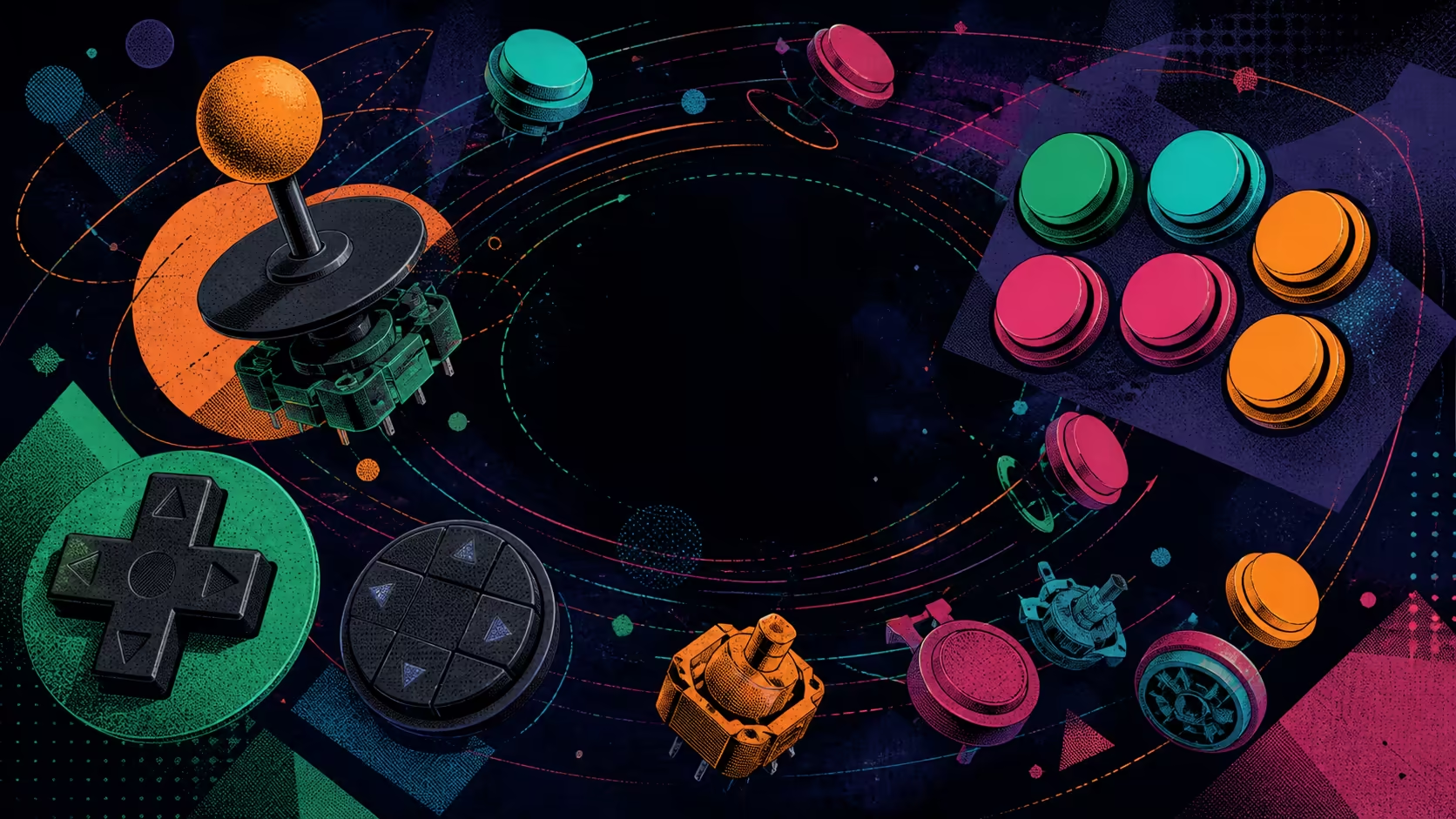
Every fightstick input belongs to a layer: the player's physical movement, the controller's configuration and the game's interpretation. This arcade fightstick lever button directional control guide explains those layers without assigning undocumented component models or selector modes to the GameSir C2.
Quick Answer
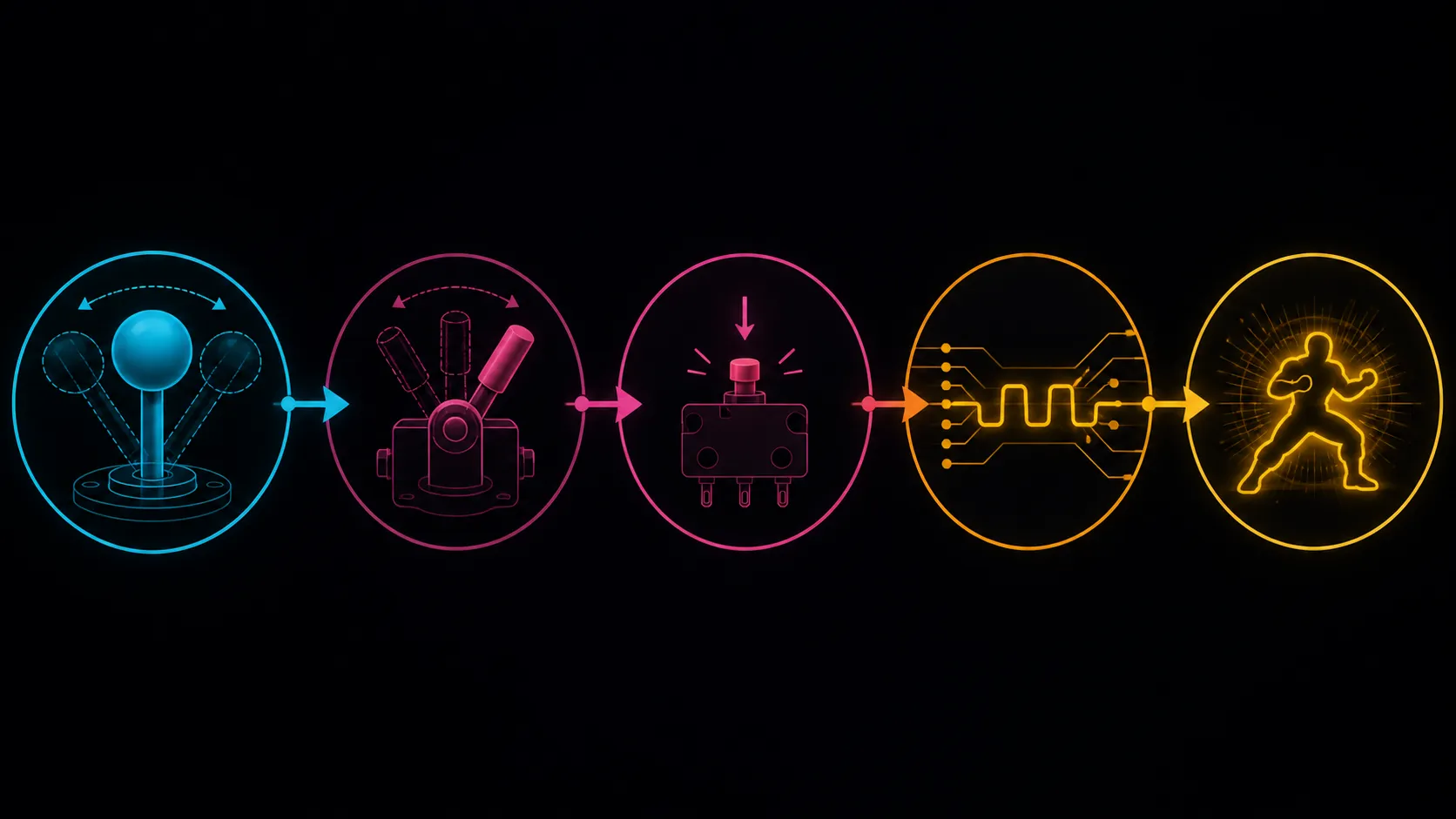
On the C2, the Sanwa lever supplies light short-throw direction, the Sanwa buttons actuate with little travel, the toggle changes reported input and the key lock protects function settings.
The lever supplies physical directional movement, action buttons send discrete commands, and setup controls alter or restrict input behaviour. Sanwa Denshi makes the C2 arcade components; its R1,799 package also provides direction selection and a key lock. Exact button count, part models and control measurements need separate confirmation.
🕹️ Follow a lever movement through the input chain
The player moves the lever away from centre, the controller detects a direction, and the platform or game interprets that signal. This chain is why a movement problem should be diagnosed in stages. A lever can move normally while the wrong directional function is selected, or a platform menu can respond correctly while a game mapping does not.
Test cardinal directions first. From centre, move up once, pause, then test right, down and left in a visible interface. Avoid circles and complex motions until each basic response is understood. If all four work at system level, proceed to the game's practice environment.
Lever technique involves grip, recentering and range of motion. No single grip is established for every player, and the Sanwa Denshi name does not provide an exact force or travel measurement. Comfort and repeatability should be observed on the installed component.
Diagonal movement combines two directional intentions and is best examined only after the four cardinal inputs pass. Use a practice display that makes the resulting direction visible, move slowly from centre and return before the next attempt. This teaches the distinction between a complex physical path and the basic signals used to build it, without asserting a particular gate shape inside the C2.
Compare arcade and handheld direction methods in Evetech's gaming-controller selection.
🔘 Treat action buttons as individual commands
Action controls are easiest to check one at a time. Use a screen that shows a clear response, press each required input once and note its result. Then test a simple two-button sequence if the game uses one. This moves from recognition to coordination without hiding a missed input inside a complex combo.
Sanwa Denshi makes the C2 arcade parts. Exact action-button models, switch mechanism, actuation force, sound profile, durability rating and replacement standard still need confirmation before a comparison or modification plan depends on them.
Button layout also affects reach. The player's fingers should cover essential actions without constant palm movement, but precise C2 spacing needs verified dimensions or a direct fit check. Avoid treating an arcade arrangement as a universal ergonomic guarantee.
Map actions by role rather than memorising colour or position alone. Group the commands needed for navigation, core attacks and less frequent functions in the player's notes, then compare those roles with the actual game mapping. This makes a moved assignment easy to spot and keeps an artwork change from obscuring the functional purpose of a control.
When an input appears intermittent, reproduce it with a single button and a visible response counter if the platform or game supplies one. Do not assign a switch fault from one missed combo. Technique, mapping and software context should be eliminated before a mechanical conclusion is considered.
🧭 Put the directional toggle between hardware and software
The GameSir includes a multi-functional selector for directional setup. Its exact positions and labels are not universal fightstick knowledge, so consult the correct instructions. Choose the function required for the current test, run the four-direction sequence and note the known-good state.
Changing this selector while also remapping the game removes the ability to tell which action fixed or caused an issue. Work one layer at a time: toggle state, system response, then software mapping. This sequence is useful for both first setup and later troubleshooting.
Platform acceptance must be performed separately on every C2 host actually used: Switch or PC, PlayStation 4/5, and Xbox One/Series X/S. Support does not prove identical menus, mappings or connection steps across that set.
🔐 Understand the key lock as a state change
A lock control is most useful when the before-and-after behaviour is documented. Start with the controller recognised and every necessary action working. Engage the C2 key lock, repeat the exact list and mark which responses differ. Use the model instructions for its intended scope rather than assuming it blocks a standard set of keys.
This feature can help reduce unintended inputs during tournament-style practice, but event approval is a separate policy decision. It also cannot prevent every technique error. Hand placement, mapping and preparation still matter.
If the controller station needs organisation after all inputs are stable, browse Evetech's gaming-accessories category for supporting options.
The faceplate adds visual customisation around these controls. Keep artwork clear of every opening and label, and remember that an artwork-ready surface does not establish internal modification fit.
Complete the guide with a state diagram in plain notes: platform recognised, directions passed, actions passed, selector documented and lock behaviour checked. If a failure occurs, return to the previous successful state rather than jumping to the last hardware layer. The diagram is a troubleshooting order, not a claim about the C2's internal electronics.
For teaching, let a new player perform the state sequence while another person records only visible responses. Separating operator and observer can reveal skipped recentring, double presses or an unnoticed configuration change. Swap roles on the second pass so the procedure is understandable rather than dependent on one expert.
Store the completed observation sheet with the platform name and game context, keeping later diagnosis grounded in the same environment.
Add the player's seating position when posture influenced an input, preserving the difference between control recognition and physical reach.
These controls sit on a rigid 3.5kg aluminium frame, so pressing does not rely on a flexible plastic face. Their jobs remain distinct: the lever moves, action buttons trigger commands, the selector changes interpretation and the lock prevents accidental configuration changes.
The acrylic-covered artwork layer occupies another distinct role: it protects personal graphics without changing the input hardware. Keeping visual, action and configuration components separate makes fault diagnosis and modification planning clearer.
Frequently Asked Questions
What should a lever test establish first?
It should show whether up, right, down and left produce the expected basic responses from centre. Complex motions come after that baseline.
How are action controls best checked?
Press required buttons individually in an observable screen, then add a short sequence. This separates recognition from coordination.
Does Sanwa Denshi identify every part number?
No. It identifies the component maker used in the C2, while exact lever and button models still need confirmation.
Where does the directional toggle fit in diagnosis?
Check it before game remapping. A confirmed selector state gives system and software tests a stable directional input.
What can be concluded from the key lock?
The C2 has one, and its configured effect can be observed. It does not prove event legality or eliminate every accidental action.
Are all three supported platforms configured identically?
Do not assume so. Run separate recognition, direction and action checks on each supported host the player actually uses.
What is the price of this control package?
The complete GameSir C2 costs R1,799. Compare its full layout and platform role rather than pricing one button in isolation.
Ready to examine each fightstick input by its actual job?
Explore Evetech's controller range, then add gaming accessories around a layout that has passed direction, action and lock checks.