Product listings for display cables tend to read like a checklist of buzzwords, and it takes some digging to work out which of those specs actually change your experience versus which ones are just restating the connector type in fancier language. Understanding what each spec genuinely contributes makes it far easier to judge whether a cable is worth its price or just worth its marketing. An 8k displayport cable that lists 8K resolution, Dynamic HDR, dual shielding and quality conductors together, as the UGreen DP114 does at R299, gives a useful case study for what each of those terms actually means in practice.
Quick Answer
Each spec on a DisplayPort cable listing serves a distinct purpose: resolution rating sets the bandwidth ceiling, HDR support adds extra data for brightness and colour detail, shielding blocks outside interference, and conductor quality determines how cleanly the signal travels the length of the cable. The UGreen DP114 covers all four at R299, which is why it is worth using as a reference point for what a well specified cable actually looks like.
🌐 Resolution and Bandwidth: The Ceiling Everything Else Sits Under
A cable's resolution rating is really a bandwidth rating wearing a more familiar name. An 8K rating means the cable can carry the data volume 8K resolution demands, and that same bandwidth ceiling is shared with refresh rate and colour depth, meaning a cable with more bandwidth headroom than your actual resolution needs has that spare capacity available for a higher refresh rate instead. This is the spec that most directly determines whether a setup runs at its full intended combination of resolution and refresh rate or gets silently downgraded somewhere along the signal path.
This cable's Evetech listing states its 8K rating directly, which is the detail worth confirming before assuming any DisplayPort cable can handle a demanding resolution and refresh rate combination.
Why the Product Name Alone Cannot Tell You This
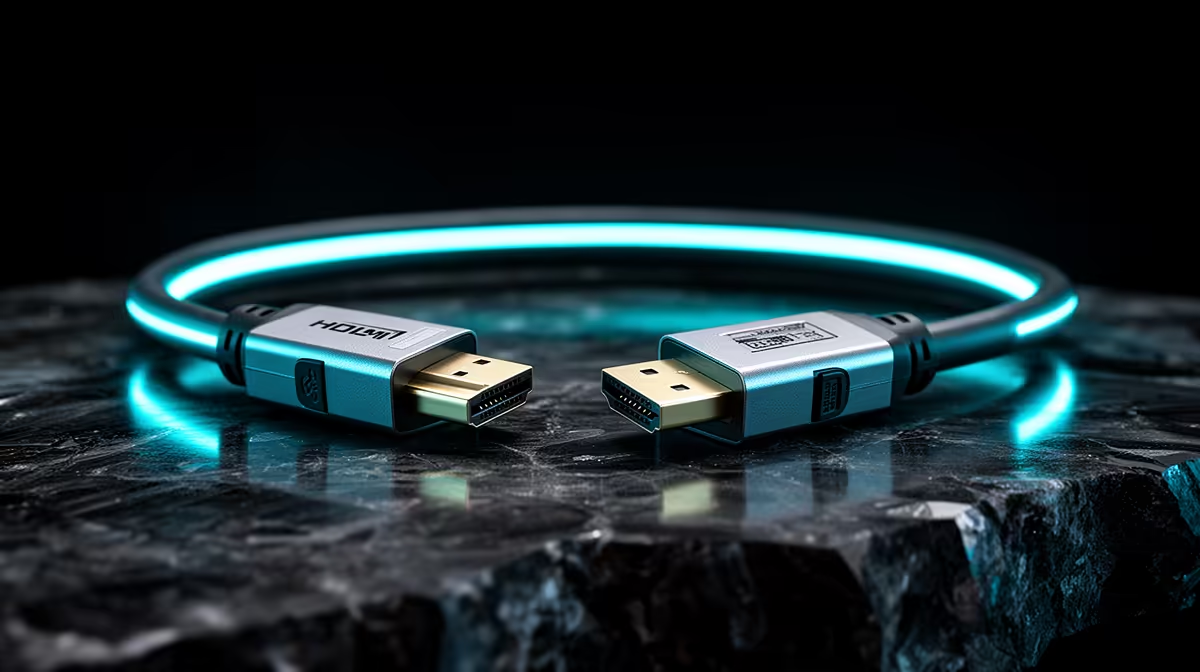
Manufacturers have kept the physical plug largely unchanged through several revisions of the DisplayPort standard, so an entry-level cable built years ago for a much lower data ceiling clicks into a monitor just as readily as one engineered for today's 8K panels. A shopper glancing at two listings side by side has no visual cue to separate the two. The figure that actually matters sits in the written specification table, not in how the connector is shaped or in a generic title that simply says "DisplayPort cable" without qualifying what it can carry.
🌈 Dynamic HDR: What It Adds Beyond the Base Image
HDR support is a separate spec from resolution, since it concerns brightness and colour range rather than pixel count. Dynamic HDR specifically means the brightness and colour metadata can adjust scene by scene rather than being fixed for the entire piece of content, giving a compatible monitor more detail to work with in both bright highlights and dark shadows within the same frame. This metadata adds to the total bandwidth a cable needs to carry, on top of the base image data, which is why HDR support and resolution rating need to be considered together rather than as unrelated features.
🛡️ Shielding and Conductor Quality: What Keeps the Signal Clean
Resolution and HDR ratings describe what a cable is capable of carrying under ideal conditions, but shielding and conductor material determine whether it actually delivers that capability consistently. Foil-and-braid shielding, the combination used on the DP114, wraps the internal conductors in two complementary layers that block electromagnetic interference from nearby electronics, while oxygen-free copper conductors reduce internal resistance compared to standard copper, supporting a cleaner signal across the cable's length. Neither of these specs shows up on a spec sheet as dramatically as an 8K resolution rating, but both directly affect whether that rating holds up in a real desk environment rather than a controlled lab setting.
Browsing the cable range available shows how inconsistently these quieter specs get listed between products, which makes them worth checking specifically rather than assuming every cable handles interference and resistance the same way. A listing that mentions resolution and refresh rate but stays silent on shielding and conductor material is not necessarily a bad cable, but it does leave a buyer guessing about two specs that matter just as much for day to day reliability as the headline numbers do.
🔩 Physical Build: Length, Sheath and Connectors
The remaining specs concern how the cable holds up physically over its working life rather than what signal it carries. A braided outer sheath resists the fraying and kinking that comes from repeated coiling, gold-plated connectors resist the corrosion that gradually loosens a standard contact's connection, and a sensible length, 1.5m in the DP114's case, keeps signal degradation to a minimum while still fitting most desk arrangements. None of these specs affect raw signal quality directly, but they determine how long a cable keeps performing at the level its other specs promise, which matters just as much over a two or three year ownership period.
Rounding out a desk build with the same attention to detail is worth extending to the gaming accessories lineup, since the same gap between headline spec and actual build quality shows up across peripherals just as often as it does with cables.
Frequently Asked Questions
Is an 8K resolution rating the same thing as a bandwidth rating?
Effectively yes, since the resolution rating reflects how much data per second the cable is built to carry, and that capacity is shared between resolution, refresh rate and colour depth.
Does Dynamic HDR require a different cable to standard HDR?
Dynamic HDR needs enough bandwidth headroom to carry scene-by-scene metadata alongside the base image, so a cable with strong bandwidth and resolution support, like an 8K-rated one, is well suited to handling it.
Why does shielding matter if the resolution and HDR specs are already strong?
Shielding determines whether the signal reaches the display cleanly despite outside interference, so even a cable with excellent resolution and HDR support can underperform without adequate shielding.
Do physical build details like the sheath and connectors affect signal quality?
Not directly, but they determine how long the cable continues performing at its rated signal quality, since a damaged sheath or corroded connector eventually affects the connection itself.
What is the most overlooked spec when comparing DisplayPort cables?
Conductor material and shielding type tend to get the least attention despite directly affecting whether a cable's headline resolution and HDR ratings hold up consistently in daily use.
Can I tell a cable's real bandwidth just by looking at the plug?
No, the physical connector has barely changed across several revisions of the standard, so an older, lower-capacity cable fits the same port as an 8K-rated one with nothing visible to tell them apart.
Ready to buy with confidence instead of guessing at the spec sheet?
8K support, HDR pass-through, foil-and-braid shielding and solid signal integrity all show up on the UGreen DP114 for R299. Evetech's DisplayPort cable range has the details.