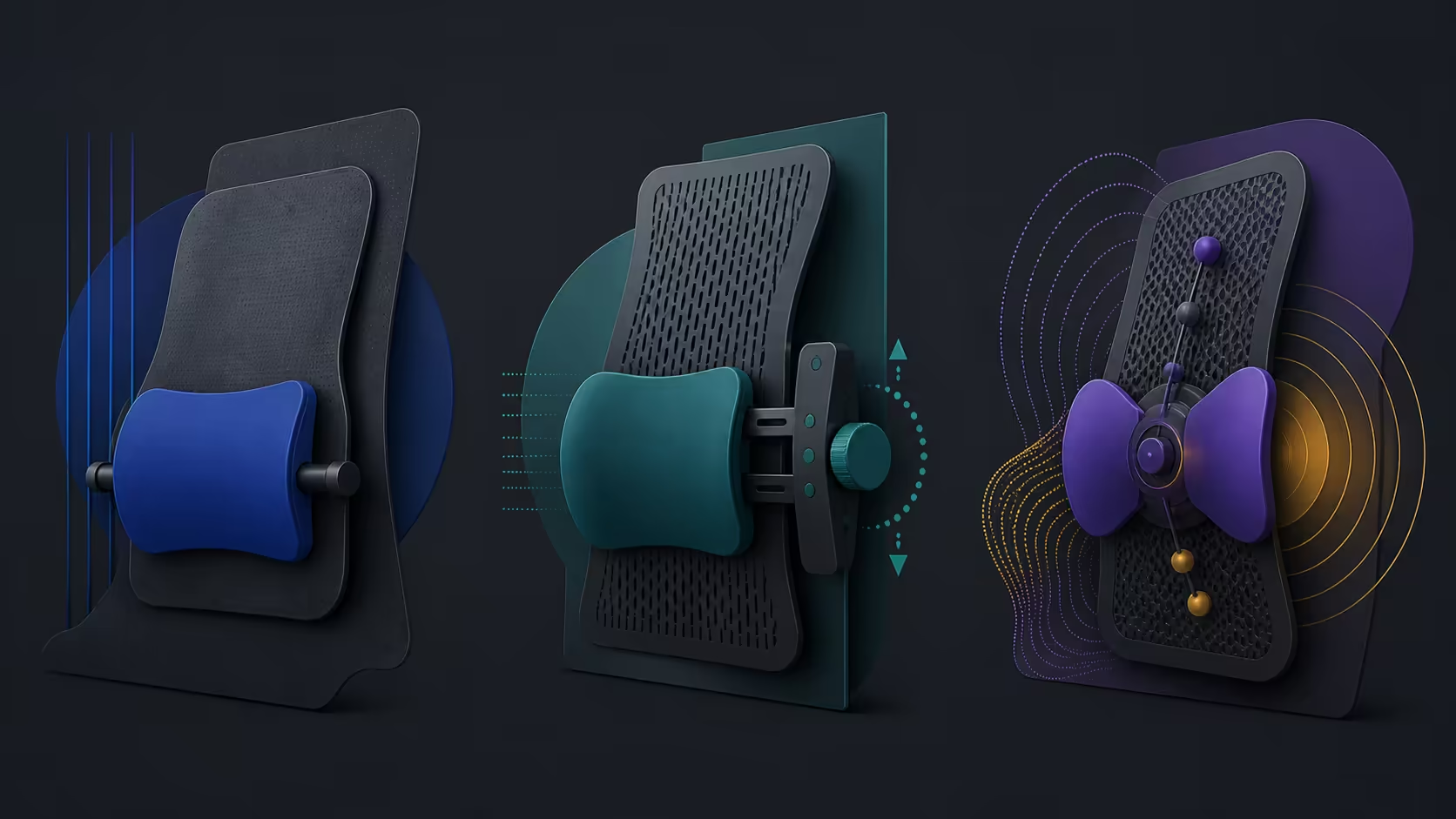
Fixed, manual and automated lumbar systems differ mainly in who changes the support and when. This lumbar support types explained guide compares control, movement and fit without declaring one universal winner. The R14,999 HBADA X7 represents automated tracking combined with multi-directional adjustment.
Quick Answer
Automated tracking on the X7 uses pressure sensors, a smart chip and a linear motor to follow posture; fixed support stays in one form, while manual support waits for user input.
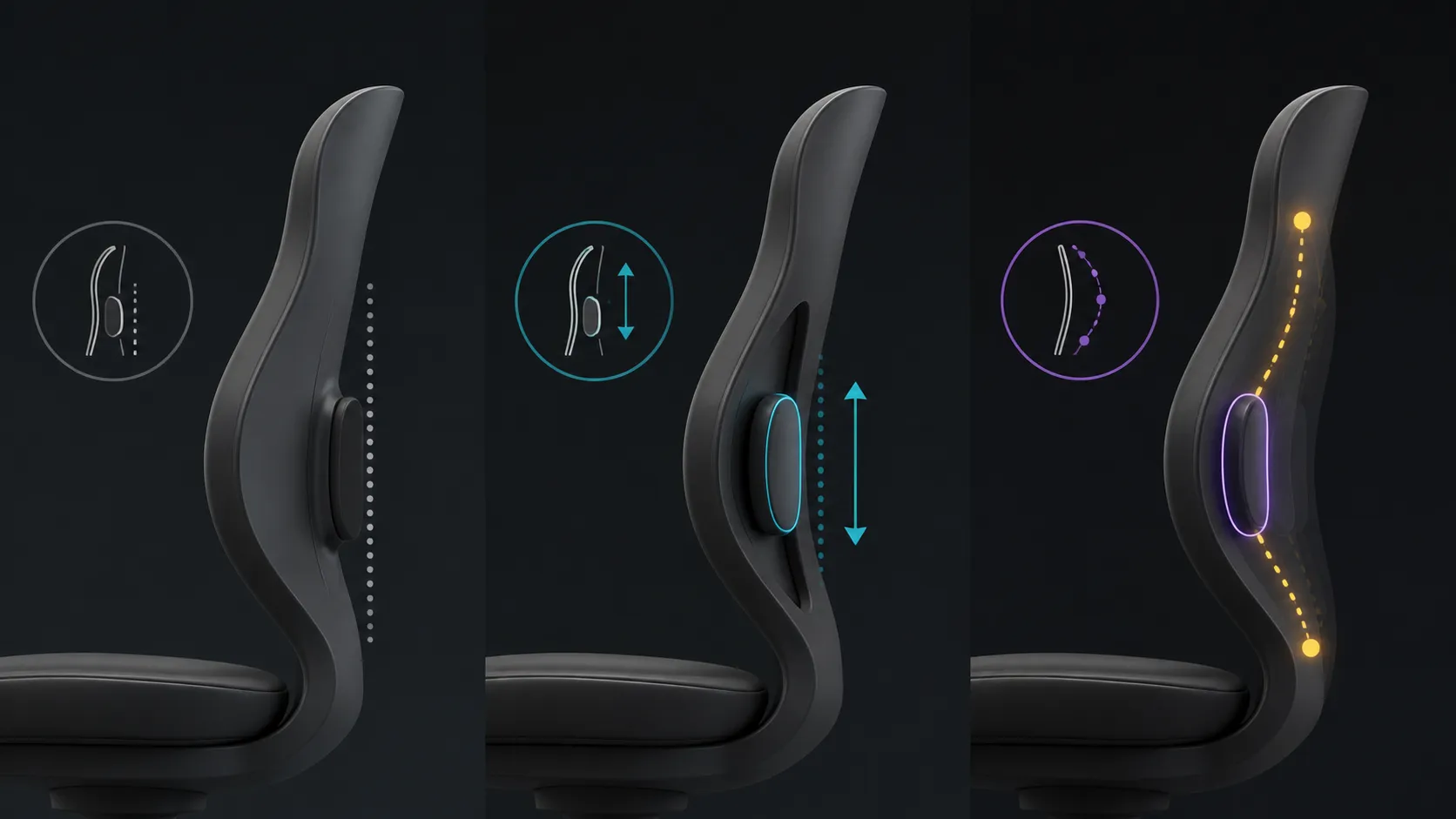
Fixed lumbar support keeps one form, adjustable support lets the user alter contact, and automated tracking adapts through a smart system. The HBADA X7 costs R14,999 and uses fully automated smart lumbar tracking plus multi-directional adjustable support. The best type is the one that maintains useful contact through the user's real desk tasks without pressure or constant correction.
🧭 Understand fixed support as a fit decision
A fixed system presents one backrest shape or support position. Its simplicity can suit a user whose body and desk align well with that form. It can also be easier to share when no control needs explanation, but a poor match offers little ability to move the contact point.
Test fixed support with feet secure and the input devices within easy reach. Sit through typing, reading and another ordinary task. Record whether the user remains naturally against the backrest or repeatedly shifts away from the support.
Do not mistake simplicity for weakness
Fixed support is not automatically less ergonomic. When the chair fits, fewer controls can make the successful position easy to reproduce. When it does not fit, a longer trial usually confirms the mismatch rather than correcting it.
Browse Evetech's office-chair selection for an exact fixed comparison. Verify dimensions, capacity and construction for each candidate instead of assigning typical category values.
🧭 Use manual adjustment deliberately
An adjustable lumbar system gives the user direct control over position, pressure or another documented setting. It can work well for one person who understands the controls, or a shared chair where each user maintains a simple setup note.
Change one control, repeat the same movement and hold the result long enough to assess pressure. Avoid constant tuning during every posture shift. A manual system adds value when the user can find and return to a useful range without turning the workday into a setup exercise.
Build a reset reference
Write the control position and the desk task used to accept it. Ask the next user to restore that baseline before making another change. Exact movement range and mechanics must be taken from the chair itself; general adjustability does not prove 45-degree rotation or another angle.
Manual control does not guarantee comfort. Body fit, desk alignment and movement habits remain part of the result, and persistent symptoms should not be treated through more aggressive adjustment.
🧭 Judge automated tracking by corrections avoided
Automated tracking shifts some control responsibility to a smart system. The X7 can be assessed as the user moves from centred work to a forward reading moment, a side task and a relaxed position. Observe whether support remains broad and whether manual correction decreases.
Judge the X7 by repeatable support response; obtain sensor, timing and control details separately when they affect the decision. Repeat the same sequence later in the day so the first short impression does not decide the verdict.
Keep other X7 features outside the lumbar test
Massage, heat and a ventilated seat can affect perceived comfort, but they do not prove lumbar effectiveness. Keep active functions off while comparing support types. Add them only after the backrest assessment closes.
Select exact automated candidates from Evetech's HBADA chair range. When powered operation matters, add the separately obtained X7 battery to complete cost.
🧭 Compare all three with one matrix
Create rows for initial fit, contact through movement, pressure after time, correction frequency, reset clarity and complete cost. Use the same desk, user, tasks and test duration. A fixed chair might win baseline simplicity, a manual system may win precise control, and automation may win movement continuity.
Mark any missing dimensions, range or capacity as an open requirement. An open row is not an automatic failure, but it cannot receive a pass. The decision remains conditional until every mandatory physical row is verified.
Review the result after novelty fades
Repeat the preferred chair through a working week. Count corrections and note any new pressure. The best support type is not the one with the most complex mechanism; it is the one the user can rely on without distraction.
Test support after the workstation changes
Move the keyboard or screen to a second legitimate task position, then repeat the fixed, manual and automated trials. A lumbar system can appear successful when the desk silently keeps the user in one narrow posture. The second layout shows whether support value survives a real change in reach.
On the fixed chair, note whether the user remains naturally against the backrest or starts leaning away. On the manual candidate, record the one adjustment needed and whether the original baseline can be restored. On the X7, observe tracking through the new movement pattern while recording only visible support changes.
Return the workstation to its first arrangement and reproduce each accepted position. Recovery effort is a separate value row. A chair that fits one task strongly may still win, but its limitation should be visible rather than hidden behind an average score.
Include shared-use and power decisions
Ask another intended user to complete the same matrix. Exact capacity and dimensions must suit that person before support is evaluated. Do not assume that automation removes the need for individual fit.
The X7 battery is excluded, so add the correct verified item to ownership cost when automated or active features rely on powered operation. Keep battery type and runtime out of the support comparison. A standard chair may avoid that setup, while the X7 may earn it through fewer corrections across several users.
Finish with a narrow conclusion for each person. Fixed, manual and automated support can all be valid answers when the control method matches the user's movement and ability to restore the chair.
The X7 adds ten intensity levels, 50mm depth, 45mm height and adaptive tilt to the automated approach. Smart Mode remembers the preferred combination, making it especially useful when work involves repeated leaning, reaching and reclining instead of one static seated position.
A fair trial gives each type the same desk task and posture changes. Fixed support may succeed when one shape fits, manual adjustment suits deliberate control, and the X7's automated system earns its premium when repeated shifts would otherwise require constant correction.
Frequently Asked Questions
What defines fixed lumbar support?
It maintains one support form or position rather than offering a user-controlled or automated adjustment. Success depends heavily on body and desk fit.
How does adjustable support differ?
It gives the user direct control over a documented setting or movement. The user must still test pressure and preserve a repeatable baseline.
What does automated tracking add?
It adapts support through a smart system as posture changes. Practical value comes from useful contact and fewer corrections, not assumed sensor specifications.
Which type is used by the HBADA X7?
The X7 follows lumbar movement automatically and gives users support adjustment across several directions.
Does automation guarantee the best fit?
No. Body shape, desk alignment, movement and pressure response still determine whether the system suits the user.
How should the three types be compared?
Use the same tasks, duration and workspace, then score contact, correction, pressure and reset effort separately from extra chair functions.
Ready to compare lumbar control methods on equal terms?
Explore Evetech chairs with one movement sequence and a clear support matrix prepared.