Quick Answer
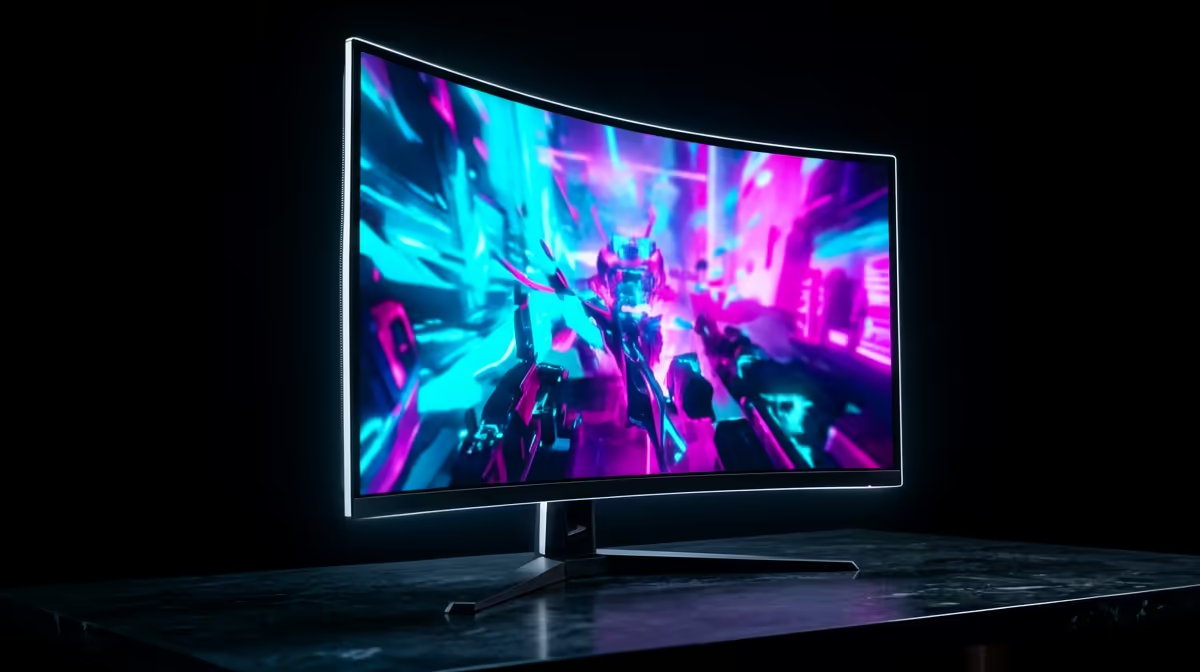
The right OLED gaming monitor for SA gaming is the one that matches panel size, refresh rate, burn-in cover, and your GPU target. For South Africa buyers, compare 27-inch 1440p 240 Hz OLED, 34-inch ultrawide 175-240 Hz, and 49-inch super-ultrawide options by desk space and graphics-card load. Use R12,000-R35,000 as a broad planning band for premium OLED and ultrawide displays, then confirm current Evetech stock before deciding.
Panel And Refresh Rate
LG UltraGear OLED, Samsung Odyssey OLED, and MSI MAG OLED models are useful reference points when comparing panel type and format. OLED gives near-instant pixel response around 0.03 ms and excellent contrast, while QD-OLED adds strong colour volume for HDR games and movies. For competitive players, 240 Hz at 1440p is usually more useful than a huge screen. For cinematic story games or sim racing, 34-inch and 49-inch ultrawide formats can be more immersive if the desk and GPU can handle the extra pixels.
GPU Fit For SA Gamers
A 27-inch 1440p OLED pairs well with RTX 4070 Super, RTX 4070 Ti Super, RX 7800 XT, and stronger cards when you want 90-160 fps in modern games. A 4K OLED or 49-inch ultrawide asks much more from the GPU, so RTX 4080 Super or RTX 4090-class hardware is a better match for high settings. Console users should check HDMI 2.1, 120 Hz support, and VRR. PC buyers should check DisplayPort version, included cables, and whether the monitor stand fits a normal South African desk depth.
Practical Ownership Checks
OLED buying is not only about image quality. Check warranty terms, pixel refresh behaviour, brightness limiters, text clarity, and whether the monitor will show static desktop apps for long sessions. Students and hybrid workers should weigh OLED care more heavily if the same screen handles spreadsheets, browser tabs, and gaming. Durban humidity, Pretoria heat, or a bright Johannesburg study can also affect how much brightness you need. If two models look close, choose the one with the better port layout and clearer warranty notes.
FAQ
Is OLED better than IPS for gaming?
Yes for contrast, pixel response, and HDR impact, especially in dark scenes. IPS can still be safer for static work screens and usually costs less in similar sizes.
What refresh rate should I target?
Choose 240 Hz for competitive 1440p play, 175 Hz or higher for ultrawide gaming, and 120 Hz or higher for console use. The GPU must be strong enough to feed that refresh rate in the games you play.
Are ultrawide monitors worth it for strategy and sim games?
Yes, ultrawide space helps maps, cockpit views, timelines, and multitasking. Make sure the game supports the aspect ratio and that your desk can handle the panel width.
Buyer check
Check resolution, refresh rate, port version, and warranty notes on the same shortlist; a brilliant panel is only a good buy if your GPU and desk fit it.