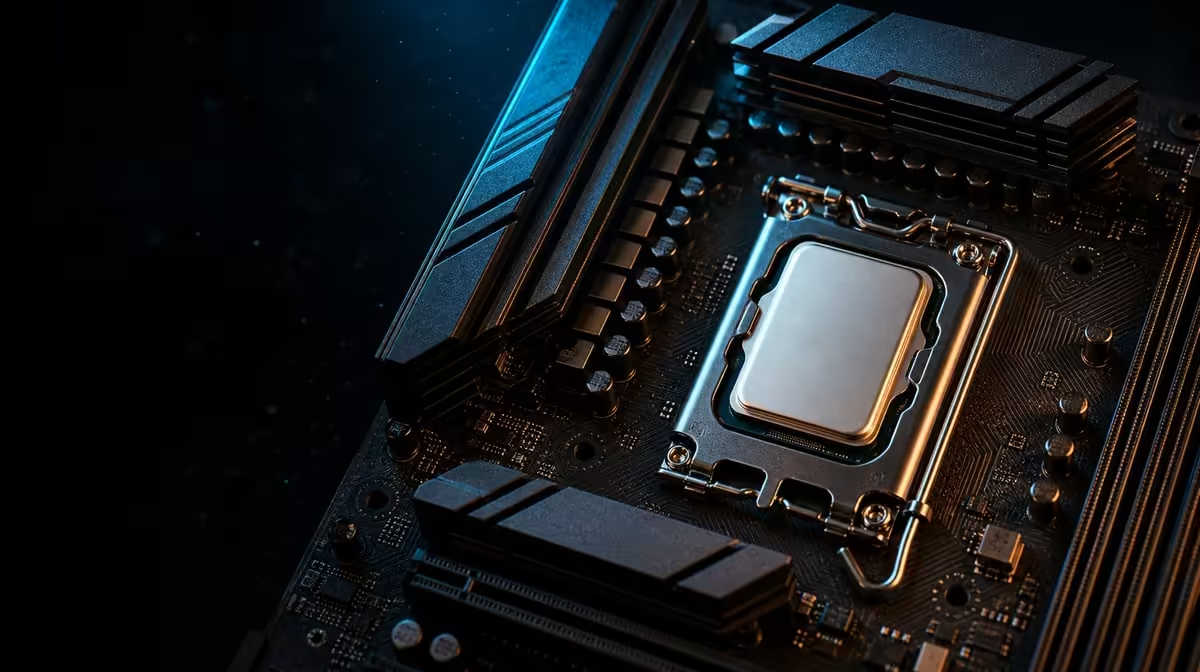
High frame rates increase the number of frames a system must prepare every second, which can expose processor limits hidden by heavier graphics settings. 144MB GameCache for high-FPS gaming gives the Ryzen 9 9950X3D a sizeable on-chip resource for cache-sensitive engines. The R38,999 kit creates the platform, but the GPU and game still decide whether that resource becomes visible.
Quick Answer
The 9950X3D in this R38,999 kit carries 144MB GameCache, which can help high-FPS titles when CPU data access is part of the bottleneck. It cannot create high frame rates without a suitably powerful graphics card, and it will not improve every game equally. The fair test holds GPU, memory, settings and scene constant while comparing repeatable frame-time results.
🎯 Find the high-FPS CPU limit
Every frame requires work from both processor and graphics hardware. The CPU handles game logic, simulation and preparation; the GPU renders the scene. At high frame rates, that cycle repeats more often, so a processor limitation can appear even when the same game felt graphics-bound at a higher resolution or visual preset.
The easiest way to recognise a CPU ceiling is to observe whether reducing graphics load stops increasing performance. If the GPU has headroom but frame rate remains limited, processor-side work may be setting the pace. That does not identify cache as the cause by itself, but it establishes a scenario where the 9950X3D can matter.
Display goals also shape value. A competitive player targeting a high-refresh monitor has a different requirement from someone satisfied with a lower capped rate at maximum visual quality. Write down the actual frame-rate target before assigning budget to the CPU.
Evetech's AMD CPU category helps compare processor options around that target rather than treating every gaming build as identical.
🗂️ Understand what 144MB can change
GameCache keeps selected data close to the processor cores. When an engine revisits information that fits favourable cache patterns, fewer requests need to travel to system memory. Reducing some of that data-access delay can help the processor prepare frames more consistently or quickly.
The important word is can. Engines organise data differently, and scenes within one game may stress the CPU in different ways. A large multiplayer encounter, simulation-heavy area or busy city can respond differently from an empty training scene. One result should not be presented as the behaviour of an entire library.
Cache does not replace the 48GB KLEVV DDR5-7200 in the bundle. System memory holds the much larger active working set for the game and operating system, while the 144MB resource serves the CPU's immediate data needs. A stable memory configuration keeps the benchmark from being distorted by errors or inconsistent settings.
The ROG Crosshair X870E Dark Hero connects those platform pieces, and the DeepCool LQ360 supports the processor's thermal operation. Neither component guarantees a cache gain; they establish the environment in which the CPU is tested.
📊 Measure more than average frames
Average frame rate is useful, but it can hide uneven delivery. Lower-percentile figures and frame-time traces can reveal whether a run contains repeated spikes or short slowdowns. A cache-sensitive improvement may appear in consistency even when the average changes modestly.
Choose a repeatable scene with enough CPU activity to matter. Use the same route, save, opponents or built-in benchmark, and allow the same warm-up behaviour before recording. Run several passes. Background updates, shader compilation and random scene events can make one sample misleading.
Hold the graphics card and driver environment constant. Apply identical memory settings and confirm that the 48GB configuration is stable. Keep any frame cap, upscaling option and background software consistent. A comparison loses meaning when the cache-focused CPU is also tested with a different GPU state or memory profile.
Test at two useful settings. A lower-resolution CPU-focused run can expose the processor difference, while the intended playing resolution shows how much of that difference remains when the graphics card works harder. The first explains capability; the second informs the purchase.
Record temperatures and clocks without assuming that up to 5.7GHz should remain fixed. The maximum boost figure is a peak specification influenced by workload and operating conditions. The LQ360 must be installed correctly, but even ideal cooling cannot force every core or game to one frequency.
💵 Decide if high-FPS use earns R38,999
The kit price buys more than the cache-focused processor. It includes the Dark Hero board, 48GB KLEVV memory and LQ360. A competitive gaming buyer should ask whether those fixed platform choices also fit the intended storage, connections, case and future work. Paying for unused board or memory resources can weaken the complete-system balance.
The graphics budget is decisive. A CPU able to prepare many frames needs a GPU capable of rendering them at the chosen settings. Because graphics hardware is outside this package, place its cost beside the R38,999 platform before deciding that high-FPS performance is affordable.
Compare coordinated alternatives through Evetech's AMD upgrade kit selection. A lower platform spend may free money for graphics; the 9950X3D bundle may be stronger when the buyer already has an appropriate GPU or needs its CPU resources for other work.
Review the exact board against Evetech's AMD motherboard range. The best value case names the target games, refresh goal, graphics plan and non-gaming tasks. Check current availability when those pieces agree.
Frame-rate caps belong in the decision too. A player targeting a stable capped result may value headroom, consistency and reduced CPU pressure more than the highest uncapped average. Test the intended cap and observe whether the platform maintains it through demanding scenes. This produces a purchasing answer tied to play rather than a benchmark number that the display or game settings will never use.
Background software should be documented rather than silently removed for every run. A clean benchmark reveals CPU potential, while a second test with normal voice chat, capture and monitoring tools shows the real session. The gap between those results can be more informative than comparing two processors under an artificial routine.
Finally, revisit the 144MB question after game updates. Engine patches and driver changes can move bottlenecks, so one result is a snapshot rather than a permanent property of the title. Keep the test scene and notes if future comparisons are likely.
Frequently Asked Questions
Why can cache matter more at high frame rates?
Preparing more frames per second can place greater pressure on CPU data access, making a cache-sensitive bottleneck easier to see.
What cache amount does this processor have?
The Ryzen 9 9950X3D is specified with 144MB GameCache.
Can cache create high FPS without a strong GPU?
No. The graphics card must render the frames, so the CPU and GPU need to suit the same target.
Which games benefit most?
Titles whose engines and scenes respond to additional processor cache are the best candidates, but results must be measured rather than assumed.
How does resolution affect the result?
Heavier resolutions can shift more of the limit to the GPU, reducing the visible CPU difference even when the cache remains present.
Does DDR5-7200 stop mattering?
No. System memory and processor cache are different layers, and the 48GB DDR5 configuration must remain stable for a fair test.
What is the strongest benchmark method?
Use repeated runs of the same CPU-demanding scene with the same GPU, software, memory, settings and warm-up procedure.
Ready to build a high-FPS comparison around real CPU limits?
Explore Evetech Ryzen platforms and balance the R38,999 kit with the graphics hardware your refresh-rate goal requires.