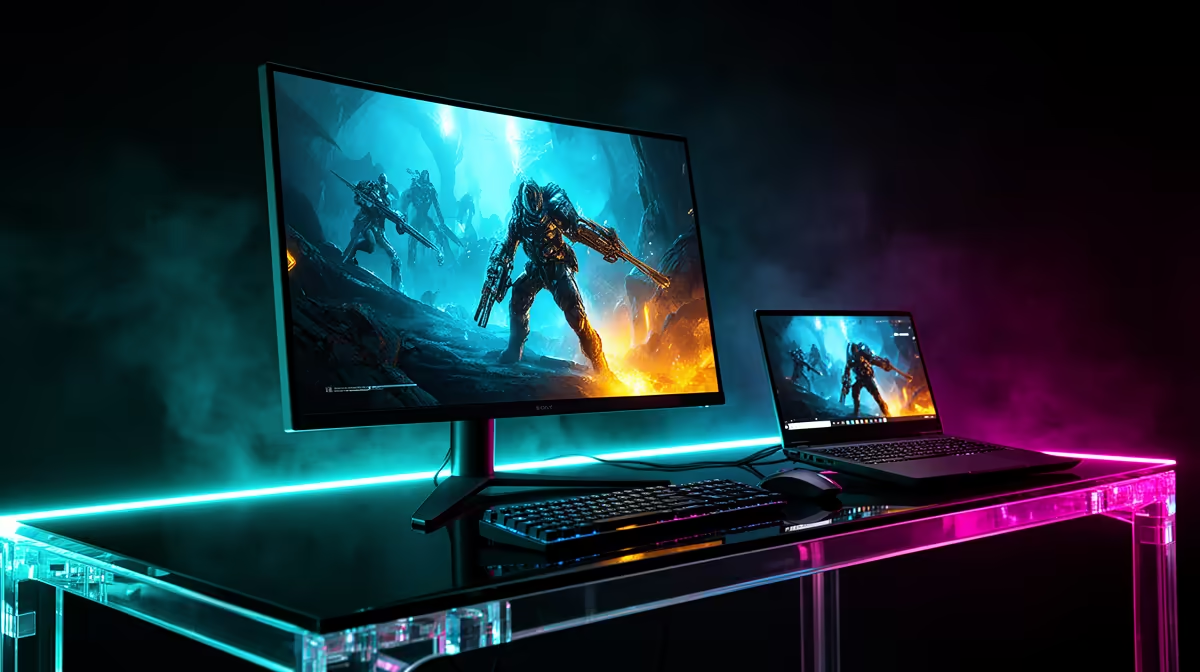
The RTX 4070 badge on a laptop can tempt you towards the largest, fastest monitor on the shelf. Sit down with the machine first. Its cooling system and GPU power limit shape the frame rate, and the display output decides which modes reach the screen. A good external monitor for an RTX 4070 laptop gives that variable hardware room to perform: 27-inch 1440p at 165Hz to 180Hz is the dependable centre.
Quick Answer
Pair an RTX 4070 gaming laptop with a 27-inch 1440p VRR monitor running at 165Hz or 180Hz. Choose 240Hz when competitive games dominate and the laptop can hold strong one-percent lows. A 32-inch 4K display works beautifully for mixed work and gaming, though demanding titles will lean harder on DLSS and tuned effects. As a dated local reference, the median gaming monitor in Evetech's July 2026 in-stock pack was R4,499.
🎮 Match the screen to the laptop you own
Laptop GPUs with the same name can run at different power levels. A thick machine with generous cooling may sustain higher clocks than a slim chassis, while both still say RTX 4070 on the palm rest. Reviews of the exact laptop model are more useful than a generic desktop benchmark.
You can test it yourself. Plug in the charger, select the normal gaming power mode and run the hardest title you play at 2560x1440. Record average FPS and one-percent lows through an actual mission. If the result spends most of its time between 90fps and 150fps, a 165Hz VRR panel will display that range gracefully.
Evetech's monitor catalogue lets you narrow the field by resolution, size and refresh once you know what the laptop sustains.
🖥️ Make 1440p the default shortlist
At 27 inches, QHD gives you enough density for detailed games and a useful desktop without the rendering cost of 4K. The RTX 4070 laptop tier has room for high settings in many games, with DLSS helping when ray tracing or dense scenes drag the lows down.
Look for a broad Adaptive-Sync range and measured response that stays clean below maximum refresh. The panel will spend plenty of time at 110Hz or 140Hz in demanding games. Its behaviour there matters as much as the 180Hz number printed on the box.
⚡ Buy 240Hz for the library, not the badge
Fast esports titles can use a 240Hz QHD display, especially when the laptop processor keeps up. Test a full match with uncapped frame rate. A quiet practice range can flatter the machine; smoke, players and effects show the real lows.
If your favourite game hovers around 150fps, a good 180Hz screen already catches most of what the laptop produces. Spend the difference on better motion response, a useful stand or the colour performance you will see outside one competitive title.
4️⃣ Use 4K where its sharpness pays back
A 32-inch 4K screen makes text, photos and video look excellent. The RTX 4070 laptop can drive that desktop easily and run older or lighter games at native resolution. New graphically heavy titles may need a quality upscaler and selective settings cuts.
Avoid planning to send every game a 1440p signal to a 4K monitor. Non-native scaling can look softer than expected. Keeping the monitor at 4K while a game renders internally at a lower resolution through DLSS usually gives the interface and desktop the cleaner result.
🔌 Find the output that unlocks the full panel
Check the laptop manual for USB-C DisplayPort Alt Mode, HDMI capabilities and whether either connection runs directly from the NVIDIA GPU. A USB-C socket may handle data and charging without carrying video; another may carry DisplayPort but stop below the monitor's top mode.
Once connected, choose the native resolution and refresh in Windows. Switch on the display's variable-refresh option, then confirm that the laptop exposes VRR. If the screen tops out at 60Hz, change the cable or port before changing graphics settings.
🧳 Build a setup that still behaves like a laptop
An external display often turns a mobile PC into a semi-permanent desktop. Keep the rear exhaust clear and avoid tucking the chassis under the monitor stand. If you game with the lid closed, check temperatures through a full session because the keyboard deck can be part of the cooling path.
A single USB-C cable looks neat, but many gaming laptops still need their main charger for full performance. Treat monitor charging as desk convenience unless its power delivery meets the laptop's needs in the chosen mode.
Evetech's current monitor best-sellers are a practical place to compare stand designs and connection layouts after the performance choice is settled.
🪟 Add a second monitor with purpose
The built-in display can already act as a second screen for chat, music or reference material. Before buying two external panels, count the laptop's usable outputs and confirm the GPU can drive the combined resolution and refresh. Docks can simplify peripherals, yet some compress video or share bandwidth between displays.
For gaming, set the external monitor as the main display and run the game there exclusively. If frame pacing changes with the laptop screen active, test with it disabled; mixed refresh rates and background hardware acceleration can complicate an otherwise clean setup.
Frequently Asked Questions
Can an RTX 4070 laptop handle 4K gaming on an external monitor?
Yes, particularly in lighter games. Demanding releases often need DLSS and tuned settings to keep smooth frame delivery at 4K.
What Hz range fits an RTX 4070 laptop best?
165Hz to 180Hz at 1440p covers mixed gaming well. Choose 240Hz for a competitive library that genuinely reaches it.
Does the RTX 4070 laptop support USB-C DisplayPort output?
Many models do, but the port implementation belongs to the laptop, not the GPU name. Check the exact model manual.
Is 32-inch too big for an RTX 4070 laptop pairing?
No. It suits a deeper desk and works especially well at 4K. At 1440p, inspect the softer pixel density in person if possible.
Should an RTX 4070 laptop monitor have VRR?
Yes. VRR makes changing laptop frame rates look smoother and reduces the pressure to hold one fixed ceiling.
How does the RTX 4070 laptop compare to the 4060 for monitor choice?
It generally offers more room for 1440p high refresh and ambitious settings, while the exact laptop power limits still matter.
Can I run two external monitors off an RTX 4070 laptop?
Usually, if the laptop exposes enough display outputs. Confirm the maximum combined modes and how a dock allocates bandwidth.
Turning the RTX 4070 laptop into your main gaming desk?
Explore 1440p 165Hz monitors at Evetech, then match the shortlist to the exact ports and sustained performance of your laptop model.