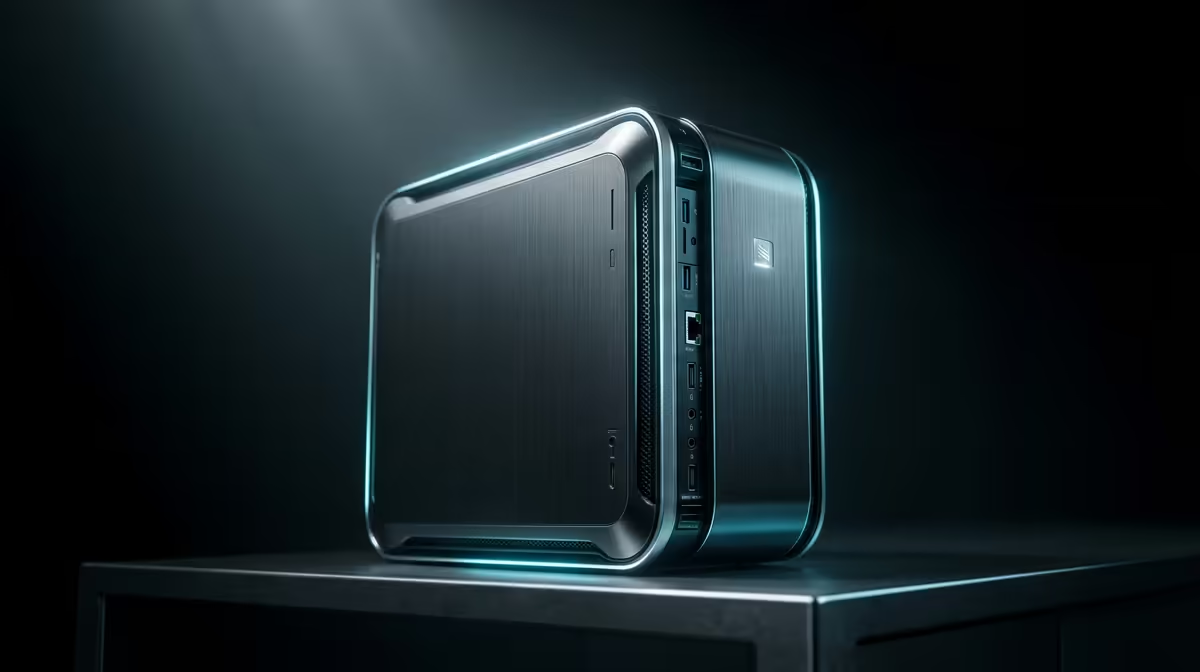
The UM750L 16GB/1TB at R4,600 suits a student who wants a quiet, compact mini pc for lecture notes, browser tabs, documents, and lighter gaming back at the desk. It makes sense when portability between classes is not the main need, because the box still needs a screen, keyboard, mouse, and power point, but it gives far more desk flexibility than a bulky tower.
Best mini PC picks for student desks
The Minisforum NAB6 Lite i5 8GB/512GB at R4,150 is the leaner entry point. Its 8GB memory and 512GB storage are enough for notes, slides, research tabs, and cloud documents, while the small chassis keeps a study corner clear for textbooks and a monitor.
The UM750L 16GB/1TB at R4,600 is the stronger value pick because 16GB memory gives more breathing room for multitasking, and 1TB storage is useful when class files, installers, game clients, and media start piling up. It is the safer choice for a student who wants one small desktop setup to handle both coursework and downtime.
Lecture note-taking versus gaming in a SA student setup
A fanless or near-silent style makes sense beside a bed, in res, or on a shared student desk because it avoids the constant fan noise that can distract during late study sessions. For gaming, stay realistic: a NINKEAR M7 16GB/512GB at R4,650 is better suited to lighter titles and everyday use than heavy settings, while the NINKEAR M8 16GB/1TB at R8,350 gives the roomier 1TB storage for a bigger library.
The HP AIO 22 at R10,036 solves the screen and desk-cable problem in a different way, with the display built into the setup, but it is less flexible if you want to hide the computer behind a monitor or move the box between rooms. The GEEKOM A8 Max 32GB/1TB at R12,900 is the premium jump for heavier multitasking, with 32GB memory and 1TB storage.
Ready to choose the right mini pc?
Use Minisforum NAB6 Lite i5 8GB/512GB at R4,150 as the gaming room benchmark, then check whether its listed spec matches the space, workload, and upgrade path.