


Maintain Wired Headset: Tips to Extend Lifespan
Maintain wired headset — Checklist: • inspect cables • clean earpads • store properly 🔧🎧 Practical steps to preserve sound quality and avoid premature replacements.
Read more🚀 Discover fast boot USBs that save space and speed up lessons. 📚 Perfect for classrooms needing reliability and efficiency.
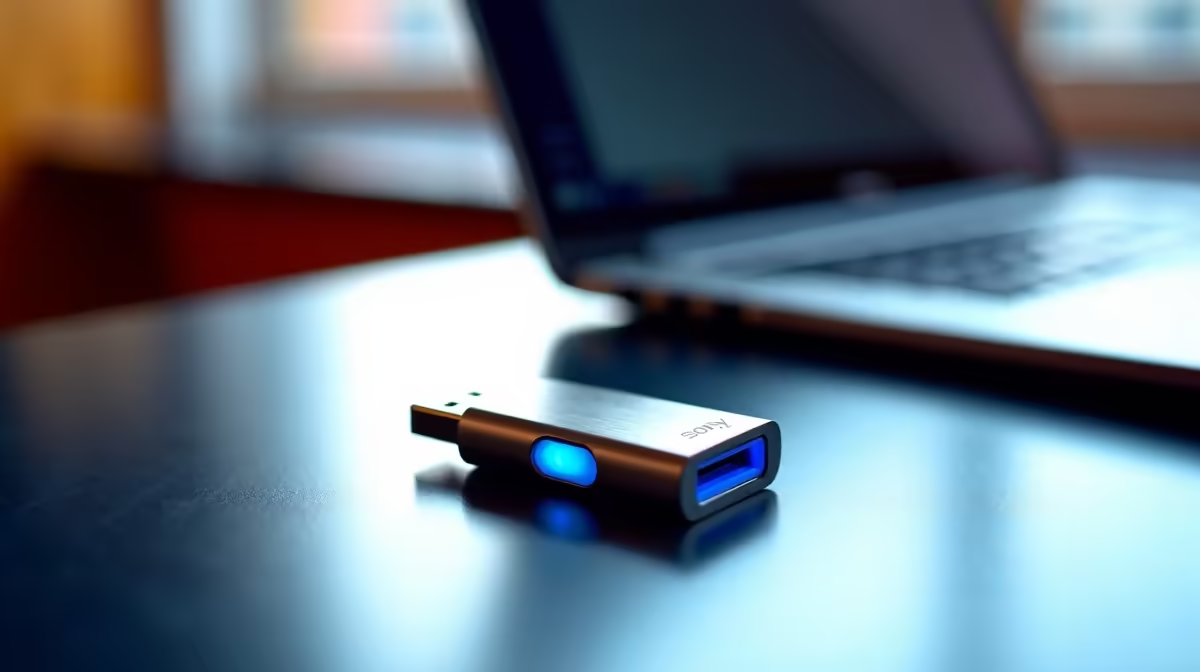
Remember the frustration of waiting for a shared classroom computer to boot up? That sluggish login screen, the spinning wheel... it’s a massive waste of learning time. What if you could bypass it all? The same lightning-fast tech that loads your games in seconds can revolutionise a classroom. It’s time to explore how you can optimise classroom storage with fast boot USBs and other compact powerhouses, turning slow, outdated setups into responsive learning hubs. 🚀
The classic school computer lab often runs on a shoestring budget. This usually means older machines with slow mechanical hard drives, shared user profiles bloated over years of use, and network logins that take forever. For both educators and students, this technology bottleneck means less time for creating, coding, and collaborating, and more time spent just waiting.
This is where a simple shift in thinking makes a huge difference. Instead of relying on the computer's slow internal drive, we can use external, high-speed solutions to carry a clean, fast, and personal operating environment. This not only speeds things up but also adds a layer of security and personalisation to a shared device.
A "fast boot USB" isn't just any old memory stick. We're talking about a high-speed USB 3.2 or Type-C drive, loaded with a portable operating system (like a lightweight version of Linux or even Windows To Go). When you plug it into a computer and boot from it, you get a fresh, snappy experience every single time, completely independent of the PC's slow internal storage. ⚡
This approach is a brilliant way to optimise classroom storage without needing a massive hardware budget. It empowers students with their own consistent, fast environment. This concept of squeezing maximum performance from minimal hardware is the same principle driving the innovation in modern compact computing solutions, where incredible power is packed into tiny, efficient packages.
Use a free tool like Rufus or Ventoy to install a lightweight operating system (like Zorin OS Lite or Ubuntu) onto a high-speed USB 3.1+ flash drive. It’s a fantastic way to breathe new life into older hardware without altering the school's main system.
While fast boot USBs are a fantastic portable fix, the ultimate upgrade for a modern classroom is the Mini PC. These little boxes are the perfect solution for cluttered desks and tight budgets. They are incredibly energy-efficient, whisper-quiet, and take up almost no space—some can even be mounted directly to the back of a monitor. 💻
Don't let their size fool you. Modern Mini PCs pack enough punch for everything from coding and graphic design to content creation and research. They offer a permanent, powerful, and affordable way to replace bulky, ageing desktops. You can explore a huge range of Mini PCs to find a model that perfectly fits your needs and budget. Top-tier brands like Minisforum are engineering marvels, proving that you don't need a massive tower for a first-class computing experience.
Upgrade Your Learning Space Today Stop letting slow hardware be the bottleneck. Discover our curated selection of powerful, space-saving Mini PCs and give your classroom the performance boost it deserves.
Fast boot USBs provide quick access and save physical space, perfect for educational environments.
They allow instant booting, reducing downtime and keeping lessons on track.
Yes, they are durable and designed for frequent use in classrooms.
Absolutely! They support various applications, ideal for diverse lesson plans.
Cloud integration and secure servers enhance storage without taking up space.
Their speed and compact size make them perfect for modern, space-limited classrooms.
Maintain wired headset — Checklist: • inspect cables • clean earpads • store properly 🔧🎧 Practical steps to preserve sound quality and avoid premature replacements.
Read more
Fix crackling headset fast: step-by-step checks for cables, connectors, drivers, and settings to remove static or distorted audio on wired headsets 🎧⚙️
Read more
Stereo vs mono headsets: learn which delivers clearer calls, better spatial music, or simpler mono voice performance — pick the right headset for meetings, music, or gaming 🎧💬
Read more
- Compare gaming headset vs studio headphones; - Assess comfort, mic and sound; - Recommend best daily picks. Gaming headset vs studio headphones: learn which suits work, music and casual gaming. 🎧⚖️
Read more
- Check pressure points - Compare earcup materials - Adjust clamp and fit Best gaming headsets for glasses: quick guide to reduce temple pressure, pick breathable memory foam earcups, and optimize fit for long sessions 🕹️👓
Read more
Gaming microphone noise reduction: Use beamforming mics, AI noise suppression, and hardware filters to cut background noise and boost in-game voice clarity. 🎧⚙️ Learn setups, settings, and top mic features.
Read more
Snapdragon X2 NPU Explained: How 80 TOPS Changes. Plain-English explanation of what it means, why it matters & how it affects your buying decisions in SA.

HBM? High Bandwidth Memory Used in GPUs and AI. Plain-English explanation of what it means, why it matters & how it affects your buying decisions in SA.

How much should you spend on sim racing accessories in South Africa for a realistic setup? We break down budgets by quality tiers, so you buy smart gear and avoid overspending 🎮💸

G-Sync and FreeSync? Variable Refresh Rate. Plain-English explanation of what it means, why it matters & how it affects your buying decisions in SA.

AMD Laptop: Value. SA-focused analysis with local pricing data, real-world insights & actionable buying advice.

How MacBook Neo Handles 30+ Chrome Tabs with Only. SA-focused analysis with local pricing data, real-world insights & actionable buying advice.

Why Apple Put 8GB RAM in MacBook Neo: The A18 Pro. SA-focused analysis with local pricing data, real-world insights & actionable buying advice.

Upgrade your work laptop with a New Motherboard. Step-by-step instructions with SA-specific tips, common pitfalls to avoid & expert recommendations.
Maintain wired headset — Checklist: • inspect cables • clean earpads • store properly 🔧🎧 Practical steps to preserve sound quality and avoid premature replacements.
Fix crackling headset fast: step-by-step checks for cables, connectors, drivers, and settings to remove static or distorted audio on wired headsets 🎧⚙️
Stereo vs mono headsets: learn which delivers clearer calls, better spatial music, or simpler mono voice performance — pick the right headset for meetings, music, or gaming 🎧💬
- Compare gaming headset vs studio headphones; - Assess comfort, mic and sound; - Recommend best daily picks. Gaming headset vs studio headphones: learn which suits work, music and casual gaming. 🎧⚖️