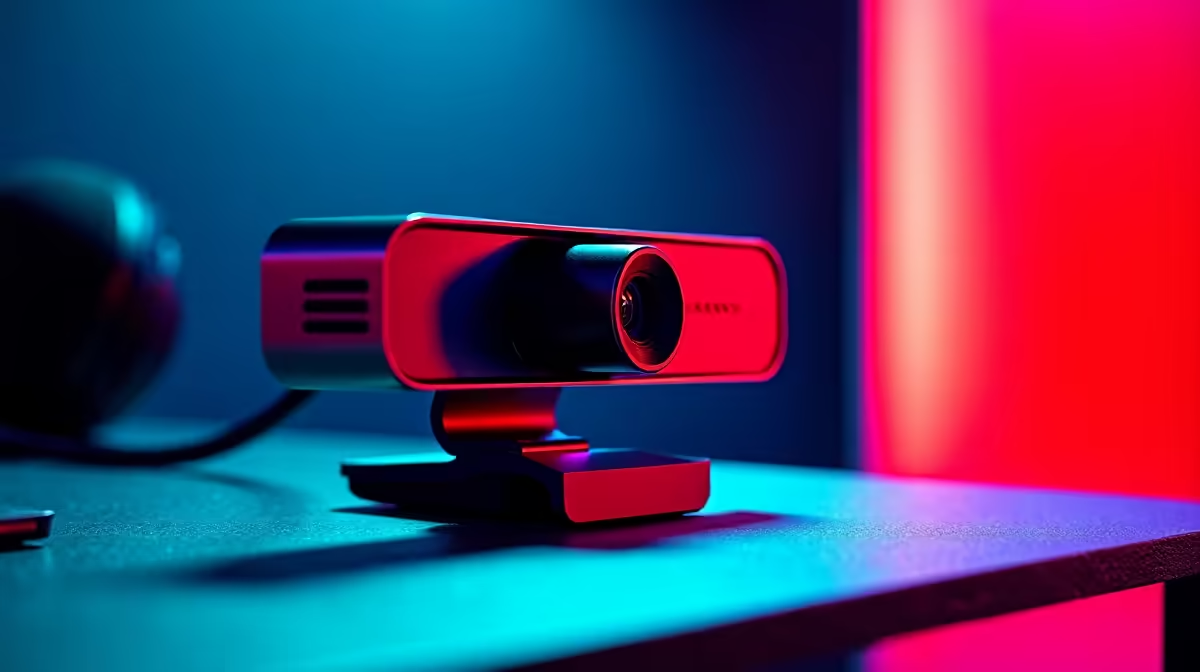
Nothing’s worse than your face turning into a pixelated mess during a stream or an important video call. You blame the Wi-Fi, maybe even Eskom… but what if the real culprit is your webcam? A slow camera can’t process and send video data quickly enough, causing that frustrating lag. It’s time to demand fast webcam transfers that keep you looking sharp and professional, no matter the situation. Let’s get it sorted. 🚀
Why a Laggy Webcam Is Holding You Back
We often assume our internet connection is the only thing that matters for video quality. While it's important, it's only half the story. Your webcam is an active piece of hardware, constantly capturing, compressing, and sending data through its USB cable. An older or budget model might struggle with this process, creating a bottleneck right at the source.
This results in stuttering, freezing, and a video feed that can't keep up with your audio. For streamers, it’s a connection-killer. For professionals, it looks unprofessional. The key to fixing this is a webcam built for fast webcam transfers, equipped with a modern sensor and processing power to deliver a consistently smooth image. Even on a tight budget, you can find some great options under R1000 that offer a massive upgrade over built-in laptop cameras.
Finding the Sweet Spot for Smooth Video
Achieving that lag-free look doesn't mean you have to break the bank. The goal is to match the hardware to your needs. Are you just joining weekly work meetings, or are you building a Twitch empire?
For Clear Calls & Casual Streaming
For most users, a solid 1080p webcam that runs at 30 frames per second (fps) is the perfect starting point. It provides a crisp, high-definition picture that’s ideal for Zoom, Teams, and getting started with content creation. Paired with good lighting, these cameras deliver incredible value. You'll find that many of the best webcams up to R2000 offer this spec, often with better autofocus and colour reproduction. ✨
Quick USB Check ⚡
For the best performance, plug your webcam into a USB 3.0 port (they're usually blue). While most webcams work with USB 2.0, a USB 3.0 connection provides significantly more bandwidth, ensuring your camera has all the data headroom it needs for a smooth, uncompressed feed.
For Serious Streamers & Content Creators
If you’re serious about streaming, 60fps is your target. This higher frame rate provides incredibly fluid motion, making your video look buttery-smooth and professional. This is where you'll see a noticeable difference in performance, especially in fast-paced games. To get this level of performance, you’ll want to explore some of the premium models under R3000, which often include superior glass lenses and AI-powered features like auto-framing. A webcam that never lags isn't a luxury... it's a necessity for growth.
Ready to Banish Lag for Good?
Stop letting a slow camera ruin your stream or meeting. Explore our full range of webcams designed for fast, reliable performance. Shop the entire webcam collection at Evetech and show up looking your best, every time.