


Maintain Wired Headset: Tips to Extend Lifespan
Maintain wired headset — Checklist: • inspect cables • clean earpads • store properly 🔧🎧 Practical steps to preserve sound quality and avoid premature replacements.
Read more- Compare screens - Explain eye causes - Recommend comfy monitors FHD IPS display delivers wider viewing angles, truer color and lower flicker to reduce eye strain for work and play. 👀💡
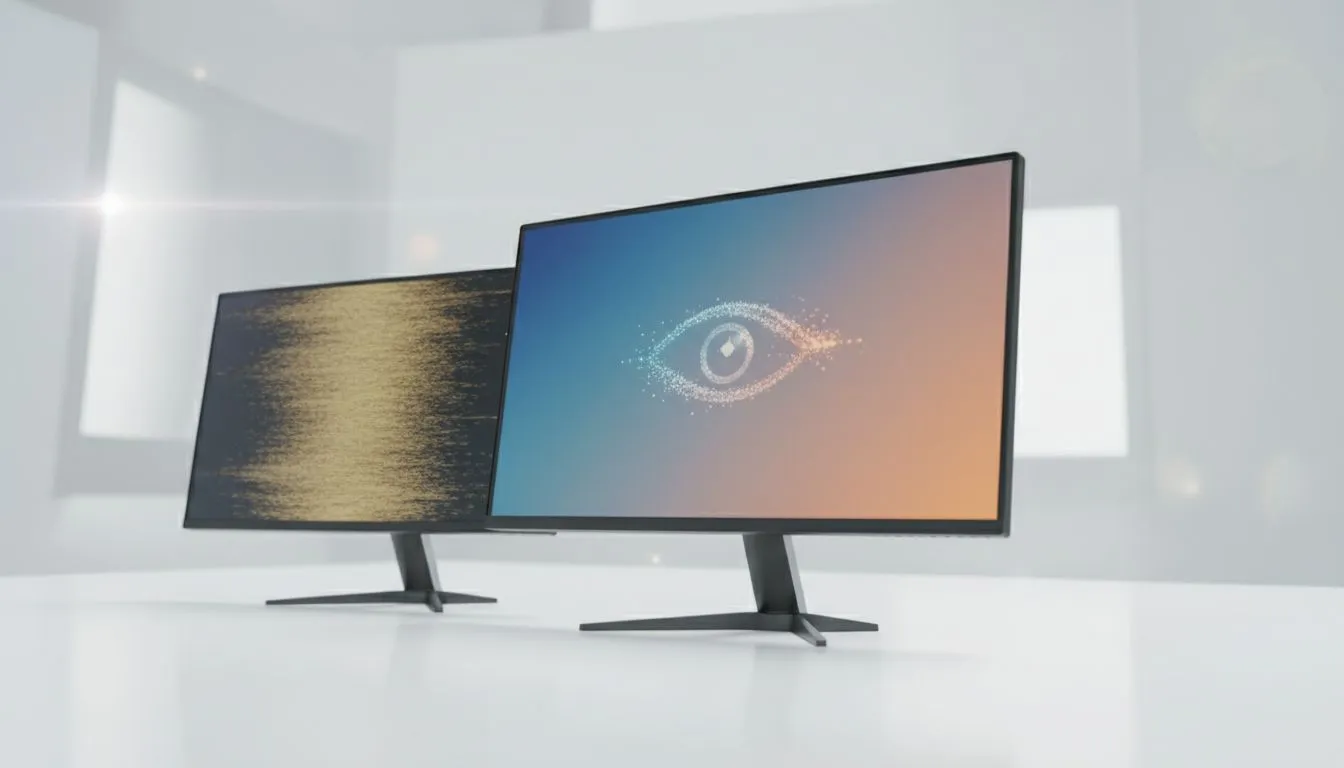
Ever spent hours grinding in Warzone or finishing a report only to feel like your eyes are full of sand? In South Africa, we spend a massive amount of time in front of screens. Choosing between an FHD IPS display vs Standard Screens isn't just about pretty colours. It is about protecting your vision and staying comfortable during those long sessions. ⚡
When you browse for a new machine, you often see "IPS" listed in the specs. But what does it actually mean for your eyes? Standard screens usually refer to older TN (Twisted Nematic) panels. These were the norm for years because they were cheap to make. However, they come with a significant cost to visual comfort.
An FHD IPS (In-Plane Switching) display works differently. It aligns the liquid crystals in a way that allows light to pass through more efficiently. This results in much better colour reproduction and, more importantly, wider viewing angles. If you are looking at Intel laptops on special, you will notice that the premium models almost always opt for IPS tech to ensure a crisp, consistent image.
Have you ever noticed how a cheap screen looks "washed out" if you tilt it back? That is a classic trait of standard screens. Your eyes constantly try to adjust to the shifting contrast and brightness as you move your head. This micro-adjustment is a leading cause of headaches and digital eye strain.
With an IPS panel, the image remains stable even if you are not looking at it perfectly head-on. This stability is a key reason why modern Ryzen laptop deals often highlight screen quality as a major selling point. You can shift your posture without losing clarity.
To further reduce eye strain, every 20 minutes, look at something 20 feet away (about 6 metres) for at least 20 seconds. This allows your eye muscles to relax after focusing on a close-up FHD IPS display for extended periods.
Standard screens often use lower-quality backlighting that can flicker at high frequencies. While you might not see the flicker, your brain processes it, leading to fatigue. Most modern IPS panels found in our best gaming laptop deals include flicker-free technology and hardware-level blue light filters.
If you are hunting for gaming laptops under R20k, prioritising an IPS panel is the best favour you can do for your health. It makes text sharper and reduces the "glow" that often blurs fine details on cheaper displays.
Gaming in the dark is a South African pastime, especially when the power is on and the pings are low. High-end GeForce RTX gaming laptops on special pair powerful GPUs with IPS displays to ensure deep blacks and vivid highlights. Standard screens often make dark scenes look grey and muddy... forcing you to squint to see enemies in the shadows. 🚀
Ready to Find Your Perfect Match? The FHD IPS display vs Standard Screens debate is complex, but for maximum eye comfort and visual clarity in South Africa, IPS is hard to beat. Explore our massive range of laptop specials and find the perfect machine to conquer your world.
Yes. FHD IPS displays often offer wider viewing angles, better color accuracy and reduced flicker, which can lower visual fatigue during long sessions.
IPS panels don't inherently cut blue light, but many FHD IPS monitors include low blue light modes and better color control to ease eye strain.
Higher resolution can improve clarity, but an FHD IPS display with proper scaling, contrast and anti-glare finish often provides the most comfortable viewing.
Choose IPS for consistent color and viewing angles. TN may have faster response times but can cause more color shift and viewing discomfort.
Lower brightness to room lighting, enable low blue light and flicker free modes, and use correct contrast and text scaling for comfort.
Matte coatings reduce glare and help eye comfort. Curved IPS screens can reduce eye movement for ultrawide setups, easing fatigue for some users.
Look for FHD IPS monitors with flicker free tech, low blue light, adjustable stands and good color accuracy for the best long session comfort.
Maintain wired headset — Checklist: • inspect cables • clean earpads • store properly 🔧🎧 Practical steps to preserve sound quality and avoid premature replacements.
Read more
Fix crackling headset fast: step-by-step checks for cables, connectors, drivers, and settings to remove static or distorted audio on wired headsets 🎧⚙️
Read more
Stereo vs mono headsets: learn which delivers clearer calls, better spatial music, or simpler mono voice performance — pick the right headset for meetings, music, or gaming 🎧💬
Read more
- Compare gaming headset vs studio headphones; - Assess comfort, mic and sound; - Recommend best daily picks. Gaming headset vs studio headphones: learn which suits work, music and casual gaming. 🎧⚖️
Read more
- Check pressure points - Compare earcup materials - Adjust clamp and fit Best gaming headsets for glasses: quick guide to reduce temple pressure, pick breathable memory foam earcups, and optimize fit for long sessions 🕹️👓
Read more
Gaming microphone noise reduction: Use beamforming mics, AI noise suppression, and hardware filters to cut background noise and boost in-game voice clarity. 🎧⚙️ Learn setups, settings, and top mic features.
Read more
Snapdragon X2 NPU Explained: How 80 TOPS Changes. Plain-English explanation of what it means, why it matters & how it affects your buying decisions in SA.

HBM? High Bandwidth Memory Used in GPUs and AI. Plain-English explanation of what it means, why it matters & how it affects your buying decisions in SA.

How much should you spend on sim racing accessories in South Africa for a realistic setup? We break down budgets by quality tiers, so you buy smart gear and avoid overspending 🎮💸

G-Sync and FreeSync? Variable Refresh Rate. Plain-English explanation of what it means, why it matters & how it affects your buying decisions in SA.

AMD Laptop: Value. SA-focused analysis with local pricing data, real-world insights & actionable buying advice.

How MacBook Neo Handles 30+ Chrome Tabs with Only. SA-focused analysis with local pricing data, real-world insights & actionable buying advice.

Why Apple Put 8GB RAM in MacBook Neo: The A18 Pro. SA-focused analysis with local pricing data, real-world insights & actionable buying advice.

Upgrade your work laptop with a New Motherboard. Step-by-step instructions with SA-specific tips, common pitfalls to avoid & expert recommendations.
Maintain wired headset — Checklist: • inspect cables • clean earpads • store properly 🔧🎧 Practical steps to preserve sound quality and avoid premature replacements.
Fix crackling headset fast: step-by-step checks for cables, connectors, drivers, and settings to remove static or distorted audio on wired headsets 🎧⚙️
Stereo vs mono headsets: learn which delivers clearer calls, better spatial music, or simpler mono voice performance — pick the right headset for meetings, music, or gaming 🎧💬
- Compare gaming headset vs studio headphones; - Assess comfort, mic and sound; - Recommend best daily picks. Gaming headset vs studio headphones: learn which suits work, music and casual gaming. 🎧⚖️