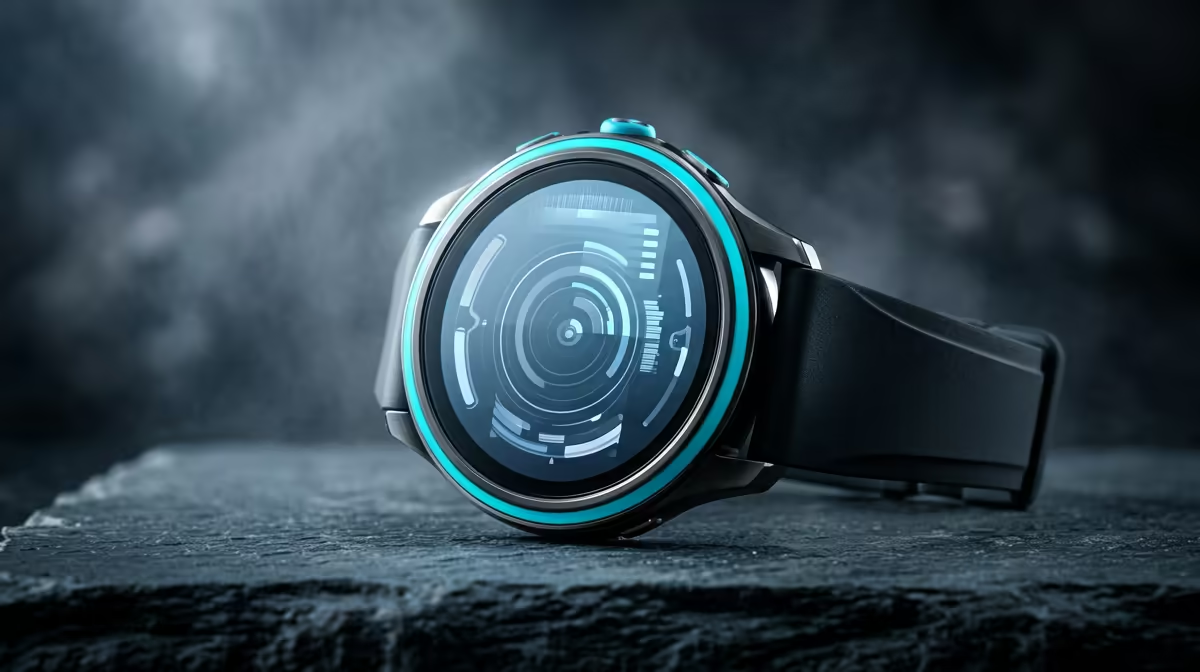
A fitness smartwatch is not a good replacement for a child’s first computer. It may count steps or provide limited messaging, but it cannot comfortably support school documents, research, typing or age-appropriate creative work. The supplied factpacks do not verify a smartwatch or price.
Begin with the learning tasks
Ask the school which browser, office tools, video-call apps and assessment platforms are required. Decide whether the device remains at a shared desk or travels to class. A family computer used in a visible household area may offer easier supervision and a better screen than a private wearable.
The ASUS ExpertBook P1503 with Core i5-13420H, 8GB memory and 512GB storage is a verified laptop reference at R9,858. Confirm school requirements, keyboard comfort, durability, battery, warranty and parental-management options. It is a business model reference, not a universal recommendation for every child.
If a watch is considered separately, review account ownership, location sharing, contact controls, data collection, update support and how emergency features actually work. Disable unnecessary notifications and avoid exposing a child’s location to broad groups. Establish charging, screen-time and consent rules before use. For the computer, create a child account, enable current security controls and keep schoolwork in approved backups. Choose the device that supports learning with adult oversight. A wearable may complement family routines, but presenting it as the first computer leaves the child without the tools and display needed for real coursework.
Choosing a supervised family computer? > Compare verified laptops with Evetech around school tools and household controls.