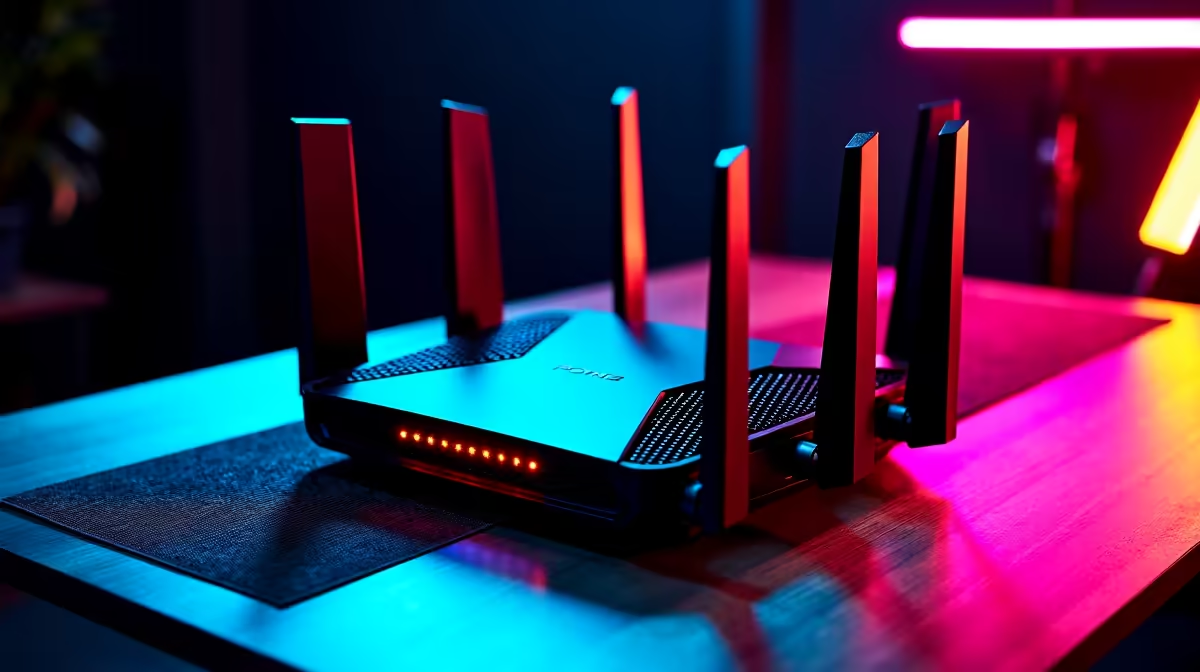
You’re in the final circle. The tension is thick enough to cut with a biltong knife. You line up the perfect shot and… your screen freezes. Connection lost. There’s nothing more frustrating. But don't throw your router out the window just yet. Let's fix those internet drops with real, practical solutions that work right now.
Why Your Internet Keeps Dropping: Common Causes
Before you can solve the problem, you need to understand it. Often, the culprit behind your unstable connection is sitting right in your room. An internet connection that drops is frequently caused by one of these issues:
- Wi-Fi Congestion: You live in an apartment block, and everyone’s Wi-Fi is shouting over each other on the same frequency. This digital noise can disrupt your signal. Even your own devices can be the problem; many older peripherals interfere with the 2.4GHz band, which can be a real headache if you're using a standard wireless headset that shares that frequency.
- Router Overload or Age: Your router is the traffic cop of your home network. If it’s old, underpowered, or just hasn't been restarted in ages, it can get overwhelmed and start dropping packets.
- ISP Issues: Sometimes, the problem isn't inside your house. The issue could be with your provider's infrastructure, especially during peak hours or bad weather.
Quick Solutions to Fix Internet Drops Instantly 🔧
Let's start with the easiest fixes. More often than not, one of these simple steps will stop your internet from dropping and get you back online with a stable connection.
First, the classic IT solution: turn it off and on again. Seriously. Unplug your router and your fibre box (ONT) from the power for a full 60 seconds. This clears their memory and can resolve a host of temporary glitches.
Next, check your cables. Is the ethernet cable from the wall to your router clicked in properly? Is the power cable secure? A loose connection is a common and easily fixed problem. If you’re getting a lot of interference, switching to peripherals that use a different band can help. A dedicated Bluetooth headset, for example, operates independently and won't compete with your Wi-Fi signal.
Pro Router Tip 📍
Position is everything. Don't hide your router in a cabinet or behind the TV. Place it in a central, elevated location in your home, away from thick walls and other electronics like microwaves for the best possible signal coverage.
Advanced Fixes for Persistent Connection Drops
If the quick fixes didn't work, it's time to dig a little deeper. These steps require a bit more effort but offer powerful solutions for persistent internet drops.
Start by logging into your router's admin panel (usually by typing 192.168.1.1 or 192.168.0.1 into your browser). Look for a "Firmware Update" or "Router Update" section. Manufacturers regularly release updates that improve performance and patch security flaws. Keeping your firmware current is crucial for a stable network.
While you're in the settings, look for Quality of Service (QoS). This feature lets you tell your router which devices or applications get priority. You can set your gaming PC or console as "Highest Priority" to ensure it gets the bandwidth it needs during intense online matches. ✨
Finally, consider your physical setup. A mess of old cables can sometimes cause weird interference. Tidying up your desk and upgrading to modern peripherals can make a surprising difference. Moving to clutter-free accessories like TWS earbuds not only looks cleaner but also removes potential points of signal interference from your immediate environment.
Ready for an Uninterrupted Experience?
Once your connection is rock-solid, complete your setup with audio that's just as reliable. Shop our range of Promate speakers for immersive sound that never drops.