


Mastering Throttle Control for a Smooth Descent
Landing a heavy bird at OR Tambo during a summer thunderstorm isn't just about pointing the nose down. It requires a delicate dance between four critical inputs. Mastering your Flight Simulator Landing Controls: Throttle, Trim, Rudder & Brakes is the difference between a butter-smooth touchdown and a terrifying bounce. Whether you are navigating a Cessna or a Boeing, understanding these mechanics is essential for every South African virtual pilot.
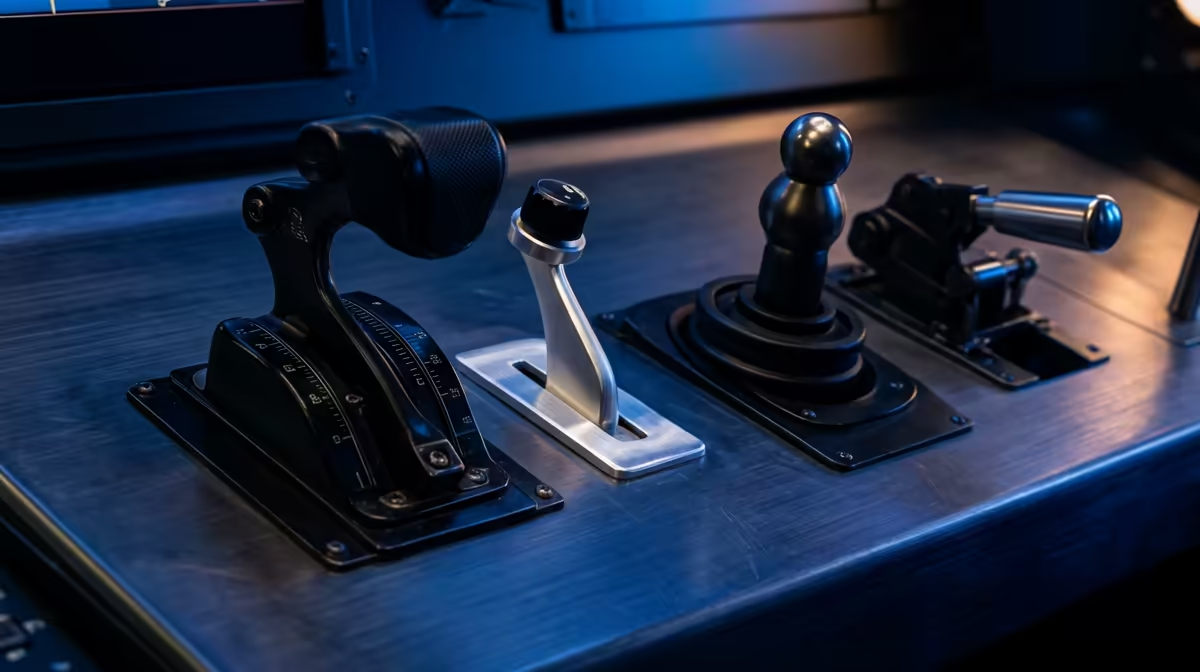
The throttle is your primary tool for managing energy. On final approach, you aren't just slowing down... you are balancing the aircraft on the edge of flight. Many beginners make the mistake of cutting power too early. Instead, keep your hand on the lever to make micro-adjustments. If you find your current joystick lacks the precision needed for these fine movements, upgrading to dedicated flight simulator gear can provide the physical resistance and travel distance required for professional-grade landings.
Why Trim is Your Best Friend on Final Approach
Trim is often misunderstood by novice flyers. It isn't just a "set and forget" button. Think of trim as a way to relieve the pressure on your wrist. If you have to pull back constantly to keep the nose up, your landing will be jerky. By adjusting your trim, you "tune" the aircraft to fly at a specific speed and attitude without constant input.
Landing Pro Tip ⚡
When you are on short final, use your throttle to control your rate of descent and your pitch to control your airspeed. It feels counter-intuitive at first, but this 'power for altitude' approach is how real pilots nail the glideslope every single time.
Using trim effectively allows you to focus on your alignment rather than fighting the yoke. It is particularly vital when dealing with South African crosswinds. If your setup feels cluttered while reaching for these controls, checking out our simulation gear and accessories can help you find desk mounts that put your trim wheel exactly where it needs to be.
Rudder and Brakes: Keeping it Straight on the Runway
The moment your wheels touch the tarmac, the challenge shifts from aerodynamics to ground physics. This is where the rudder and brakes become your lifeline. The rudder is used to align the nose with the runway centreline... especially important if you are crabbing into a wind.
Once the nose wheel is down, the brakes take over. Many virtual pilots rely on keyboard taps, but this often leads to locked tyres or veering off the runway. Interestingly, many high-end sim racing pedals can be repurposed for basic braking if you are just starting out, though dedicated flight pedals with toe-brakes offer the most realistic experience. Remember to apply pressure gradually... slamming on the anchors at 140 knots is a recipe for disaster.
Ready to Stick the Landing? Mastering the skies requires the right tools for the job. From precision yokes to high-fidelity pedals, we have everything you need to upgrade your cockpit. Explore our flight simulation deals and bring your aviation dreams to life in South Africa.











