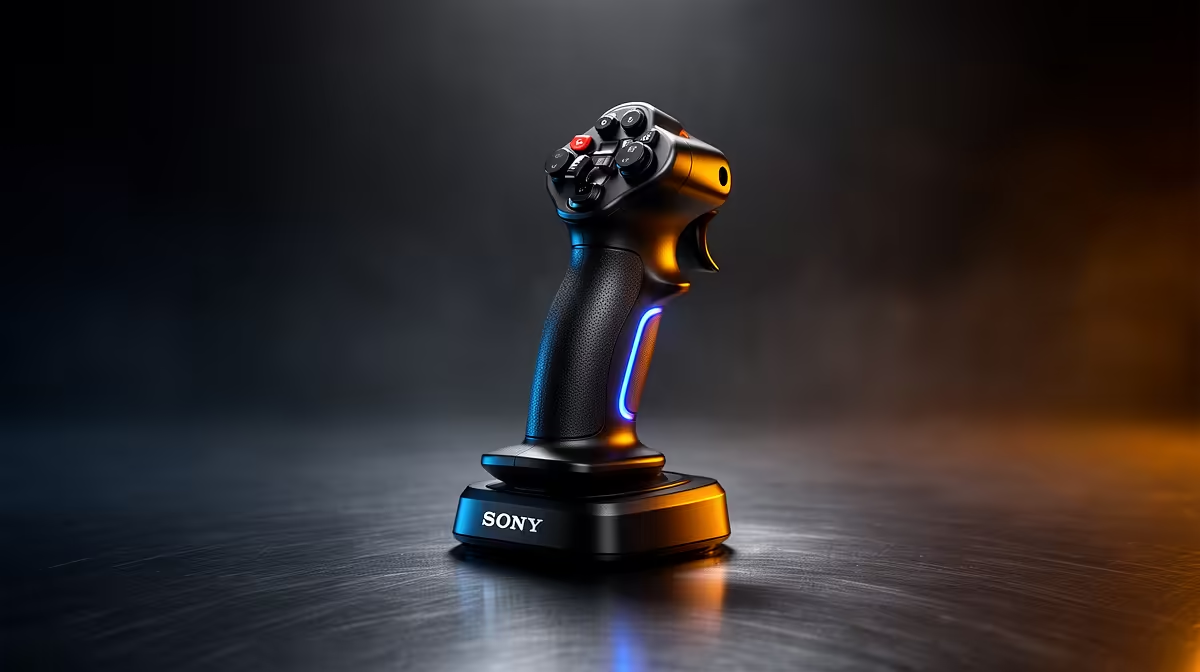
A flight stick is worthwhile after work only when flight or space simulators appear regularly in the game rotation. It adds little to general casual games and occupies desk space even when unused. No qualifying controller price is verified in the supplied factpacks, so begin with the software, preferred aircraft and available mounting area.
Map the controls used every session
Compare current sticks by platform compatibility, axis count, twist rudder, throttle control, button layout, dead-zone behaviour, base stability, mounting, driver support and warranty. Check whether the simulator detects the model directly or relies on community profiles. Separate throttle and pedal units add immersion but also add cables, cost and storage.
Borrow or trial a controller if possible, then complete a take-off, cruise and landing in the normal game. Adjust sensitivity, verify every axis and check whether the base moves during firm input. Keep the wrist neutral and make sure the chair does not collide with the mount. Test reconnecting after sleep so a short evening session does not begin with remapping.
Buy the stick when it makes repeated simulator time more precise and enjoyable. Continue with a gamepad for occasional flying or games designed around conventional controls. Save the final profile, label any unusual bindings and plan a safe storage position that protects the cable and centring mechanism between sessions.
Adding flight controls to an evening setup? > Ask Evetech to compare compatibility and desk clearance for the chosen simulator.