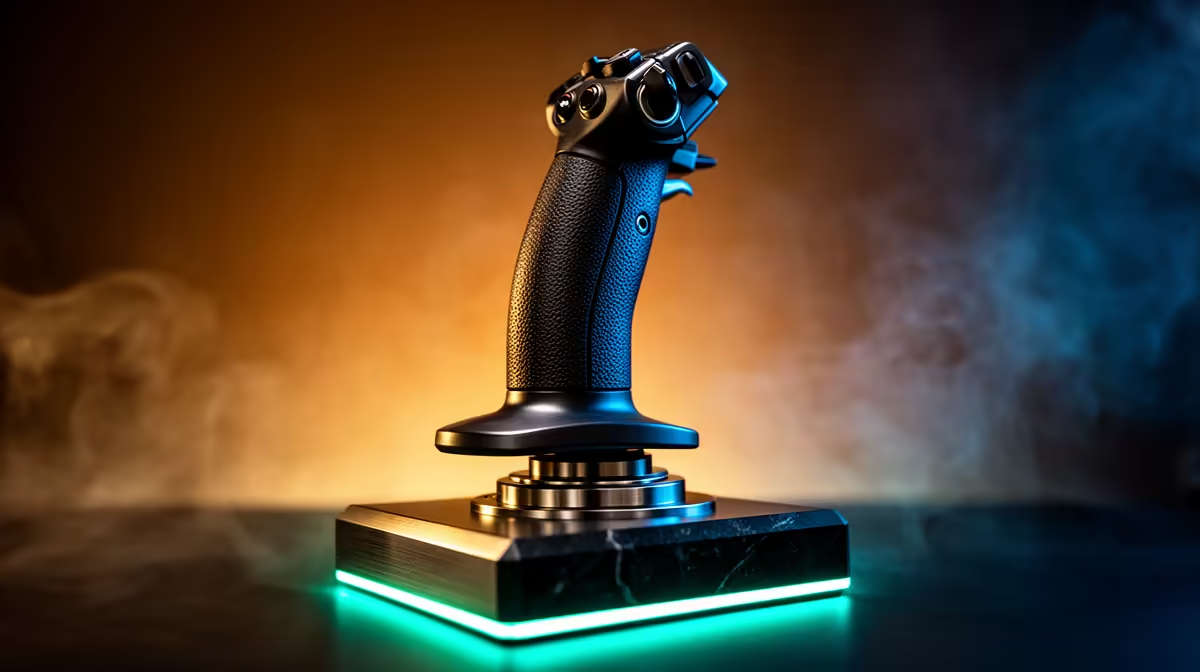
A flight stick is the right controller for a streamer whose content regularly features flight simulation. It gives viewers a more convincing cockpit experience and can make fine aircraft control easier. For a general gaming channel, however, it occupies valuable desk space and may appear in only a handful of broadcasts.
Let the games define the controls
List the simulators and aircraft that will appear during the next three months. Check each game’s official controller support, then decide whether twist rudder, a separate throttle or additional switches are necessary. The desk must allow the full control movement without striking a microphone arm, keyboard or monitor stand.
The supplied factpacks verify no flight-control SKU or price. Compare current Evetech listings by sensor design, button count, resistance, mounting points, USB connection and warranty. Console support must be stated explicitly for the intended platform. A familiar controller profile also matters during live commentary, when searching for an unmapped command can interrupt the broadcast.
Record a private practice session with the camera in its intended position. Check whether viewers can see the controls, desk vibration reaches the microphone and cables remain clear. Save a backup control map and keep essential keyboard commands within reach. Occasional simulation content may be better served by a gamepad until audience demand becomes consistent.
Building a flight-simulation stream? > Check current Evetech controls against supported games, mounting space and platform compatibility.