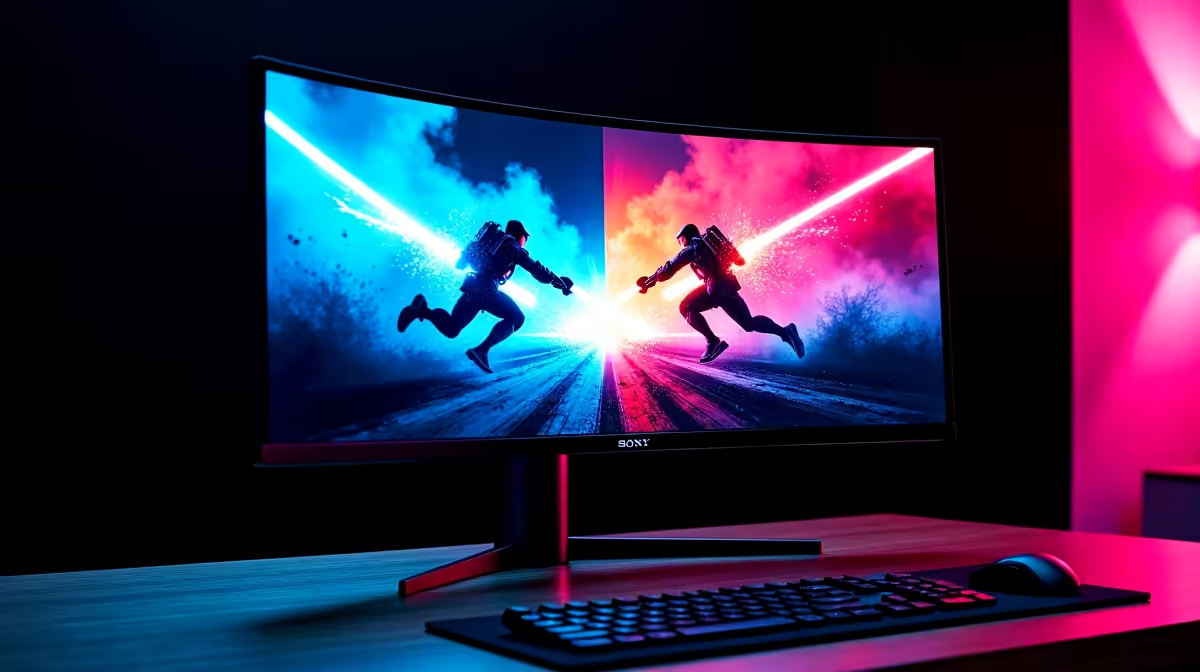
Stuttering gameplay and ugly screen tearing can ruin a perfect headshot. In the battle for smooth visuals, two technologies dominate: AMD FreeSync and NVIDIA G-Sync. But for your gaming PC here in South Africa, which one is the smart choice? The answer isn't just about brand loyalty; it's about performance, your budget, and your graphics card. Let’s settle the FreeSync vs G-Sync debate once and for all.
Understanding the Enemy: Screen Tearing and Stutter
Ever been in a fast-paced game and seen the image look like it's been sliced in half horizontally? That's screen tearing. It happens when your graphics card (GPU) sends out new frames at a rate that doesn't match your monitor's fixed refresh cycle. The monitor tries to display two different frames at once, creating a jarring "tear."
Adaptive Sync technology solves this. It allows your monitor to dynamically change its refresh rate to match the exact frame rate your GPU is producing, moment by moment. The result? Buttery-smooth motion, no tearing, and reduced input lag. ✨ Both FreeSync and G-Sync are types of Adaptive Sync.
Team Red's Champion: What is AMD FreeSync?
AMD FreeSync is an open-standard technology, which means monitor manufacturers can implement it without paying hefty licensing fees to AMD. This is its biggest advantage, leading to a massive number of affordable FreeSync-enabled screens. You'll find it across a huge selection of all gaming monitors on the market.
There are a few tiers to know:
- FreeSync: The basic standard that eliminates tearing.
- FreeSync Premium: Adds a requirement for at least a 120Hz refresh rate at 1080p resolution and Low Framerate Compensation (LFC), which keeps things smooth even when your FPS drops.
- FreeSync Premium Pro: Includes everything from Premium, plus optimised support for HDR (High Dynamic Range) content.
Team Green's Powerhouse: How Does NVIDIA G-Sync Work?
NVIDIA G-Sync was the first to the party and traditionally required a dedicated hardware module built right into the monitor. This proprietary chip handles the communication with your NVIDIA GeForce GPU, ensuring a flawless, rigorously tested experience. This strict quality control is G-Sync's main selling point, but it also increases the monitor's cost.
Today, there are three main G-Sync flavours:
- G-Sync Compatible: These are actually FreeSync monitors that NVIDIA has tested and certified to work well with their GPUs. This offers great value.
- G-Sync: The classic experience, featuring the dedicated hardware module for a premium, consistent performance.
- G-Sync Ultimate: The top tier, requiring the hardware module plus advanced HDR support and factory colour calibration.
Because the technology is so widespread, you'll find these options across our entire range of PC monitors, not just the high-end ones.
The Main Event: FreeSync vs G-Sync Compared
So, when the pixels start flying, which one comes out on top? The best choice in the FreeSync vs G-Sync battle really depends on what you value most.
Cost & Availability
This is a clear win for FreeSync. The lack of licensing fees means FreeSync monitors are almost always more affordable than their G-Sync counterparts with similar specs. If you're building a PC on a tight budget, a FreeSync monitor is the smart financial move. It's always smart to check out the best PC monitor deals to see what fits your budget. 💰
Performance & Quality Control
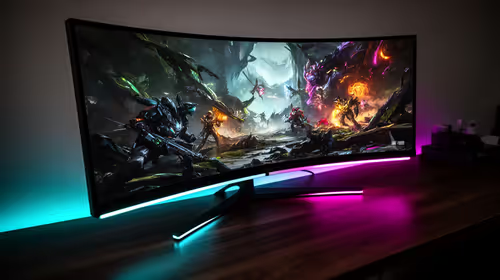
Historically, G-Sync held the crown here due to its strict hardware and testing requirements. You knew a G-Sync monitor would just work, perfectly. While the performance gap has narrowed significantly, a dedicated G-Sync or G-Sync Ultimate monitor still offers the most reliable, plug-and-play experience. This is especially true for immersive curved monitors where smooth motion is key to the experience. The quality of FreeSync can vary a bit more between models, so checking reviews is crucial.
GPU Compatibility
This is the most important factor.
- Have an AMD Radeon GPU? Your choice is simple: get a FreeSync monitor.
- Have an NVIDIA GeForce GPU? You have options! You can go for a premium G-Sync monitor for guaranteed performance, or save some cash with a well-reviewed "G-Sync Compatible" monitor. This flexibility is fantastic for gamers pushing pixels on high-resolution 5K & 4K monitors where every frame counts.
Don't Forget to Flip the Switch! 💡
Buying a FreeSync or G-Sync monitor is only half the battle. You need to enable it! For NVIDIA, open the NVIDIA Control Panel, go to 'Set up G-SYNC', and tick the box. For AMD, open Radeon Software, go to the 'Gaming' tab, then 'Display', and toggle AMD FreeSync on. It's a simple step that many gamers forget!
So, Which Is Best for Your Rig in South Africa?
Let's break it down simply.
- For the Budget-Conscious Builder: AMD FreeSync is your champion. It delivers the core benefit of tear-free gaming for less ZAR.
- For the NVIDIA User Seeking Value: A "G-Sync Compatible" monitor gives you the best of both worlds—smooth gameplay without the premium G-Sync price tag.
- For the Ultimate Performance Seeker: If you have an NVIDIA card and want the absolute best, most consistent experience with zero hassle, a true G-Sync or G-Sync Ultimate monitor is the way to go.
The technology has even made its way into other form factors, and some high-refresh-rate portable monitors now include it for gaming on the go. Whichever path you choose, make sure you're using a quality DisplayPort cable from our monitor accessories section to get the full benefit. 🔧
Ready to Banish Screen Tearing for Good?
The FreeSync vs G-Sync debate comes down to your GPU and your budget. Whether you need the guaranteed quality of G-Sync or the incredible value of FreeSync, the perfect tear-free experience is waiting. Explore our massive range of monitor deals and find the perfect screen to conquer your game.