Quick Answer
Frogfoot 500 Mbps is enough for online gaming in Gqeberha if the wired ping is stable and packet loss stays at 0%. The speed tier helps with patches, streaming, and a busy household, but match feel comes from latency; for Gqeberha, expect 18-28 ms to Johannesburg game servers and roughly 25-40 ms to Cape Town when routing is clean on a clean route.
Start With A Wired Baseline
Plug the gaming PC or console directly into the router and test CS2, Valorant, Fortnite, Apex Legends, or EA FC before changing hardware. If Ethernet is smooth and Wi-Fi stutters, the fibre line is not the main fault. For competitive play, keep jitter under 5 ms and avoid packet loss entirely.
Router Choice For The Speed Tier
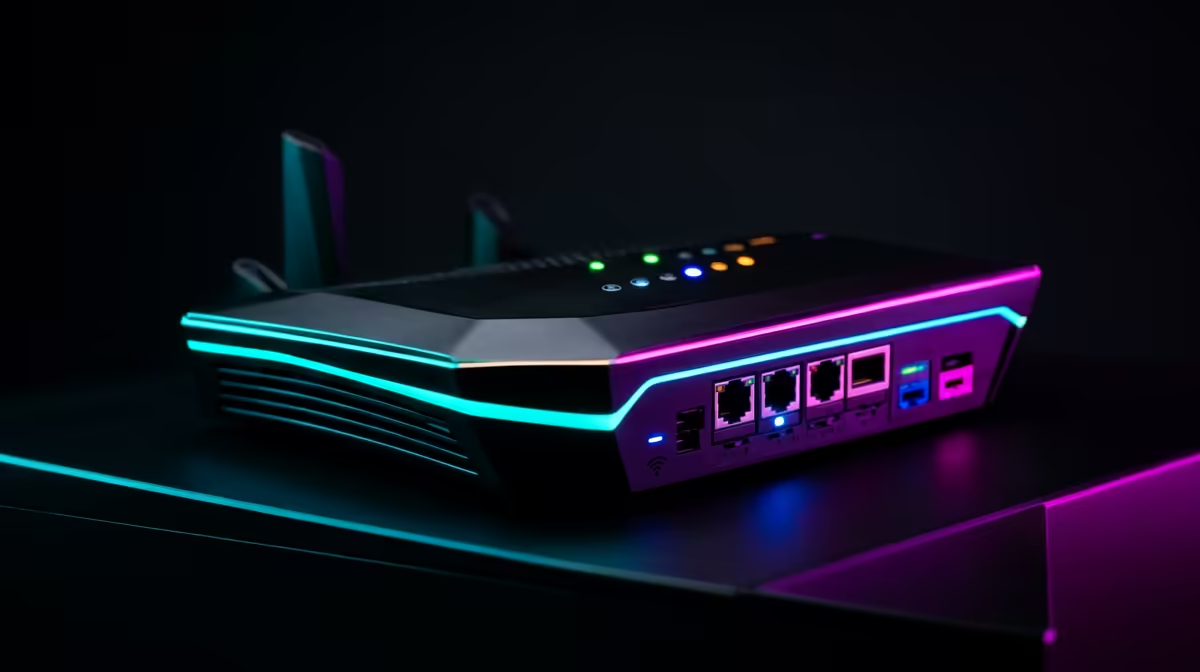
A 500 Mbps line deserves a router that can handle several devices without choking. TP-Link Archer AX55, ASUS RT-AX86U, and similar Wi-Fi 6 models usually sit in the broad R1,800-R5,500 class, while a 2 Gbps line also needs 2.5 GbE ports to show its full speed. Use 5 GHz or Ethernet for the gaming device.
PC And Screen Targets
Network tuning will not fix low frame rate. For esports, pair the connection with a PC that can hold 144 fps or 240 fps and a monitor set to 144 Hz, 165 Hz, or 240 Hz. A Ryzen 5 7600 or Core i5 class gaming PC in the R15,000-R25,000 range is a practical starting point for high-refresh 1080p.
FAQ
Is 500 Mbps overkill for gaming in Gqeberha?
For the game traffic itself, often yes. The speed is useful when several people stream, download, and use voice chat while you play.
What ping should I expect on Frogfoot in Gqeberha?
Use 18-28 ms to Johannesburg game servers and roughly 25-40 ms to Cape Town when routing is clean as a sensible target on Ethernet. Wi-Fi can add 5-20 ms or create spikes if the router is far away.
Should I upgrade the router or the PC first?
Upgrade the router first if Ethernet is stable but Wi-Fi is weak. Upgrade the PC first if ping is clean and the game cannot hold your 144 Hz or 240 Hz target.
{{TipBox title:"Setup Tip" , Run a wired test before buying anything; if Ethernet fixes the match, spend on router placement or Wi-Fi coverage before changing the gaming PC. }