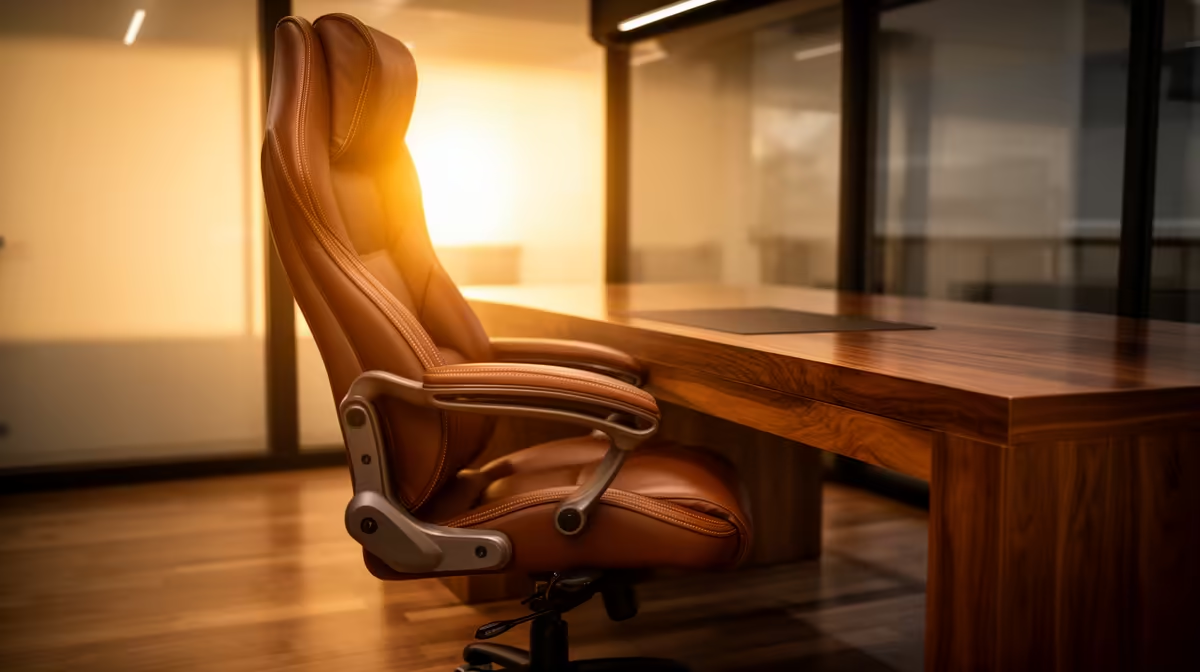
A gaming chair is worth buying for video calls only when its dimensions and adjustments fit the user at the existing desk. Styling does not improve camera or microphone quality, and tall wings or fixed armrests can interfere with posture and framing.
Test a complete meeting posture
Measure desk height, foot support, keyboard reach and camera position. Sit through a full call with the chair adjusted, checking shoulders, seat depth and whether armrests fit beneath the desk. Confirm the backrest does not force the head forward.
The GAMDIAS ZELUS E5 at R1,540 and HBADA E3 Pro at R5,700 are verified chair references. Their listings do not establish personal fit or clinical suitability. The NearStream 4K AI webcam at R678 is a separate call-video option. Confirm current dimensions, supported load, adjustment range, materials, caster type, returns and warranties.
Place the screen for a neutral neck position, vary posture and take regular movement breaks. Set the camera separately from chair choice. Persistent pain, weakness or numbness needs qualified medical or ergonomic guidance.
Buy after a hands-on trial or dimensional comparison. A neutral office chair may suit long meetings better when gaming-style bolsters restrict movement. Check chair movement and caster stability during calls so changing posture does not shake the camera or microphone stand.
Improving a video-call desk? > Compare Evetech chairs and webcams after measuring the complete position.