



PCIe 5.0 vs PCIe 4.0 for Video Editing in 4K in SA
PCIe 5.0 and PCIe 4.0 differ most in lane support, compatibility, and upgrade value for video editing in 4k. SA buyers should match the choice to their actual hardware and games.
Read moreUnlock peak performance by understanding gaming laptop display technologies. This guide breaks down everything from OLED vs. IPS to refresh rates and response times. We'll help you choose the perfect screen for immersive, tear-free gaming. Ready to see the difference? 🎮✨
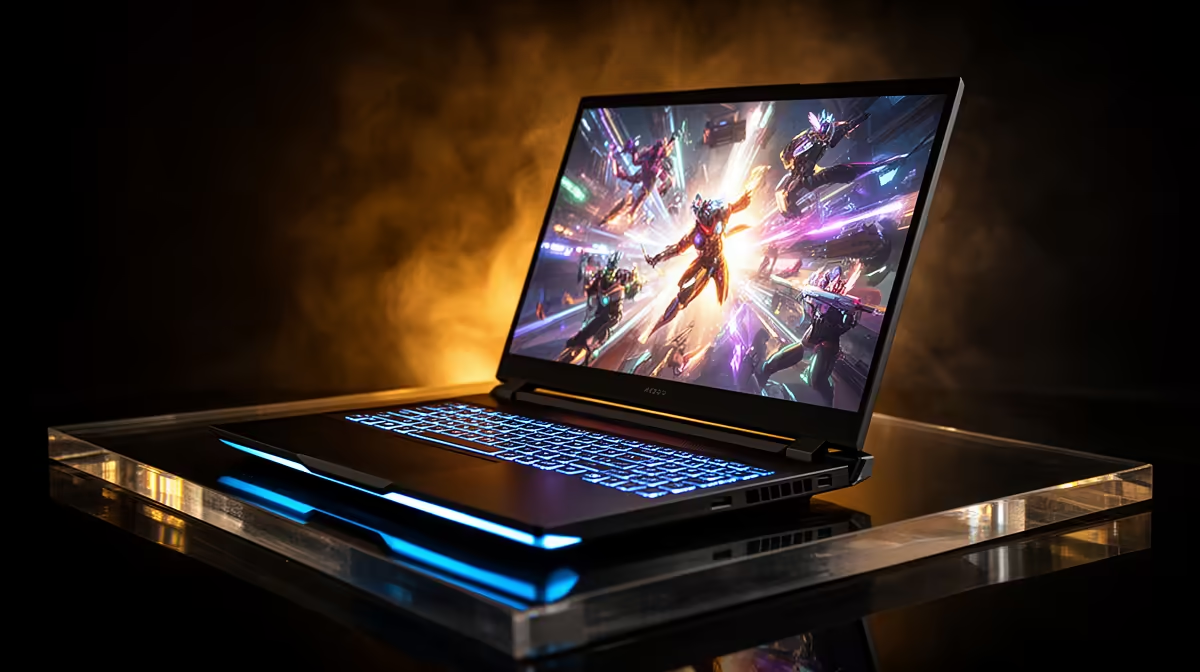
You’ve obsessed over the GPU, debated the CPU, and maxed out the RAM. But what about the one part you actually stare at for hours? Your gaming laptop’s display is your window to virtual worlds, and the technology behind it can make or break your experience. From buttery-smooth frame rates to jaw-dropping colours, understanding gaming laptop display technologies is the key to unlocking your machine’s true potential. Let's dive in. 🚀
Before we get into the fancy stuff, you need to nail the fundamentals. These four pillars determine 90% of your visual experience. Getting them right is crucial when choosing a gaming laptop screen.
Resolution is the number of pixels on your screen. More pixels mean a sharper, more detailed image.
Refresh rate is how many times your screen updates per second. A higher number means smoother motion, which is critical for fast-paced games. A standard 60Hz screen is fine for basic use, but for gaming, you want more. A 120Hz or 144Hz display is the modern baseline, providing a fluid experience that can give you a real competitive edge. Thankfully, this excellent display technology is now common on affordable machines like the Lenovo IdeaPad 3 Gaming series.
Measured in milliseconds (ms), response time is how quickly a pixel can change colour. A slow response time leads to "ghosting" or motion blur, where you see a faint trail behind fast-moving objects. For gaming, look for a response time of 5ms or less to keep your image crisp and clear, even in the most chaotic firefights.
The panel is the core of your screen. The two main gaming laptop display technologies you'll see are:
Once you've got the basics down, these advanced features separate a good display from a great one.
Ever seen a "tear" across your screen during a fast camera pan? That’s screen tearing. It happens when your GPU's frame rate doesn't match your display's refresh rate. Adaptive Sync technology solves this by allowing the display to match the GPU's output, resulting in a perfectly smooth, tear-free picture. NVIDIA G-SYNC and AMD FreeSync are the two main players, and both do a brilliant job. Premium machines like the Lenovo Legion gaming laptops often feature this high-end display technology for the ultimate smooth experience.
Many modern gaming laptops have a MUX Switch in their software (like Lenovo Vantage). This lets you bypass the integrated GPU and connect the dedicated GPU directly to the display. This can boost frame rates by 5-10% in some titles—a free performance upgrade! Always check if your laptop has one and enable it for serious gaming sessions.
Colour gamut (like 100% sRGB or DCI-P3) refers to the range of colours a screen can reproduce. A wider gamut means more vibrant, lifelike visuals. Brightness, measured in nits, is also vital. A screen with 300 nits or more ensures your games look great even in a well-lit room.
So, how do you choose? It’s about matching the gaming laptop display technologies to your needs.
Ultimately, the best screen is the one that fits your games and your budget. Don't just look at the GPU... pay close attention to the display specs. It's your portal to every game you play. No matter your preference, exploring the full range of Lenovo gaming laptops is the best way to see these amazing screen technologies for yourself.
Ready to See the Difference? A great gaming laptop display isn't a luxury... it's a necessity for true immersion. Explore our massive range of gaming laptop deals and find the screen that brings your games to life.
There's no single "best" one, as it depends on your priorities. OLED offers true blacks and vibrant colors, while IPS provides excellent viewing angles and color accuracy.
Absolutely. A higher refresh rate (120Hz, 144Hz, or more) results in smoother motion, giving you a competitive edge in fast-paced games. It's a key feature to look for.
Both are adaptive sync technologies that prevent screen tearing. G-Sync is NVIDIA's proprietary tech, often costing more, while FreeSync is AMD's open standard.
4K offers incredible detail but requires a powerful GPU to run games smoothly. For many gamers, QHD (1440p) offers a better balance of performance and visuals.
Response time is how quickly a pixel can change color. A lower time (e.g., 1ms) reduces motion blur and ghosting, which is crucial for fast-action gaming.
Matte screens are generally preferred for gaming as they significantly reduce glare and reflections from light sources, allowing for more focused and immersive gameplay.
PCIe 5.0 and PCIe 4.0 differ most in lane support, compatibility, and upgrade value for video editing in 4k. SA buyers should match the choice to their actual hardware and games.
Read more
ATX 3.1 and ATX 3.0 differ most in connector handling and GPU power design. For SA gamers, the choice comes down to your graphics card, PSU quality, cable clearance, and whether a newer 12V-2x6-ready unit makes sense for the build.
Read more
80+ Platinum or 80+ Titanium for cinematic should be shortlisted around the job it must do. South African buyers should compare fit, performance, compatibility, and upgrade room, warranty path, and upgrade room before treating any pick as best.
Read more
AM5 and AM4 can both work for competitive esports, but the real-world difference is platform headroom. SA players should compare CPU choices, memory speed, latency goals, monitor refresh, and future upgrade plans.
Read more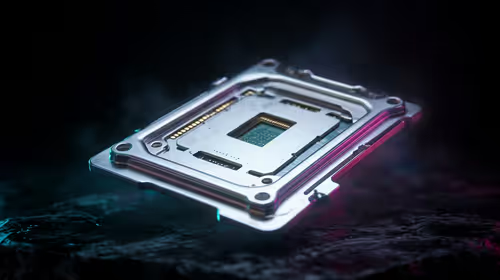
LGA 1851 and LGA 1700 differ most in CPU support, compatibility, and upgrade value for couch co-op gaming. SA buyers should match the choice to their actual hardware and games.
Read more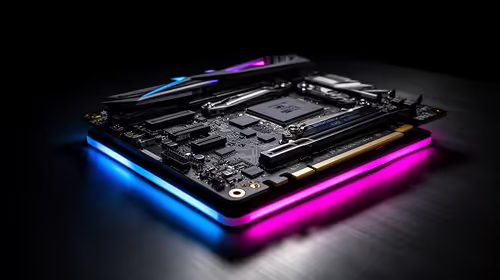
DLSS 4 and DLSS 3 differ most in game support, compatibility, and upgrade value for streaming on twitch and youtube. SA buyers should match the choice to their actual hardware and games.
Read more
RTX 5090 on a 1200W PSU has usable headroom when the supply is strong and the build is measured. For SA gamers, OC potential depends on CPU draw, cooling, cabling, stability targets, and how much safety margin you keep.

How to fix low FPS on gaming laptop starts with power mode, drivers, heat, and game settings. Use this South Africa-focused checklist to confirm charger use, GPU selection, RAM pressure, and cooling before changing parts or tweaking every setting.

Real world difference between b850 b650 mmo live service games sits in stability, networking, storage, and upgrade room. SA players should compare LAN quality, USB layout, RAM support, and SSD slots for always-updated games.

Dead Pixel on Wi-Fi 7 Router is likely a display-path or source-title issue, so check the screen, cable, driver state, and related system symptoms before blaming the device itself.

Put the headphones in pairing mode, open Bluetooth and devices in Windows 11, then add the headset. If it fails, remove the old pairing and check charge, range and drivers.

Microsoft says upcoming Windows 11 work will target memory use on 8GB PCs and improve boot and sign-in responsiveness. There is no public release date or measured uplift yet.

Windows 11 does not show CPU temperature in its standard Settings pages. Use your CPU maker's supported utility or a trusted monitor, then read idle and loaded temperatures in context.

The Colorful MEOW X16 Pro pairs a Ryzen 7 8745HX with a 115W RTX 5060 Laptop GPU. It is a China-only launch for now, so local RTX 5060 pricing is the practical benchmark.

Industry reports point to another roughly 10 percent Intel processor increase from 5 October, but Intel has not published a consumer price list confirming the scope. South African buyers should treat it as a risk signal, not a guaranteed Rand change.

Tests reported audio capture and local-network scanning on a specific LG television with its screen off. LG says supported standby modes can keep voice and connected-device features active, so owners should review model-specific settings.

Thermalright's AXP120-X77 is a 77 mm top-down cooler with six heatpipes and a slim 120 mm fan. Local availability is not confirmed, so compact-PC builders should verify case height, memory clearance and socket support before comparing it with stocked coolers.

One-sided sound can come from balance settings, a dirty or loose connector, Bluetooth pairing data, firmware, the source device or a failed cable or driver. A short swap test isolates the cause before you reset software or replace the headset.