


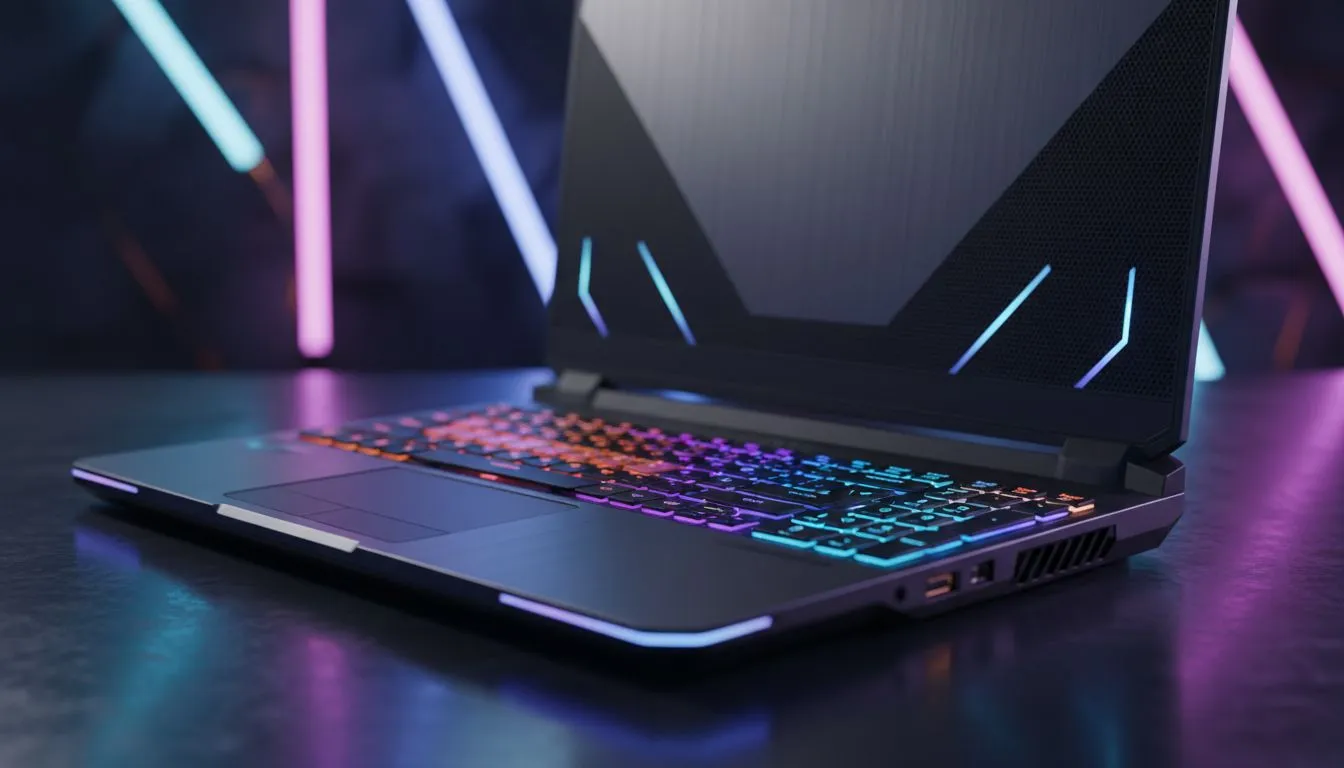
Dropping R20,000 or more on a new rig is a serious commitment for any South African gamer. You aren't just buying hardware... you are buying years of digital adventures. But when does the "new car smell" fade into stuttering frame rates? Understanding your gaming laptop lifespan helps you plan your next upgrade and ensures you get the most out of every Rand spent. 🎮
The Realistic Timeline for Modern Gaming Hardware
The average gaming laptop usually provides a peak experience for three to five years. While the hardware might still function after a decade... the software requirements of AAA titles move much faster. To stay ahead of the curve, many local enthusiasts look for the best gaming laptop deals that offer a balance of current power and future-proofing.
Physical durability is rarely the issue. Modern chassis designs are robust. The real challenge is "performance obsolescence". As game engines become more demanding... older components struggle to maintain smooth frame rates.
How Graphics Technology Extends Longevity
Your GPU is the heart of your machine. It is often the first component to show its age. However... modern features like DLSS and Frame Generation have changed the math. Browsing geforce rtx gaming laptops on special is a smart move for longevity. These cards use AI to upscale images... allowing older hardware to play newer games with surprising fluidity. ⚡
By choosing a laptop with a high-end RTX card... you effectively add a year or two to your machine's relevant life. It allows you to maintain high settings even as the industry moves toward more complex lighting and textures.
Choosing the Right Processor for the Long Haul
Your choice of CPU also dictates how well the system ages. Many competitive players prefer intel laptops on special for their high single-core clock speeds. These are vital for reaching high refresh rates in titles like Counter-Strike or Valorant.
Alternatively... ryzen laptop deals are excellent for gamers who also handle productivity tasks or streaming. AMD's focus on power efficiency helps keep internal temperatures lower. Heat is the primary enemy of electronics... so a cooler-running chip can indirectly extend your hardware's physical health.
Maintenance Pro Tip ⚡
Every six months, use a can of compressed air to blow out the dust from your laptop's intake and exhaust vents. This simple habit prevents thermal throttling and can physically extend your gaming laptop lifespan by keeping the delicate internal components cool during intense sessions.
Balancing Budget and Durability
If you choose to buy gaming laptops under r20k... you might hit the performance ceiling sooner than a flagship model. This does not mean the investment is poor. It simply means you must be more diligent with settings. Lowering shadows or disabling ray tracing can keep a budget-friendly machine viable for years.
In South Africa... factors like load shedding and dust also play a role. Using a high-quality surge protector and keeping your laptop on a hard, flat surface are essential steps. These small actions ensure your investment survives the local environment as long as possible. 🚀
Ready to Find Your Perfect Match? A gaming laptop is a major investment, and choosing the right hardware ensures you stay in the game for years to end. Explore our massive range of laptop specials and find the perfect machine to conquer your world.











