


Maintain Wired Headset: Tips to Extend Lifespan
Maintain wired headset — Checklist: • inspect cables • clean earpads • store properly 🔧🎧 Practical steps to preserve sound quality and avoid premature replacements.
Read moreGaming laptop sleeve size can make or break protection. Learn how to choose the right fit for your backpack and avoid costly damage. 🎮🛡️ Find the sizing that matches your laptop.
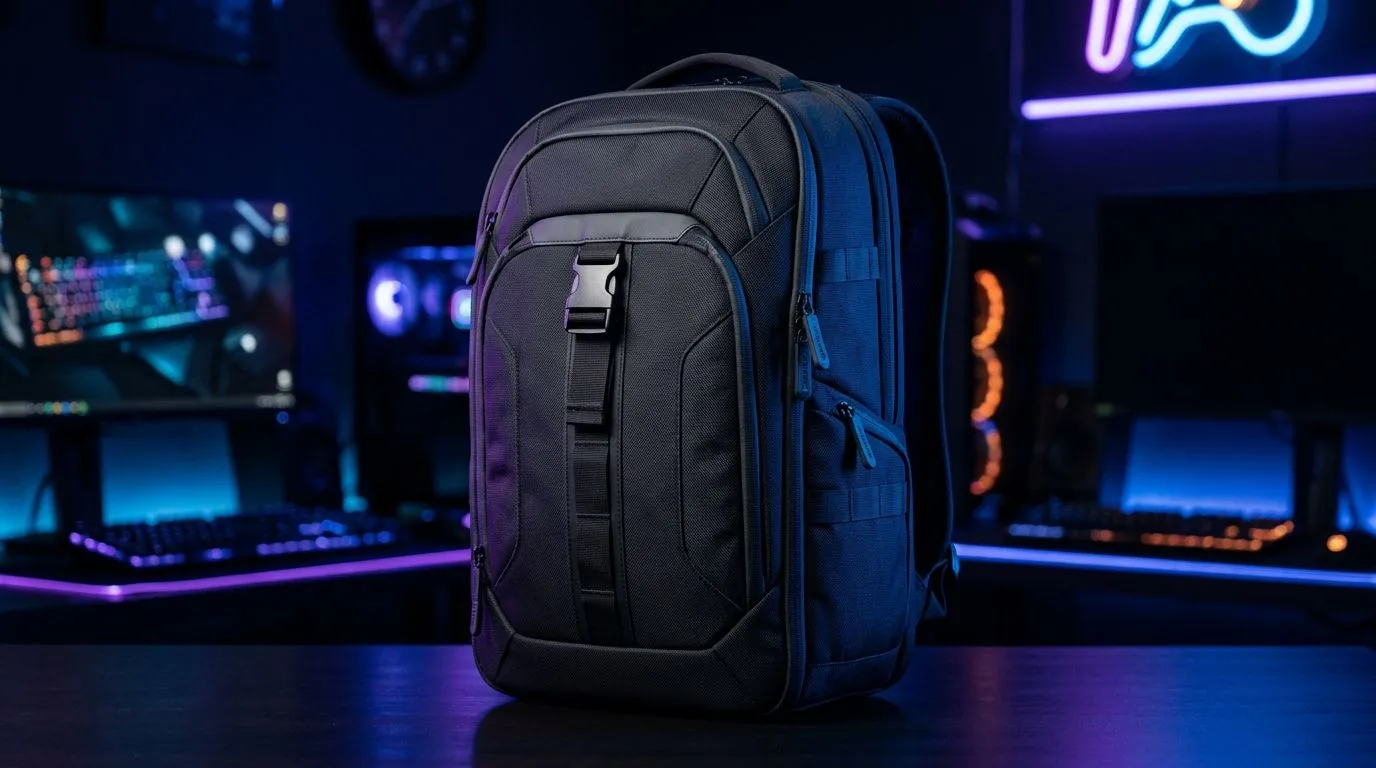
Carrying your gaming laptop should never be a hassle — especially when you’re powering through raids or streaming your latest plays. But picking the right gaming laptop sleeve size is key to protecting your gear and staying portable 🔧. South African gamers know that a snug fit inside the backpack means less wobble and better safety on commutes. Whether you’re heading to a LAN event or just jamming at home, here’s how to pack smart.
Oversized sleeves can make your laptop shift and scrape inside your bag. Too tight? You risk damaging ports or the screen. The correct gaming laptop sleeve size means your laptop sits comfortably, absorbing bumps and keeping dust out. Plus, when it fits well, you save space for essentials like your mouse, charger, or extra games.
If you’re hunting for a solid carrying case, check out this sturdy laptop backpack for sale on Evetech — it’s designed specifically with tech protection in mind.
Start by measuring your gaming laptop’s length, width and height in millimetres. Sizes can vary widely — from slim 13-inch ultrabooks to bulky 17-inch beasts. Always choose a sleeve or backpack compartment that can accommodate your laptop’s exact size plus a little extra room for padding.
South African gamers often prefer brands like HP or Promate for reliable sleeve options. Consider browsing the latest Promate laptop backpacks — they blend durability with sleek design.
When picking a sleeve size for your laptop, think about:
Backpacks tailored for laptops usually have custom-fitted sleeves inside. Take the time to compare different models such as HP-branded backpacks to find one that marries size precision and extra storage for peripherals.
Packing your gaming gear efficiently means balancing size, weight, and protection. Don’t just cram your laptop in any old sleeve. Instead, pick one that fits the laptop perfectly and matches the internal dimensions of your backpack. For example, Evetech’s own laptop backpacks offer snug compartments made to these specs.
Make sure your sleeve size also accounts for port extras or slightly raised keys. A snug but not overly tight fit prevents damage when on the move.
If price is a concern, there are excellent options starting from around R650. You can explore budget to premium laptop backpacks that offer protection without breaking the bank.
Choosing the right gaming laptop sleeve size isn’t just about measurements. It’s about protecting your investment and keeping the all-day grind comfortable. With the right sleeve packed inside the perfect backpack, your laptop stays ready for battle—no matter where you take it.
Secure Your Setup Today Don’t settle for less when it comes to protecting your gaming laptop. Shop now at Evetech for performance that leaves lag in the dust.
Start with your laptop’s exact dimensions (width x depth) and match the sleeve’s inside measurements. For many 15.6-inch models, a 15–15.6 sleeve fits best.
Measure the laptop’s maximum width and depth in inches, then include the thickest point for thickness. Use those numbers to compare against sleeve inside dimensions.
Often, no. Many 16-inch laptops run wider, and a 15.6 sleeve can feel tight. Check sleeve inside dimensions and your laptop’s maximum width.
A snug fit is usually better for protection, but you should be able to insert and remove the laptop without forcing. Too tight can stress ports and hinges.
Yes. Gaming laptops are thicker due to cooling. Choose a sleeve with padding/thickness that matches your laptop’s max thickness to reduce pressure points.
Measure the backpack compartment’s inside dimensions and compare them to the sleeve outside dimensions. If space is tight, choose a slightly slimmer sleeve.
Sleeves are often marketed by screen size, but actual fit depends on laptop dimensions and thickness. Always verify by inside measurements.
A too-small sleeve can cause pressure on the chassis; a too-large sleeve can allow movement and reduce impact protection. Correct sizing helps avoid both.
Maintain wired headset — Checklist: • inspect cables • clean earpads • store properly 🔧🎧 Practical steps to preserve sound quality and avoid premature replacements.
Read more
Fix crackling headset fast: step-by-step checks for cables, connectors, drivers, and settings to remove static or distorted audio on wired headsets 🎧⚙️
Read more
Stereo vs mono headsets: learn which delivers clearer calls, better spatial music, or simpler mono voice performance — pick the right headset for meetings, music, or gaming 🎧💬
Read more
- Compare gaming headset vs studio headphones; - Assess comfort, mic and sound; - Recommend best daily picks. Gaming headset vs studio headphones: learn which suits work, music and casual gaming. 🎧⚖️
Read more
- Check pressure points - Compare earcup materials - Adjust clamp and fit Best gaming headsets for glasses: quick guide to reduce temple pressure, pick breathable memory foam earcups, and optimize fit for long sessions 🕹️👓
Read more
Gaming microphone noise reduction: Use beamforming mics, AI noise suppression, and hardware filters to cut background noise and boost in-game voice clarity. 🎧⚙️ Learn setups, settings, and top mic features.
Read more
Snapdragon X2 NPU Explained: How 80 TOPS Changes. Plain-English explanation of what it means, why it matters & how it affects your buying decisions in SA.

HBM? High Bandwidth Memory Used in GPUs and AI. Plain-English explanation of what it means, why it matters & how it affects your buying decisions in SA.

How much should you spend on sim racing accessories in South Africa for a realistic setup? We break down budgets by quality tiers, so you buy smart gear and avoid overspending 🎮💸

G-Sync and FreeSync? Variable Refresh Rate. Plain-English explanation of what it means, why it matters & how it affects your buying decisions in SA.

AMD Laptop: Value. SA-focused analysis with local pricing data, real-world insights & actionable buying advice.

How MacBook Neo Handles 30+ Chrome Tabs with Only. SA-focused analysis with local pricing data, real-world insights & actionable buying advice.

Why Apple Put 8GB RAM in MacBook Neo: The A18 Pro. SA-focused analysis with local pricing data, real-world insights & actionable buying advice.

Upgrade your work laptop with a New Motherboard. Step-by-step instructions with SA-specific tips, common pitfalls to avoid & expert recommendations.
Maintain wired headset — Checklist: • inspect cables • clean earpads • store properly 🔧🎧 Practical steps to preserve sound quality and avoid premature replacements.
Fix crackling headset fast: step-by-step checks for cables, connectors, drivers, and settings to remove static or distorted audio on wired headsets 🎧⚙️
Stereo vs mono headsets: learn which delivers clearer calls, better spatial music, or simpler mono voice performance — pick the right headset for meetings, music, or gaming 🎧💬
- Compare gaming headset vs studio headphones; - Assess comfort, mic and sound; - Recommend best daily picks. Gaming headset vs studio headphones: learn which suits work, music and casual gaming. 🎧⚖️