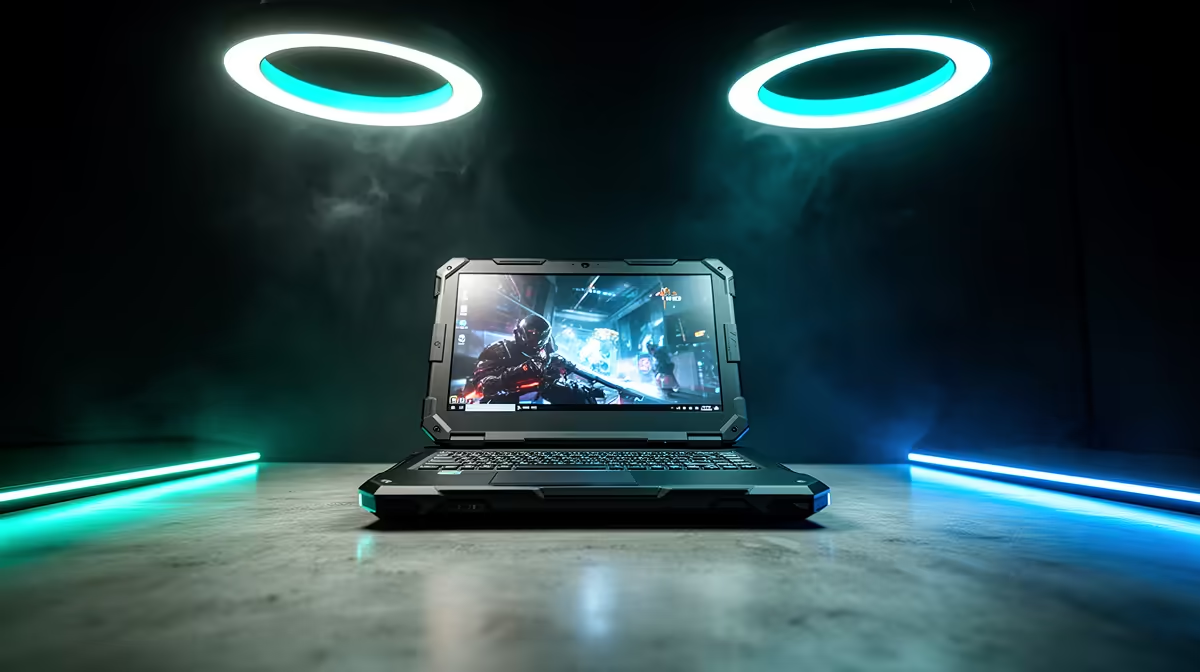
Lenovo LOQ i5 RTX3050 at R9,500 suits a South African home user who wants one gaming laptop to monitor camera feeds, review clips, and still have enough graphics power for normal after-hours use. It makes sense when the security station must stay portable between a study, lounge, and router area instead of being locked to one fixed desktop.
Why a gaming laptop can work for home monitoring
The Lenovo LOQ i5 RTX3050 at R9,500 is the practical pick here because the i5 processor gives the setup enough headroom for browser-based camera dashboards, storage tools, and everyday admin without feeling like a stripped-down office machine. The RTX3050 also matters if the same laptop needs to handle a second screen, light editing of saved clips, or occasional gaming when the monitoring work is done.
Home security corner near the fibre router cupboard
For a fibre router cupboard or small home network shelf, the Lenovo LOQ i5 RTX3050 at R9,500 gives you a movable control point rather than a permanent tower. You can keep it nearby when checking camera angles, then move it to a desk when you need a bigger workspace for reviewing footage or changing settings.
The main tradeoff is that the Lenovo LOQ i5 RTX3050 at R9,500 is still a laptop, so it should be treated as the control and review device, not as hidden infrastructure. For homes that want one machine for security checks, family admin, and entertainment, its i5 and RTX3050 pairing is more flexible than buying a very basic laptop that may feel limited later.
Ready to choose the right gaming laptop?
Use Lenovo LOQ i5 RTX3050 at R9,500 as the gaming room benchmark, then check whether its listed spec matches the space, workload, and upgrade path.