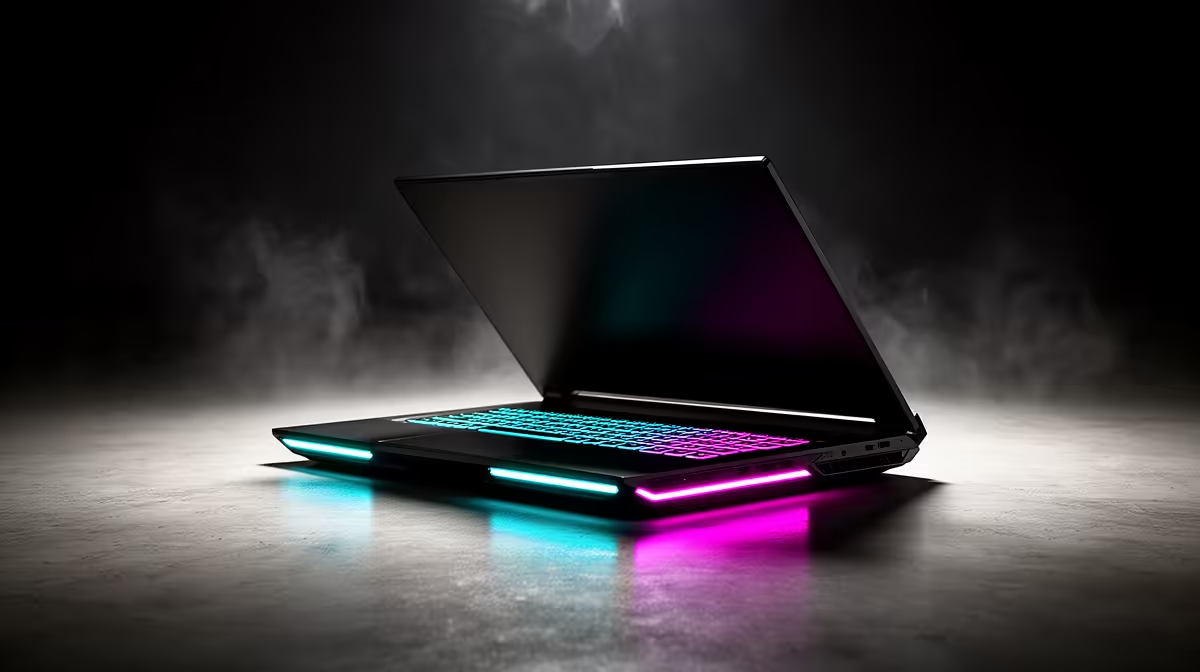
Lenovo LOQ i5 RTX3050 at R9,500 suits a South African home creator who wants photo backups, everyday editing, and a capable gaming laptop in one portable machine. The useful part is not only that it can play games, but that the i5 processor and RTX3050 graphics give the laptop enough headroom for sorting large image folders, previewing edits, and keeping a backup drive workflow responsive.
Why this makes sense for photo backup work
Lenovo LOQ i5 RTX3050 at R9,500 is a practical buy when photo storage is part of a wider home setup. The i5 chip is the key spec for general file management, imports, browser tabs, and light editing, while the RTX3050 helps when the same machine is used for creative apps or gaming after the backup job is done.
Creator desk backup routine in SA
On a creator desk, Lenovo LOQ i5 RTX3050 at R9,500 makes sense as the working machine that sits between camera cards, external storage, and cloud folders. The RTX3050 spec is useful because this is not just a basic admin laptop, so previews, image browsing, and occasional visual work feel better matched to a growing media library.
Lenovo LOQ i5 RTX3050 at R9,500 is also easier to justify if the laptop must cover study, work, games, and backups instead of being bought only for storage chores. The i5 spec keeps the recommendation grounded: it is a balanced everyday processor for managing folders, checking duplicates, and keeping photo sessions organised without buying a separate desktop.
Ready to choose the right gaming laptop?
Match gaming laptop actually photo backups to Lenovo LOQ i5 RTX3050 at R9,500, then let its listed spec decide whether it belongs on the desk.