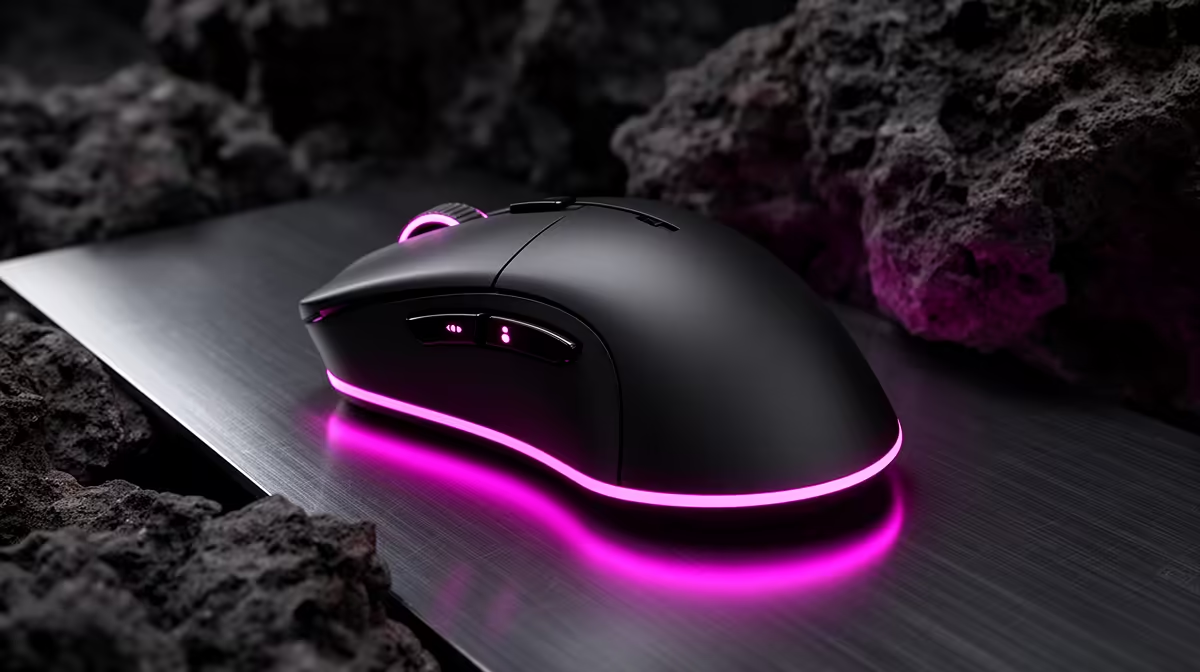
Logitech G305 Wireless at R525 suits a creator who wants a dependable wireless gaming mouse beside a serious Blender workstation without spending monitor or component money on the pointing device. Around a high-budget render setup, the mouse choice should stay practical: responsive enough for viewport work, comfortable enough for long scene edits, and not so expensive that it distracts from the machine doing the heavy lifting.
Mouse picks for a creator desk
The Logitech G305 Wireless at R525 is the clean middle pick because its key spec is right in the name: wireless. That matters when the desk already has display, keyboard, audio, and power cables competing for space. It keeps movement free when you are orbiting models, scrubbing timelines, or jumping between browser references and creative software.
Promate SAMIT at R100 is the low-cost option for a secondary desk, a spare bag, or a workstation that only needs a basic mouse on standby. Its strongest spec here is the R100 price itself, because it leaves the budget where it belongs: on the core PC, screen, storage, and input comfort that affect daily work.
SA creator desk reality around a the stated budget build
Logitech Lift Ergonomic at R956 makes sense if the priority is hand position during long editing sessions. The Ergonomic design is the important spec: it is not about chasing a flashy accessory, it is about reducing strain when the desk setup is used for hours at a time.
Ready to choose the right gaming mouse?
Use Promate SAMIT at R100 as the gaming room benchmark, then check whether its listed spec matches the space, workload, and upgrade path.