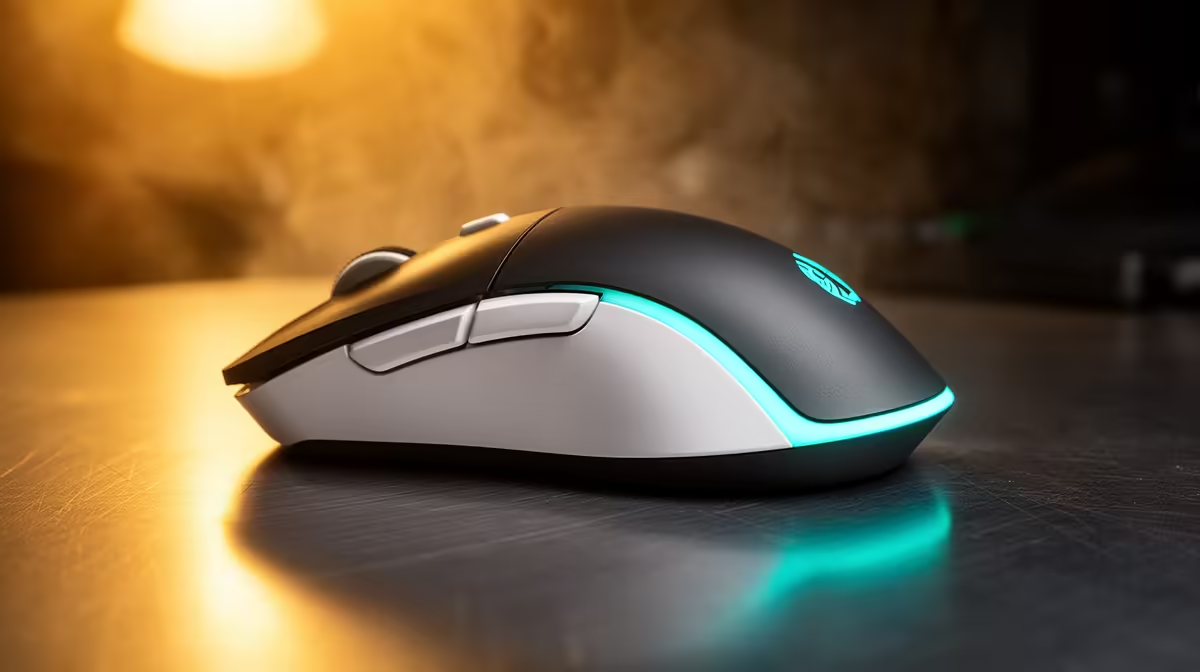
Logitech G305 Wireless at R525 suits a creator who wants a responsive gaming mouse for editing clips, jumping between apps, and keeping a clean desk setup. It makes sense when your day includes quick cuts, thumbnail tweaks, captions, uploads, and some after-hours play from the same workstation.
Mouse picks
The Logitech G305 Wireless at R525 is the strongest fit here because wireless control matters on a creator desk. With no cable dragging across the surface, it is easier to move between a keyboard, phone stand, notes, and a compact editing area without the mouse feeling trapped.
The Logitech Lift Ergonomic at R956 is worth considering if comfort is the bigger issue than speed. Its ergonomic design suits longer sessions where you are trimming clips, checking analytics, replying to comments, and working through a queue of small tasks that can quietly strain your wrist.
The Promate SAMIT at R100 is the basic budget option if you need a simple mouse for a secondary desk, travel pouch, or backup setup. At that price, it is less about premium feel and more about having a spare pointing device ready when the main desk gets rearranged.
Creator Desk Use In SA
For a local creator desk, the Logitech G305 Wireless at R525 keeps the workspace neater when a phone tripod, charger, keyboard, and notebook are already competing for space. The wireless spec is especially useful when you record at the same table where you edit, because the desk can be reset quickly between shooting and admin.
Ready to choose the right gaming mouse?
Use Promate SAMIT at R100 as the gaming room benchmark, then check whether its listed spec matches the space, workload, and upgrade path.