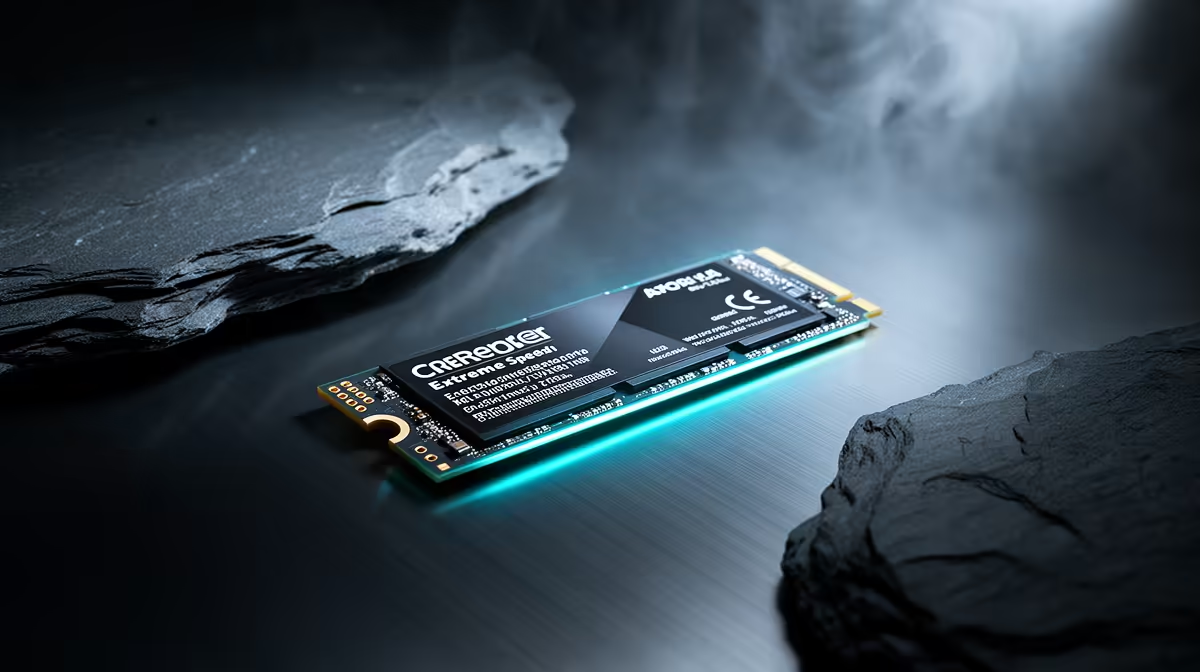
Switching between local AI models used to mean a coffee-break pause while a multi-gigabyte file crawled off your drive and into memory. On a Gen5 NVMe SSD that wait collapses to roughly the time it takes to blink. For anyone who hops between models during a coding or experimentation session, that single change reshapes how the work feels.
Quick Answer
Gen5 NVMe SSDs hit sequential read speeds around 14,000 to 15,000 MB/s, fast enough to pull a several-gigabyte local language model off storage and into memory in roughly a second. The speed advantage over Gen4 is felt most when you are repeatedly loading and swapping models, not during steady use. Once a model is loaded it makes no difference to how fast it runs, so this is about cold-load time, not inference speed.
What the raw numbers translate to
A current top-tier Gen5 drive reads sequential data at around 14,000 to 15,000 MB/s, roughly double a fast Gen4 SSD. Real drives back this up: leading models post sequential reads in the high 14,000s MB/s, with write speeds well into five figures too.
The practical meaning is simple. A model file that is several gigabytes loads in about the time it takes to read it off the disk, and at these speeds that is a second or so rather than the noticeably longer pause a slower drive imposes. One drive maker explicitly markets its Gen5 SSD on the claim of loading a model into system memory in around one second. That is the headline this storage class was waiting for.
Why this is the workload Gen5 was waiting for
For years Gen5 SSDs were a hard sell. They cost more, ran hotter and delivered almost nothing for gaming or everyday use, where a fast Gen4 drive is indistinguishable. The bandwidth was real but no consumer workload demanded it.
Local AI model loading is the first mainstream task that genuinely uses it. When you are repeatedly transferring large model files from storage into memory, the difference is felt rather than merely benchmarked. The crucial caveat is what it does not do: a Gen5 drive will not add a single token per second to a model already running, because once the weights are in memory the SSD is out of the loop. The entire benefit lands during the cold load, the moment you pull a model off the disk.
When the speed actually pays off
That distinction tells you exactly who benefits. If you load one model in the morning and use it all day, a Gen5 drive is overkill, and a fast Gen4 SSD does the same job for less money and less heat. If instead you constantly swap models, testing a smaller one, then a larger one, switching between coding assistants and experiments, juggling several in an agent workflow, the cold loads stack up. Shaving each one from a multi-second wait to about a second adds up across a session and keeps your flow unbroken. The case for Gen5 lives entirely in that hot-swapping pattern.
The heat trade-off you cannot ignore
Gen5 SSDs run hot. Sustained high-speed transfers generate enough heat to trigger thermal throttling on a bare M.2 slot, and a throttling drive quietly gives back the speed you paid for. Effective cooling is not optional here, a substantial heatsink at minimum, and active airflow over the slot for heavy sustained use.
Newer Gen5 controllers have improved on this. Second-generation drives tend to run cooler than the first wave, so if heat in your build worries you, favour a recent model with a more efficient controller and a proper heatsink. Check that your motherboard's primary M.2 slot has good cooling provision before committing, because pairing a fast drive with poor thermals wastes the investment.
Where the rest of the system has to keep up
A fast drive only pays off if nothing else in the chain throttles it. The first checkpoint is the M.2 slot itself. To hit full Gen5 speed, the drive needs a slot wired with the right number of Gen5 lanes directly to the processor, and on many boards only the primary slot qualifies, with the others running at slower Gen4 or sharing bandwidth with other devices. Drop a Gen5 drive into a secondary slot and you may quietly get Gen4 performance, so check the motherboard manual before deciding where it goes.
The second checkpoint is the destination of the data. Loading a model fast only helps if there is somewhere fast to put it. That means enough system memory and, for the parts that land in graphics memory, a capable enough GPU that the model fits without spilling back to slower storage. A blistering SSD feeding a memory-starved machine just exposes the next bottleneck. The drive is one link in a chain, and the chain is only as quick as its slowest part, which is why storage decisions make most sense alongside the memory and processor choices rather than in isolation.
A quick reality check on real-world gains
It is worth being honest about scale. Moving from a slow SATA SSD to any NVMe drive is a dramatic, obvious upgrade. Moving from a good Gen4 NVMe to a Gen5 is a smaller, more situational gain that only shows up in the specific act of loading large files. If your current storage is already a decent Gen4 NVMe and your frustration is inference speed rather than load times, a faster drive will not address it, and the money is better spent on memory or the GPU. Diagnose where the wait actually is before assuming storage is the culprit.
Spending sensibly
Gen5 is not automatically the right buy. For a lot of local AI work, a large-capacity Gen4 drive remains the sweet spot on value, holding your whole model library at speeds that are perfectly quick for most patterns of use. The premium for Gen5 only justifies itself if your workflow is genuinely built around rapid model swapping. Capacity matters too: language models are large, and a model library fills space fast, so size the drive for the collection you actually keep rather than a single file.
If you are speccing a machine around this kind of work, it is worth looking at the storage as part of the whole, since the AI PC range at Evetech pairs fast drives with the memory and processors that suit local model work. For a sense of how storage choices sit within complete, balanced builds at different budgets, the best-selling PCs at Evetech are a useful reference before deciding how much to spend on the drive alone.
Frequently Asked Questions
Does a Gen5 SSD make my AI models run faster?
No. It only speeds up loading a model from storage into memory. Once the model is loaded and running, the SSD plays no part, so it adds no tokens per second to inference. The benefit is purely faster cold-load and swap times.
How fast does a Gen5 NVMe actually load a model?
A current Gen5 drive reads at roughly 14,000 to 15,000 MB/s, so a several-gigabyte model loads into memory in about a second. That is roughly half the load time of a fast Gen4 drive, which matters most when you load models repeatedly.
Is Gen5 worth it over Gen4 for local AI?
Only if you swap models frequently. For loading one model and using it all day, a large Gen4 drive is the better value and runs cooler. For agent or coding workflows that hot-swap models constantly, the faster cold loads justify the Gen5 premium.
Do Gen5 SSDs need extra cooling?
Yes. They run hot enough to thermally throttle on a bare M.2 slot, which costs you the speed you paid for. A substantial heatsink is the minimum, and recent drives with more efficient controllers run cooler than the first generation.
What capacity should I get for a model library?
Larger than you think. Local models are big and a library fills space quickly, so size the drive around the collection you intend to keep rather than a single model. Running out of room mid-project is a common and avoidable frustration.
Build around the way you actually work. If you swap models constantly, a Gen5 drive in a machine from the AI PC range at Evetech keeps every load near-instant, with the cooling and memory to match.