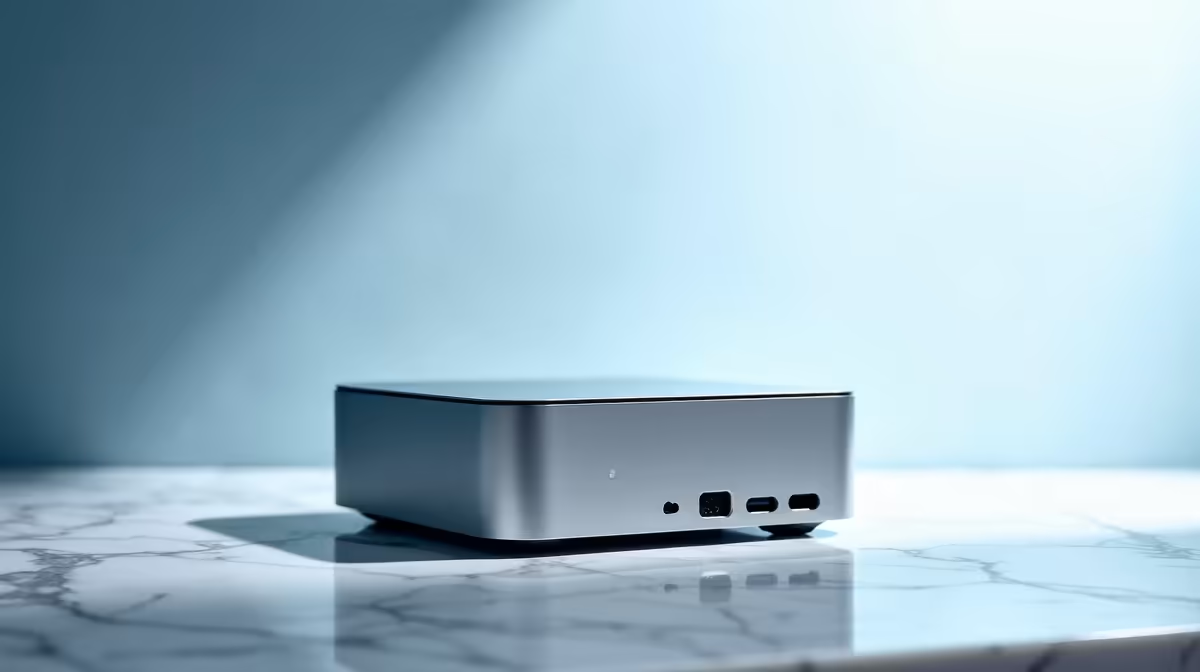
The Minisforum NAB6 Lite i5 8GB/512GB at R4,150 suits a first-year student who needs a compact mini pc for registration forms, student portals, email, video calls, and everyday course admin without filling the desk.
First-year setup checklist
For a tighter student budget, the Minisforum NAB6 Lite i5 8GB/512GB at R4,150 is the neat starting point because the 512GB storage gives room for documents, browser downloads, PDFs, and campus software installers. Keep it beside the monitor, label the power cable, and set up the student email, university portal, cloud drive, and password manager before registration day.
The UM750L 16GB/1TB at R4,600 is the stronger value pick when the same desk will also handle lecture recordings, large PDF packs, and group project folders. Its 16GB memory gives more breathing room when a browser, video call, spreadsheet, and notes app are all open, while the 1TB storage makes it easier to keep course files organised by module.
Small student desk registration corner
A NINKEAR M7 16GB/512GB at R4,650 works well where the screen, keyboard, mouse, and stationery already take most of the table. The 16GB memory helps keep the registration workflow smooth, and the 512GB storage is enough for a clean first-year file system if old downloads are cleared monthly.
The HP AIO 22 at R10,036 has a different desk tradeoff: the screen and computer share one main unit, so it can simplify cable clutter, but it gives less placement flexibility than a tiny box tucked beside a monitor. For a premium compact setup, the GEEKOM A8 Max 32GB/1TB at R12,900 suits students who want 32GB memory and 1TB storage for heavier multitasking.
Ready to choose the right mini pc?
Use Minisforum NAB6 Lite i5 8GB/512GB at R4,150 as the mini pc shortlist benchmark, then check whether its listed spec matches the space, workload, and upgrade path.