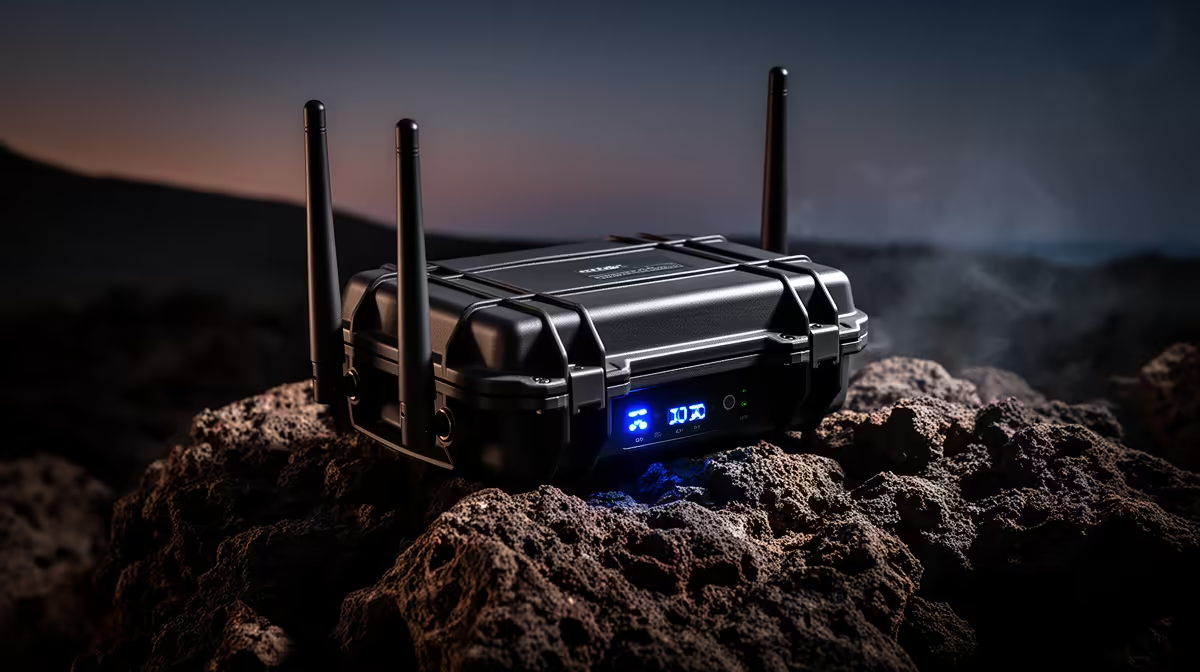
An outdoor access point can distribute a local network when fibre is unavailable, but it cannot create an internet connection. The upstream service may come from fixed wireless, mobile broadband or another provider. Buyers must test that service separately from outdoor Wi-Fi coverage.
Draw both network layers
Mark the internet device, router, Ethernet route and outdoor users. Test upstream speed, latency and data behaviour at the router first. Then measure coverage at the proposed mount. A strong access-point signal cannot repair congestion, poor cellular reception or restrictive service terms.
Choose weather-rated hardware
The verified facts offer no priced outdoor access point for this non-fibre installation. The Cudy AP3000 is verified at R899 as an indoor access point and must stay protected from weather. The Cudy WR6500H Wi-Fi 7 router costs a verified R1,394 as a router comparison, not an outdoor substitute.
For exposed installation, confirm ingress rating, operating temperature, PoE support, antenna pattern and mounting guidance. Use outdoor-rated cable and protect building entries from water. Keep ordinary connectors and power injectors inside a suitable protected space. Hire a qualified installer for elevated work or routes near electrical services.
Secure the network with current firmware, unique administration credentials and a separate guest segment. Test video calls, uploads and recovery after restart during the busiest service period. Choose the access point for coverage only after the internet link proves adequate.
Extending a non-fibre connection? > Ask Evetech to compare routers and current access points against both network layers.