Quick Answer
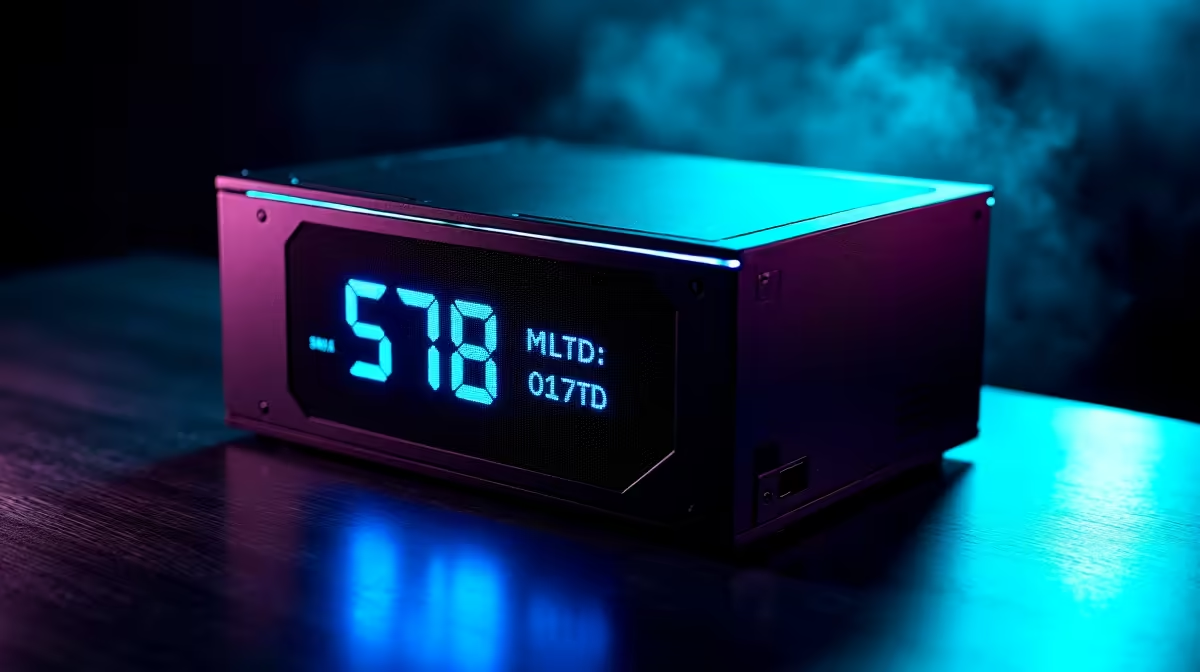
Magnetic OLED displays on premium PSUs show real-time wattage draw, rail voltages, fan speed, and internal temperature directly on the unit, letting you verify actual system power consumption without software tools. This feature is most useful for diagnosing transient load issues, confirming overclock stability, and verifying a high-end build is operating within the PSU's rated capacity.
What PSU OLED Displays Actually Show You 🖥️
A PSU-integrated OLED panel cycles through several data points on a screen mounted on the rear or side of the unit. Typical readouts include total DC output wattage in real time, 12V rail voltage under load, fan RPM, and internal unit temperature. Some implementations also show efficiency percentage and cumulative operating hours. For a South African builder running an RTX 5090 and a Ryzen 9 9950X, the most useful readout is peak wattage: seeing a spike to 920W during a benchmark confirms that a 1200W PSU is correctly sized. This visibility eliminates guesswork from PSU sizing for future builds. Premium PSUs with magnetic OLED displays are found in the R5,500 to R8,500 range for 1000W to 1200W at Evetech.
Magnetic Mounting and Diagnostic Value 🔧
The magnetic qualifier in these designs means the display module attaches to the exterior of the case via a magnet rather than being permanently fixed to the PSU chassis. The display cable runs through a case slot to connect to the PSU internally, while the OLED screen sits on the case side panel at eye level. For SA builders using cases without transparent side panels, this is a significant advantage over software-only monitoring, which requires a second screen or alt-tabbing mid-game. Watch the 12V voltage readout under gaming load: a drop below 11.8V indicates either a marginal PSU for the load or a high-resistance cable connection worth investigating. Track internal temperature over a South African summer season: if it climbs 8 to 10 degrees compared to winter readings at identical loads, case cooling improvements would help. The OLED replaces external power meters costing R400 to R1,200 with a built-in permanent solution.
Record Peak Wattage During First Benchmark ⚡
The first time you run a demanding benchmark after installing an OLED-equipped PSU, note the peak wattage displayed. This becomes your baseline reference. If the same benchmark later shows a noticeably higher peak, a component is drawing more power than before, which can indicate degraded thermal paste causing the CPU or GPU to boost harder to compensate for rising temperatures.
FAQ
Does the OLED display affect PSU warranty or add failure points?
The OLED module is a separate low-power subsystem drawing a few watts from the standby rail. It does not affect the main power conversion circuitry, and its presence does not typically affect warranty terms. If the display fails while the PSU operates normally, most manufacturers treat the OLED as a separate serviceable component.
Can the OLED display help identify the coil whine source in a system?
Partially. Watching the 12V rail voltage display during coil whine episodes can reveal whether voltage fluctuation correlates with the noise, pointing to PSU-side switching resonance. If voltage stays flat while whine occurs, the source is more likely the GPU's own VRM chokes responding to load changes.
Is the magnetic OLED display compatible with all case types?
Magnetic displays attach to any steel or magnetically receptive surface. Aluminium or tempered glass panels do not hold the magnet. For glass side panels, most display modules include a self-adhesive mounting option, or can be positioned on the steel rear panel near the PSU IO area.
Want real-time power data from your build?
Evetech stocks premium power supplies with integrated OLED monitoring across 1000W to 1600W ratings. Browse the power supply section to find a unit with the visibility your high-end build deserves.