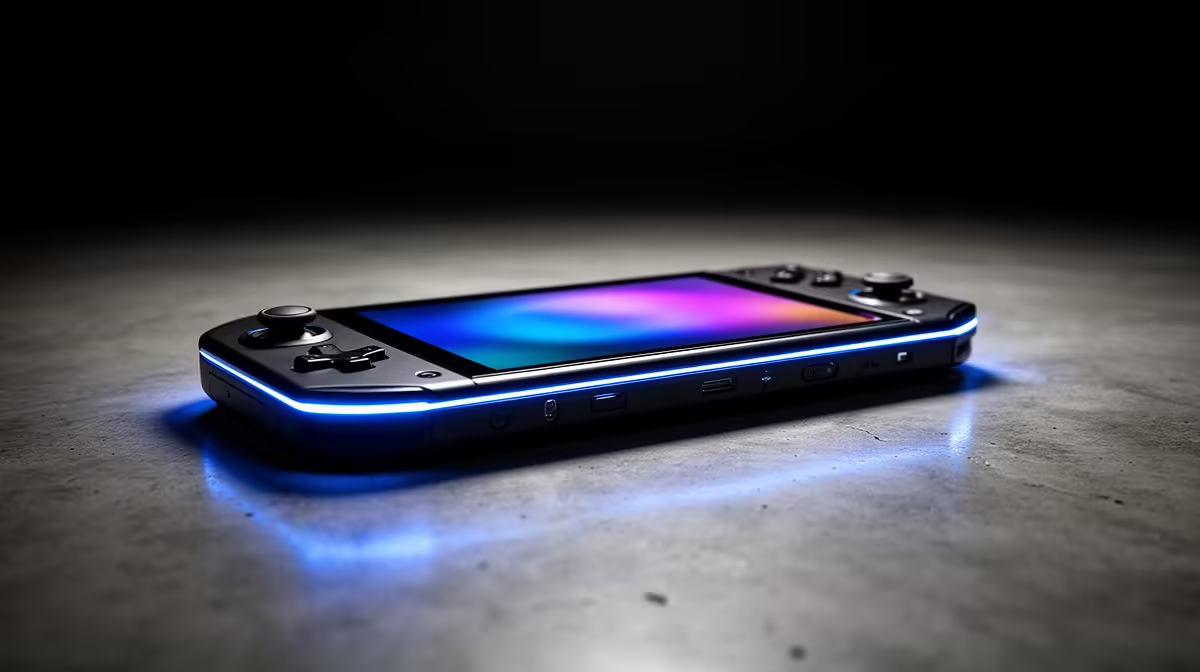
The Win Max 2 sits between a handheld and a small laptop, which changes the way you should price it. The GPD Win Max 2 price in South Africa must make sense for games, keyboard work and every peripheral you expect this one device to replace. Its niche availability means the current route matters as much as the specifications.
Quick Answer
GPD Win Max 2 availability and Rand totals can shift between sellers and incoming units. A cross-border purchase may add international carriage, customs assessment and a remote support process. Compare the complete setup with Evetech's live handheld gaming range and current PCs before deciding how much you value the hybrid form.
💻 Decide whether you need a hybrid
The larger clamshell offers more screen and keyboard area than a small handheld. It remains much smaller than a full laptop, so comfort depends on the task.
For gaming, check where the built-in controls sit relative to your hands. The wider body can spread weight and may tire wrists without forearm support.
For work, type a full paragraph and use the trackpad or pointer. A keyboard that handles a password may still frustrate you through a spreadsheet or long message.
Screen size helps Windows menus and older games with small text. Look at brightness, reflections and hinge stability in your typical room.
The hybrid makes sense when one compact device covers travel work and play. If it spends every day docked, a laptop or desktop may give a larger screen and simpler cooling for the same role.
Measure the bag, charger and case together. The system's travel advantage depends on the complete kit, not the bare device dimensions.
🎮 Check performance and configuration
Confirm processor, memory, storage and display for the exact revision. The Win Max 2 name can span hardware updates, so year-specific reviews matter.
Match the GPU capability to your games. Use sensible resolution, frame cap and scaling for the small screen. Maximum settings can create heat and battery drain without a visible benefit.
Windows game support depends on drivers, launchers, anti-cheat and controls. Test your important titles one by one. Keep keyboard shortcuts available for setup and recovery.
Check built-in controller behaviour. Sticks, triggers and vibration should map without conflict when the keyboard or trackpad is active.
Storage needs grow with PC games and work files. Confirm the installed drive and supported expansion. Back up before opening the device or changing partitions.
Create a known-good software baseline. Record drivers and firmware, set up the supported recovery method and save important files outside the handheld.
🔌 Plan ports, docking and power
Port selection can be a reason to choose a larger handheld. Confirm the current model's USB, display, audio and card connections rather than relying on another revision.
List your docked equipment: monitor, keyboard, mouse, network, storage and charger. Check whether one dock supplies the required data, display and power without unstable adapters.
Connect peripherals one at a time. A problem that begins after a dock or external drive is easier to diagnose when the clean handheld test is recorded.
Use the approved charger and a correctly rated cable. Verify power input from the device and supply labels. Test battery level under a demanding game while connected.
Keep vents clear in a dock. A vertical stand should avoid blocking inlets and should support the body without pressing controls.
Evetech's PC best-sellers provide a local comparison for the work side. Check laptops and compact PCs if keyboard, ports and screen time dominate.
📦 Compare the full ownership path
Price the exact Win Max 2 configuration, charger, case, dock and storage. Add international delivery, Rand conversion, customs duty, carrier processing and return transport when the chosen route crosses borders.
Compare it with one local handheld and one local laptop or PC. The Win Max 2 should win through its combination of controls, keyboard and portability, not because the alternatives were compared in incomplete form.
Get written fault steps for the display, keyboard, controls, battery and mainboard. An integrated hybrid can lose both work and gaming roles from one hardware fault.
For a used unit, verify the CPU, memory and drive in Windows. Run a storage health check, battery report, keyboard test and controller test.
Inspect hinge play, ports, screw heads and lower shell. Run a game until warm, then connect a monitor and charger. This exposes cooling, display and power paths.
Test the keyboard with a full sentence, numbers and modifier combinations. Open a browser and scroll through a long page using the built-in pointer. These actions reveal whether the hybrid can handle work without an external keyboard and mouse.
Check analogue controls through raw-input software. Hold several positions, release to centre and press every shoulder control. A device can launch a game while carrying drift or a trigger that never reaches its maximum.
Run the speakers, headphone output, microphone and camera if present. Then transfer a large file through each high-speed port and card slot. Integrated devices justify their size by replacing accessories, so every path should earn trust.
Review sleep behaviour while docked and undocked. Save work before closing the lid until you know whether monitors, audio and network recover. A clean cold boot is slower and safer than losing a document to an unstable resume.
Keep a second way to access essential work. A niche handheld should not hold the only copy of documents or the only route to an urgent call.
Recheck Evetech's current range before payment. Local handheld and PC options change, and a new listing can alter the comparison.
Frequently Asked Questions
How is the Win Max 2 different from smaller GPD handhelds?
It uses a larger body with a more laptop-like screen and keyboard while retaining gaming controls. The trade is extra size and weight.
Does its size raise shipping cost?
It can affect packed dimensions and weight, but only a current carrier quote to your address gives a useful answer.
Can it handle general laptop tasks?
It runs Windows and can perform laptop work within its hardware limits. Keyboard size, screen and ergonomics decide whether it suits long sessions.
Which ports does it include?
Port selection can change by revision. Check the exact product page and manual for USB, display, audio and storage connections.
Is support a concern on an overseas unit?
It deserves careful planning. Get the seller's return address, evidence requirements and transport responsibility in writing.
What local option can I compare?
Use Evetech's live handheld and PC pages to compare locally listed devices with current Rand pricing and support terms.
Ready to compare a handheld with a compact PC?
Browse Evetech's current handheld and PC ranges, then choose the form that fits both your games and daily work.