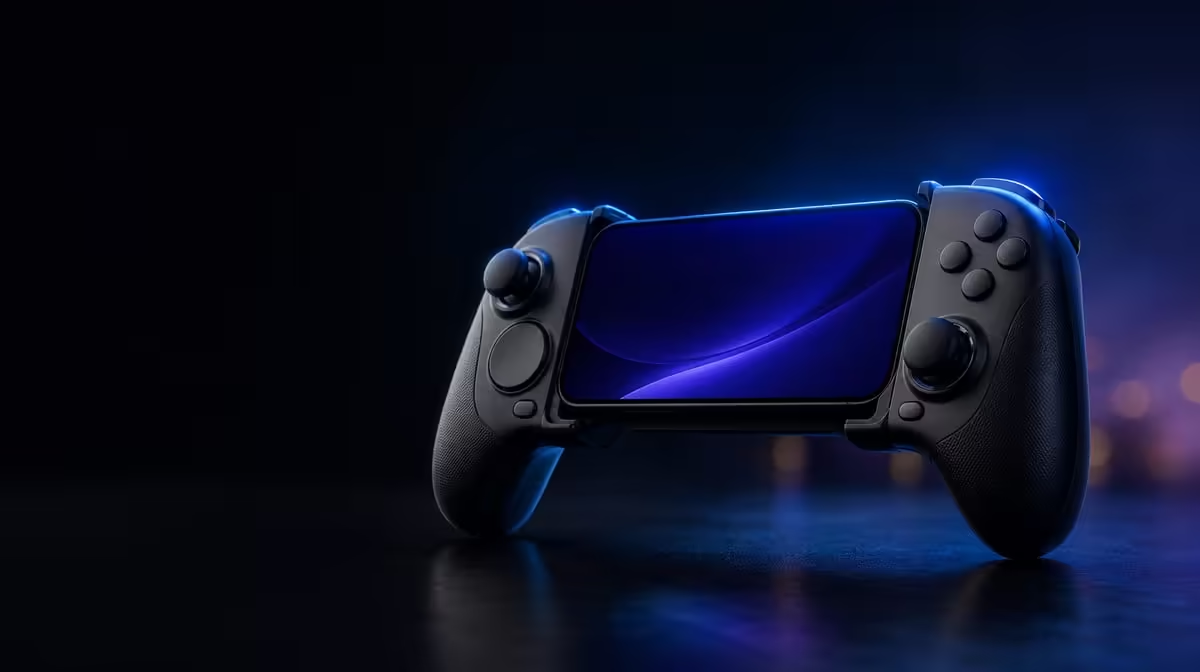
Vibration improves a game when it carries information the hands can recognise. HD Vibration for mobile gameplay can distinguish impacts, surfaces or events more clearly than a broad repeated buzz when both the controller and title support detailed feedback. The R699 GameSir X5s includes HD Vibration beside Hall sticks and 6-axis gyro, giving touch feedback a place in its mobile control system.
Quick Answer
HD Vibration can make supported mobile games more expressive by delivering varied physical cues instead of one undifferentiated effect. The R699 GameSir X5s carries this feedback feature. Start at moderate intensity, compare distinct events and lower it if vibration interferes with aim, gyro or comfort.
📳 Feedback needs a vocabulary
A useful vibration system should allow one event to feel distinguishable from another when the game supplies that detail. A collision, change of surface or important action may produce different physical cues, helping the player recognise what happened without relying only on the screen.
The controller cannot create detail the game does not send. Two Android titles may feel very different even with the same X5s setting. One may provide varied effects; another may offer only a broad rumble or no external feedback.
Test the feature in a familiar scene containing at least two clearly different events. Keep intensity fixed and repeat each. If the cues remain distinguishable, feedback is carrying information. If every event feels equally dominant, the level may be obscuring detail.
Write down the event and sensation without trying to name an internal mechanism. "Short cue on impact" and "longer cue on surface change" are useful observations. This simple vocabulary makes later intensity changes easier to judge.
Repeat the comparison with the controller held in the normal playing posture. A vibration felt clearly on a desk may be interpreted differently through a relaxed grip.
The Evetech gaming controller range helps buyers compare feedback features alongside controls and compatibility rather than in isolation.
🎚️ Choose intensity for the game
Maximum strength is not the goal. A relaxed title may suit prominent physical cues, while precise aiming may benefit from a quieter setting. Begin at a middle level where the game offers adjustment, play a representative sequence and change it gradually.
Comfort should be evaluated over more than a few seconds. A dramatic effect can feel exciting during setup and tiring over a longer session. Hands differ, so one player's ideal level should not be treated as universal.
Wireless vibration uses controller energy, making intensity part of the broader session decision even without inventing a runtime figure. A player who prioritises quieter, lighter feedback may choose less. Another may value stronger cues more than the energy trade-off.
Save a per-game profile when software support allows. A universal value may not suit titles with different effect design.
Use a three-step intensity test: clear enough to notice, gentle enough to preserve control, and comfortable over the expected session. A setting that fails any one step should move slightly rather than jumping to an extreme.
Review the profile after playing, not only during setup. Fatigue and distraction appear over time. The most informative feedback level should still feel sensible at the end of the session.
🎯 Protect precise input from unwanted movement
The X5s includes Hall Effect anti-drift sticks and 6-axis gyro. Both can be used for fine aim, while vibration physically moves the controller in the hands. Test these features together.
First establish stable stick and gyro control with feedback reduced. Then restore vibration and repeat a sequence containing an analog trigger press and a small aim correction. If the reticle shifts because the controller moves, lower intensity for that game before changing the gyro calibration.
Grip matters too. A strong effect may cause the player to squeeze harder or alter wrist position. That is a comfort and control observation, not evidence of stick drift.
HD Vibration can remain useful at a lower level. Information that arrives clearly without disrupting input is more valuable than sheer force.
Test the analog triggers during feedback as well. A vibration that changes grip may alter the smoothness of a graduated press even when aim is unaffected. The complete physical interaction matters more than any one control in isolation.
Browse the wider Evetech gaming accessory department after the controller feedback and physical setup have been balanced.
📱 Support and connection still come first
Android compatibility does not guarantee that every game sends detailed vibration. Confirm external controller support and feedback options in each title before judging the hardware.
The X5s provides Bluetooth, USB-C and 2.4GHz connections. Keep one route stable during a feedback test. If response feels delayed, compare a normal button press with vibration reduced, then use USB-C as a direct local reference.
Do not confuse the time of the physical cue with the time of the digital action. Watch the screen and feel the controller separately. A game may deliberately trigger feedback after an event, which does not prove that the original button arrived late.
The 2.4GHz mode requires a dongle that is not included, so R699 covers the controller rather than the full receiver-based arrangement. This connection detail does not change the presence of HD Vibration; it changes how one mode is planned.
Swappable ABXY buttons, Turbo and software customisation can shape the overall profile. Add them only after feedback, sticks and game recognition are understood. Too many simultaneous changes make a physical cue difficult to diagnose.
At R699, the X5s brings HD feedback into a broad mobile feature set. Its value depends on games that support it and a player who can feel the information without losing comfort. The Evetech accessory best-seller view can provide wider setup context once that balance is found.
Players who prefer minimal feedback can reduce or disable it in suitable game settings without losing the X5s Hall sticks, triggers or gyro. This makes vibration a configurable layer rather than a requirement to use the controller.
A useful final test alternates a quiet scene with an event-heavy one while keeping the profile fixed. If feedback remains recognisable without dominating either scene, the level is balanced. If it disappears in one or overwhelms the other, save different game profiles instead of searching for a single universal intensity.
Frequently Asked Questions
What can HD Vibration communicate?
Supported games can use varied effects to distinguish events such as impacts or surface changes. The exact feedback depends on the title.
Does every Android game provide detailed effects?
No. The controller includes HD Vibration, but each game decides whether and how it sends feedback.
Can vibration work alongside gyro?
Yes, though strong feedback may disturb fine physical corrections. Test both together and reduce vibration if it fights motion aim.
Why might a player prefer lower intensity?
Lower feedback can preserve comfort, stick precision and gyro control while still communicating useful events.
What is the X5s price with HD Vibration?
At R699, the X5s places HD Vibration among its mobile control features.
Ready to feel useful cues without letting feedback take over?
Compare Evetech gaming controllers and choose vibration, stick and gyro features that work together in your supported games.