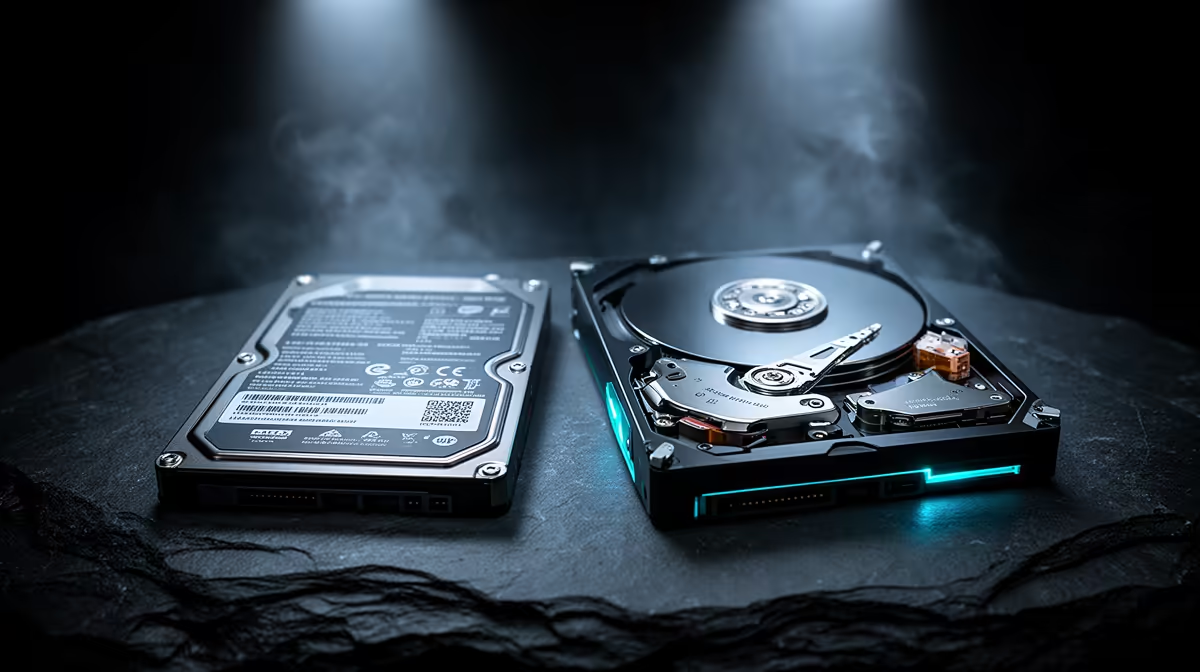
An untouched backlog does not need premium storage performance. The games launched every week do. That makes an HDD versus SSD game library a placement problem rather than a winner-takes-all contest: fast storage for active titles, economical capacity for archives that can tolerate a move before play.
Quick Answer
Keep Windows and frequently played modern games on an SSD. Use a hard drive for installers, recordings and older or inactive titles only when slower loading is acceptable and the game does not require solid-state storage. Evetech's July 2026 snapshot listed an ADATA SU650 512GB SATA SSD at R1,599 and a Seagate Expansion 2TB external hard drive at R1,849, showing how two differently sized drives can fill different roles without pretending they offer equivalent speed.
⚡ SSDs belong under the active library
An SSD has no moving read head, so it can retrieve scattered game files with far lower latency than a hard drive. That improves booting, patching, level loads and asset streaming. The gain is especially visible in open worlds and games designed around current console storage.
Modern requirements matter. If a developer lists an SSD as required, install the game on solid-state storage. Moving it to an HDD can produce loading issues or streaming behaviour the game was not designed to hide.
SATA SSDs remain useful even though NVMe drives offer higher sequential bandwidth. Many game loads depend on several parts of the system, including decompression and CPU work, so a benchmark gap does not always appear as an equally large loading-time gap.
Capacity needs free space. A 512GB drive cannot devote its full label capacity to games after formatting, Windows and applications. Keep enough room for updates, temporary files and healthy operation instead of filling the last few gigabytes.
🗄️ Hard drives still have an archive job
Hard drives provide large capacity for files that do not need immediate access. Game installers, capture footage, media, backups and an inactive library can sit there without consuming the SSD reserved for daily use.
Older games with small assets and infrequent loading may remain perfectly usable from an HDD. Test the title rather than applying one rule to a twenty-year library. A turn-based strategy game and a streaming-heavy open world place very different demands on storage.
External drives add portability but rely on the USB connection, enclosure and cable. The 2TB Seagate Expansion portable HDD at R1,849 in Evetech's July 2026 listing is a dated archive example, not an internal performance recommendation. Protect portable drives from shocks while they are operating.
Never keep the only copy of important saves, recordings or projects on the library drive. Platform cloud saves can help, but verify synchronisation and back up irreplaceable local files separately.
🔄 Moving games is easier than rebuilding the library
Major launchers provide a way to move or rediscover installed games, although the steps differ. Use the launcher's storage-management function where available rather than dragging folders and hoping the application follows.
An effective routine is simple: keep the current rotation on SSD, move completed or occasional titles to HDD, then move one back before the next session. The transfer takes time, but the wait occurs once instead of during every level load.
Patch behaviour complicates archives. Some launchers need substantial temporary free space while updating, and an older game can receive a large patch. Leave room on both the source and destination rather than allocating every byte.
Drive health belongs in the routine. Check SMART warnings where the enclosure and software expose them, listen for unusual mechanical noise and replace a failing HDD before reorganising the library around it. Verify every copied game file before permanently deleting the source. A game can be downloaded again; local mods, screenshots and configuration files may not be as easy to reconstruct later.
Evetech's solid-state drive range covers several interfaces and capacities. Confirm whether the PC needs 2.5-inch SATA, M.2 SATA or NVMe before treating the category as interchangeable.
📏 Size the fast tier from real use
Open the launcher and sort games by recent activity and installed size. Add the titles used every week, Windows, applications and a free-space allowance. That total defines the SSD need more honestly than the full account library.
A 1TB SSD can be a comfortable active tier for many players, but large modern games can change the result quickly. Evetech listed the Hiksemi T100 Pocket 1TB portable SSD at R1,299 in July 2026; because it is an external model, it should be compared with the ports and portability requirement rather than assumed to replace an internal game drive.
Use Evetech's SSD best sellers for a local shortlist, then read the exact interface, endurance and warranty. Capacity alone cannot tell you whether a drive belongs inside the PC, beside it or in a backup role.
An all-SSD library remains the simplest setup when the budget and slots allow it. The hybrid approach is valuable when it creates useful capacity without slowing the games that matter. It is not a reason to install a storage-sensitive title on the wrong medium.
Frequently Asked Questions
Should the whole game library sit on an SSD?
No. Active and storage-sensitive games should, while an archive can use an HDD if slower access is acceptable.
How much SSD space does an active library need?
Add Windows, applications, weekly games and a free-space margin. The answer depends on the actual installed sizes, not a universal game count.
Do older games suffer much on a hard drive?
Some load more slowly but remain comfortable. Test the title; asset streaming and engine design matter more than age alone.
Can I move games without reinstalling?
Usually. Major launchers have move, locate or library-folder tools, but the exact process differs.
Is a hybrid library cheaper?
It can provide more total capacity, but compare named drives by role. An external HDD and internal SSD are not like-for-like products.
Does loading time matter for backlog titles?
Not while they are inactive. Move a title to the SSD before returning to it if the HDD experience is poor.
What SSD size pairs sensibly with an HDD?
Choose the smallest SSD that comfortably holds the operating system, applications, active games and free-space allowance.
Ready to give fast storage to the games that can feel it?
Measure your active library, verify the PC's drive interfaces and compare suitable SSD capacity at Evetech before assigning the archive tier.