HDR: Is It Worth It for Office Productivity? ⚡
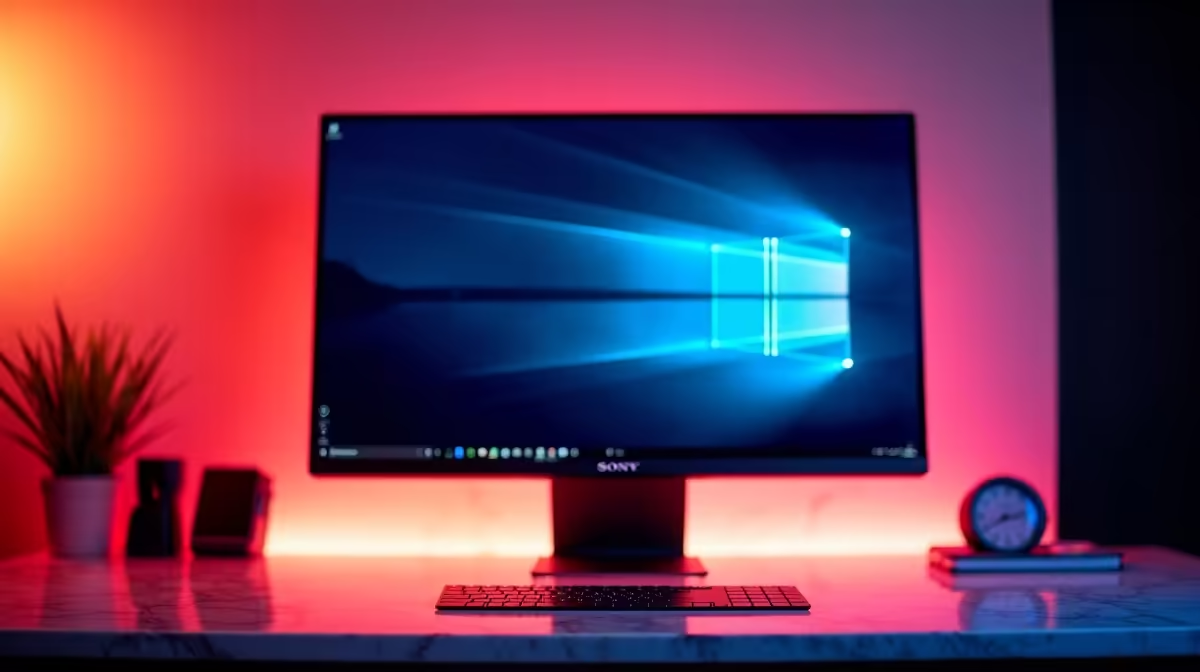
In South Africa’s growing remote work landscape, many wonder if investing in HDR monitors truly benefits office productivity. HDR (High Dynamic Range) boosts colour and contrast, but does your daily spreadsheet grind need it? Let’s dive into the practical side of HDR for office use and tackle your pressing questions about this feature — from clarity to cost and beyond.
Q: What exactly is HDR, and how does it improve a monitor?
A: HDR enhances a monitor’s brightness and contrast, making colours more vivid and details sharper, especially in dark or bright areas. It’s mostly designed for media like movies and games, rather than office tasks.
Q: Will HDR improve my experience with standard office apps like Word or Excel?
A: Not significantly. Office apps are mostly text-based and don’t benefit much from HDR. A good display with accurate colours and comfortable brightness is more important for productivity.
Q: Should I pay extra for an HDR-capable monitor if I only work on documents and emails?
A: You can save your ZAR and invest in monitors with better ergonomics or resolution. HDR monitors tend to be pricier and their advantages are subtle for office work. Check out the best PC monitor deals for affordable options optimized for productivity.
Q: How does an HDR monitor compare to a curved or portable monitor for office use?
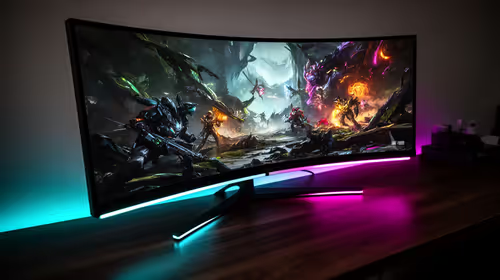
A: HDR focuses on image quality, while curved models offer immersive viewing angles and portable monitors provide flexibility. For office work, curved monitors can ease neck strain, and portable monitors add mobility. Explore curved monitors and portable monitors to find one that fits your setup.
Q: Are 4K or 5K monitors a better choice than HDR for multitasking?
A: Higher resolution offers more screen real estate for multiple windows, which boosts productivity more than HDR’s visual tweaks. Consider 4K and 5K monitors if you want crisp, detailed displays without the HDR premium.
Q: Will HDR monitors consume more power or run hotter?
A: Yes, HDR requires higher brightness and more processing, which can marginally increase power usage and heat. For long office hours, focus on monitors with efficient tech that won’t drain your electricity.
Q: Can I add accessories to improve my monitor for office work instead of investing in HDR?
A: Absolutely. Anti-glare screen protectors, monitor arms for adjustable positioning, and blue light filters help reduce eye strain. Browse monitor accessories for office-friendly upgrades.
Q: Where can I find reliable monitors suited to office productivity without unnecessary HDR gimmicks?
A: Evetech’s wide range of PC monitors lists top models prioritising clarity, comfort, and value — perfect for your everyday workflow.
Pro Tip for Office Setups
Optimise your monitor’s brightness to about 120 cd m² — reduces eye strain and cutting that HDR max brightness keeps your electricity bills down.
Key Takeaways
- HDR enhances colour and contrast but offers minimal benefit for office apps.
- Ergonomics, resolution, and comfort matter more than HDR for productivity.
- Curved and portable monitors can improve viewing comfort and flexibility.
- Higher resolution (4K or 5K) offers tangible productivity benefits over HDR.
- Accessories like adjustable arms and blue light filters enhance the workday experience.
- Check local deals and options on Evetech for the best productivity monitors under ZAR budget.
Upgrade Your Workstation Smartly
Skip unnecessary HDR costs — find your ideal productivity monitor today at Evetech. Shop now at Evetech for reliability, clarity, and value that fits your workflow.