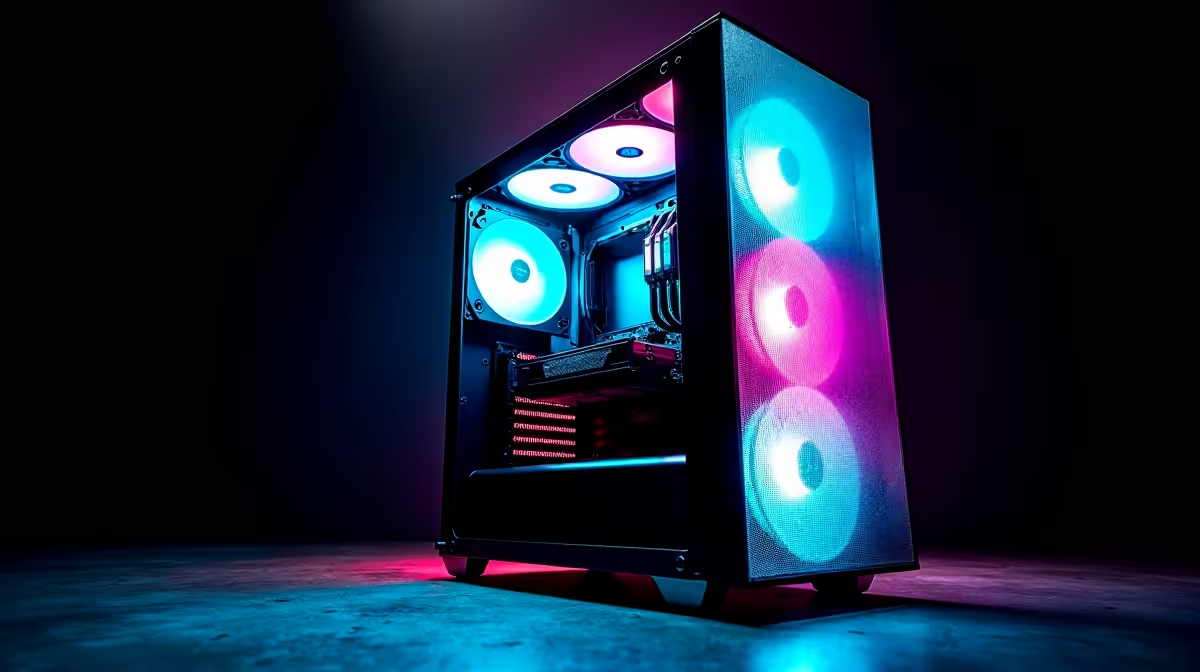
Choose a high-airflow case for Lightroom culling only after the complete desktop components and storage plan are known. Image selection is usually limited by preview generation, storage responsiveness, display quality and workflow, so an oversized cooling enclosure may not be the best use of the available allowance.
Size cooling around the actual build
List the motherboard format, CPU cooler height, graphics-card length, drive count and front-panel needs. Run a representative catalogue import and culling session on current hardware, recording temperatures, noise and storage activity. Define where the tower will sit and how often filters can be cleaned.
No high-airflow case with a verified selling price is included in the evidence. The WD Blue SN5000 2TB SSD at R1,684 is a confirmed storage reference, and the Palit RTX 3050 6GB at R2,700 is a separate GPU reference. Neither establishes case compatibility or Lightroom performance. Check current dimensions, fan positions, filters, front ports, component clearances and warranty.
Keep Lightroom catalogues and original photographs in a documented storage layout with independent backups. A mesh front helps only when fans and components create a coherent path. More open panels can also expose the room to fan noise and dust.
Buy the smallest maintainable case that fits every selected part and keeps measured temperatures stable. Reserve budget for the display, responsive storage and backup capacity that directly support photo work.
Building a Lightroom desktop? > Compare Evetech PCs and storage after defining parts, thermals and backups.