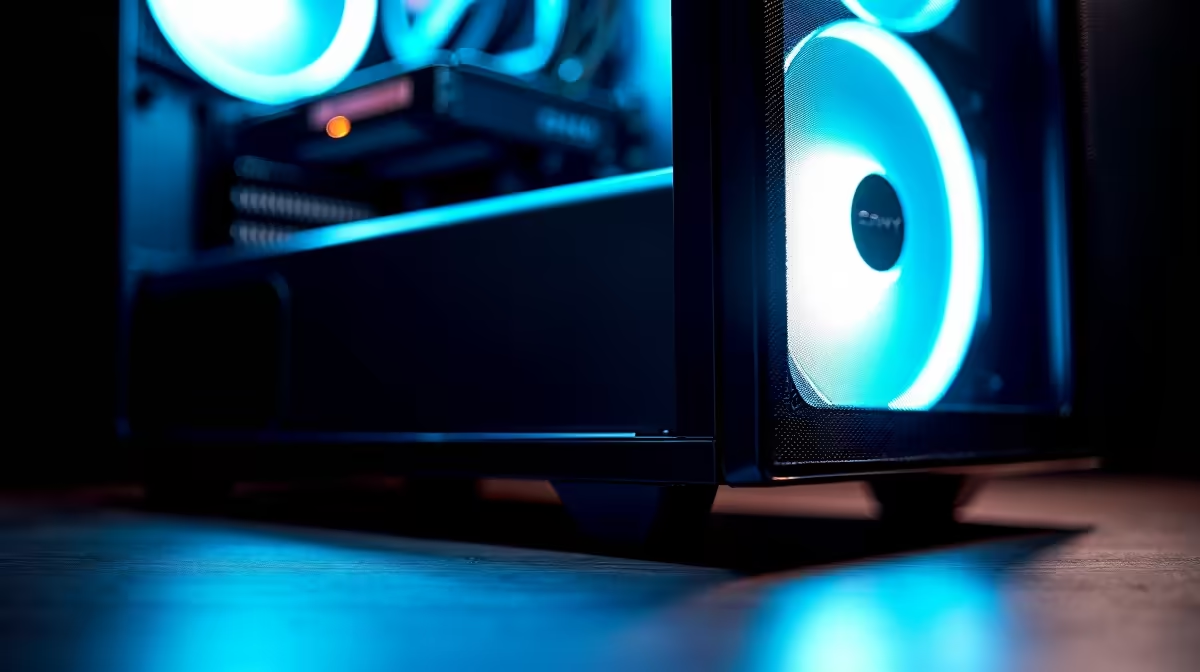
A high-airflow case can help a video-editing desktop when sustained exports push temperatures or fan noise beyond acceptable levels. The verified facts contain no high-airflow-case SKU, so compare cases elsewhere after measuring the installed components and current thermal behaviour. Keep the enclosure cost in proportion to the complete editing build.
Record a representative export
Play and export the normal timeline while logging CPU and GPU temperature, clock speed, fan speed and noise. Clean filters, move cables away from intake paths and confirm fan direction first. A mesh front may provide easier air access, but it can also expose more component sound to a nearby editing microphone. Test with the side panel installed and the tower in its normal furniture position.
Verify physical fit before purchase
Measure motherboard format, graphics-card length, CPU-cooler height, PSU length, radiator mounts and required drive bays. Check front-panel ports for cameras and storage. Plan filtered intake and a clear exhaust path, leaving service access for cleaning. Back up projects and application settings before moving hardware. A new case earns its place when it solves documented cooling, clearance or maintenance problems without creating a louder working environment.
Photograph every cable and drive position before disassembly so the editor can restore the known storage layout accurately.
Check front USB and audio access after the rebuild because editors often connect removable media several times daily.
Rebuilding an editing desktop? > Explore Evetech cases and cooling products after measuring fit, heat, dust and noise.