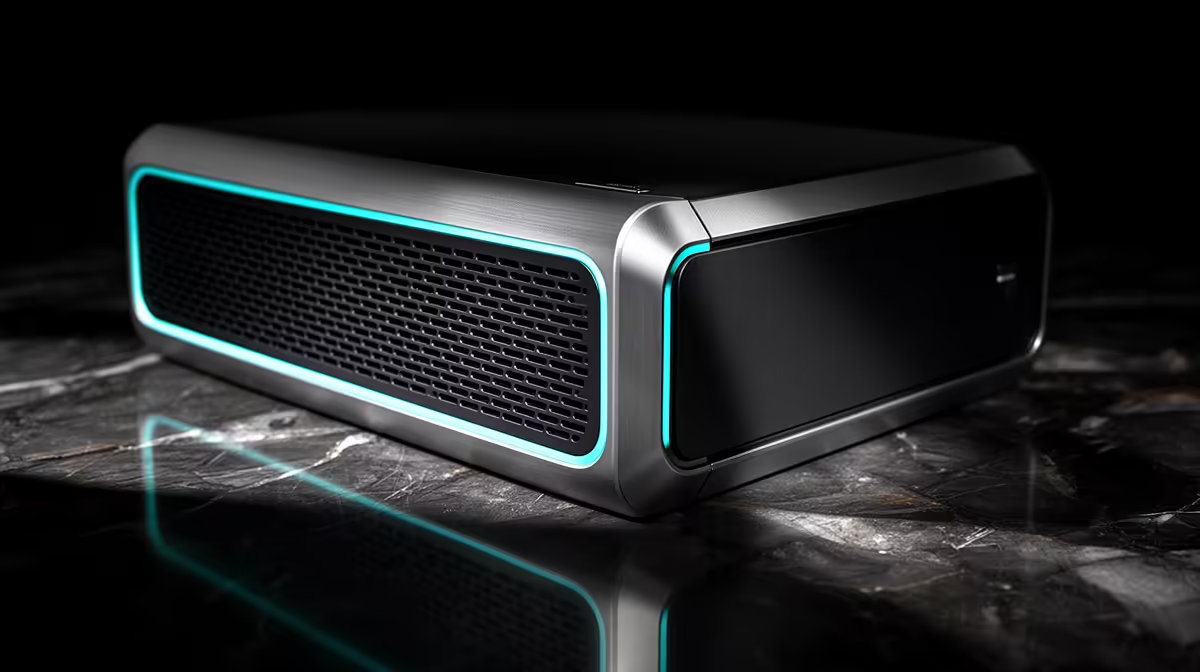
A UPS, inverter and solar-backed system answer different power questions. A UPS can keep one PC alive long enough to save and shut down. An inverter and battery can support selected household circuits for longer. Solar adds generation, but only when the system is designed to use it safely.
Quick Answer
Choose a UPS from measured PC watts, required shutdown time and waveform compatibility. Consider a professionally designed inverter-battery system when several devices or longer runtime are needed. Add solar after an accredited installer assesses daytime load, roof, protection and local rules. Do not connect a home inverter into wiring through improvised plugs.
Start by measuring the load
Use a suitable wall meter to record the gaming PC at idle, in the heaviest game and during a combined CPU-GPU load. Add the monitor, router and any storage that must remain on. Use watts for load and watt-hours for runtime planning.
Power-supply wattage is not the PC's constant draw. An 850W PSU does not mean the computer consumes 850W. Measure the system in the configuration you use.
Decide what must happen during an outage: finish a match, save work, keep the internet alive or shut down cleanly. A short safe shutdown needs far less battery than hours of play.
A UPS is the focused PC option
A UPS switches to battery when mains power fails and can condition or regulate input depending on topology. For a gaming PC, output watt rating must exceed the measured load with headroom. VA alone is not enough.
Runtime falls as load rises. Manufacturer charts are more useful than a maximum-minute claim. Batteries also lose capacity with age and heat.
Browse the UPS range and popular accessories, checking watt output, topology, waveform and runtime data on the exact model.
UPS topology changes behaviour
Standby units switch to battery after input moves outside their range. Line-interactive models can correct some voltage variation without using the battery and are common for PCs. Online double-conversion units continuously regenerate output and offer tighter isolation at higher cost, heat and fan noise.
Check the PC PSU and maker guidance. Active-PFC power supplies can prefer a pure sine-wave output, especially at high load. A stepped approximation may work with one setup and buzz or shut down with another.
Transfer time matters, but exact compatibility must be tested. The PC should stay running when the UPS switches under a realistic load.
Runtime should match the action
For safe shutdown, five to fifteen minutes can be enough if the UPS software and user respond. For continued gaming, battery capacity grows fast because a gaming GPU draws substantial power.
Keep the router on a smaller suitable backup if internet continuity matters. A fibre network outside the home may have its own backup limits, so local power cannot guarantee service.
Test the shutdown process before an emergency. Save work, switch to battery under supervision and verify the PC closes cleanly before the low-battery threshold.
Inverters cover broader loads
An inverter converts DC battery energy to AC for connected circuits or appliances. A fixed home system can support lights, network and selected sockets when sized correctly. It requires protection, changeover and wiring designed by a qualified installer.
Portable inverter-battery units can power selected plug-in devices within their rating. Do not feed their output into a wall socket or create a backfeed path. Use the outlets and method provided by the manufacturer.
Motor, fridge and pump starting loads differ from electronic PC loads. List every device and involve a professional in system sizing.
Battery chemistry and capacity
Lead-acid batteries are familiar and lower in initial cost, but usable depth of discharge, cycle life and ventilation require care. Lithium iron phosphate systems can offer more usable cycles and lower weight, with a battery-management system and compatible charger essential.
Amp-hours without voltage hide energy. Multiply nominal volts by amp-hours for nominal watt-hours, then account for inverter loss, permitted depth of discharge, battery condition and load.
Do not mix batteries of different age, capacity or chemistry unless the system maker explicitly supports it. Battery installation and disposal need safe approved routes.
Solar adds generation
Solar panels can recharge batteries and serve daytime load through a compatible inverter and controller. Panel wattage is not constant output; weather, orientation, temperature and shading change production.
A professional design balances array, inverter, battery and household demand. It also includes DC and AC protection, earthing, isolation and compliant installation. Local municipal or utility requirements can apply, so verify current rules with the relevant authority and installer.
Solar does not remove the need to manage a large gaming load. Playing at full GPU power during low generation still drains the battery.
Protect data as well as uptime
A UPS gives the operating system time to shut down, but a backup remains necessary. Sudden faults, storage failure and user error can occur while power is perfect.
Configure automatic shutdown through supported UPS software where available. Test it after firmware or operating-system changes. Keep critical files on another device or service and verify a restore.
Heat, noise and placement
UPS and inverter hardware generates heat. Keep vents clear and follow installation clearances. Do not place batteries in direct sun, a sealed cupboard or near ignition sources.
Online UPS units and large inverters can run fans. Check acoustic measurements if the equipment sits in a bedroom or office.
Battery swelling, leakage, unusual heat or smell is a reason to disconnect safely and contact qualified support. Do not open sealed battery packs.
Maintenance and replacement
Test a UPS periodically through the maker's procedure and record runtime. A self-test can pass while an aged battery has little capacity under load, so supervised runtime checks matter.
Replace batteries with approved type and ratings. Recycle through a suitable battery or e-waste channel. Keep purchase and replacement dates with the unit.
An inverter system needs professional inspection and firmware maintenance where applicable. Solar panels need safe visual checks and cleaning appropriate to the roof and installation.
A simple decision tree
For one PC and a clean shutdown, start with a compatible UPS. For router and a few low-power devices over longer periods, compare a dedicated DC backup or suitable portable unit. For selected home circuits and hours of runtime, get an inverter-battery assessment. Add solar when ongoing generation and installation economics suit the property.
Keep gaming demand separate from essential loads. Lights, network and work equipment can run much longer when the GPU is off.
Frequently Asked Questions
How large should a gaming PC UPS be?
Choose from measured watts, required minutes, waveform and the exact model's runtime chart, leaving suitable headroom.
Can I run a gaming PC from an inverter?
Yes when output quality, wattage, battery and installation suit the PC. Fixed wiring needs a qualified professional.
Does solar keep the PC running all day?
Only when actual generation, battery and load support it. Weather and gaming power draw change the balance.
Size a PC UPS from measured load and shutdown time, using a qualified installer when the backup expands to inverter, battery or solar circuits.