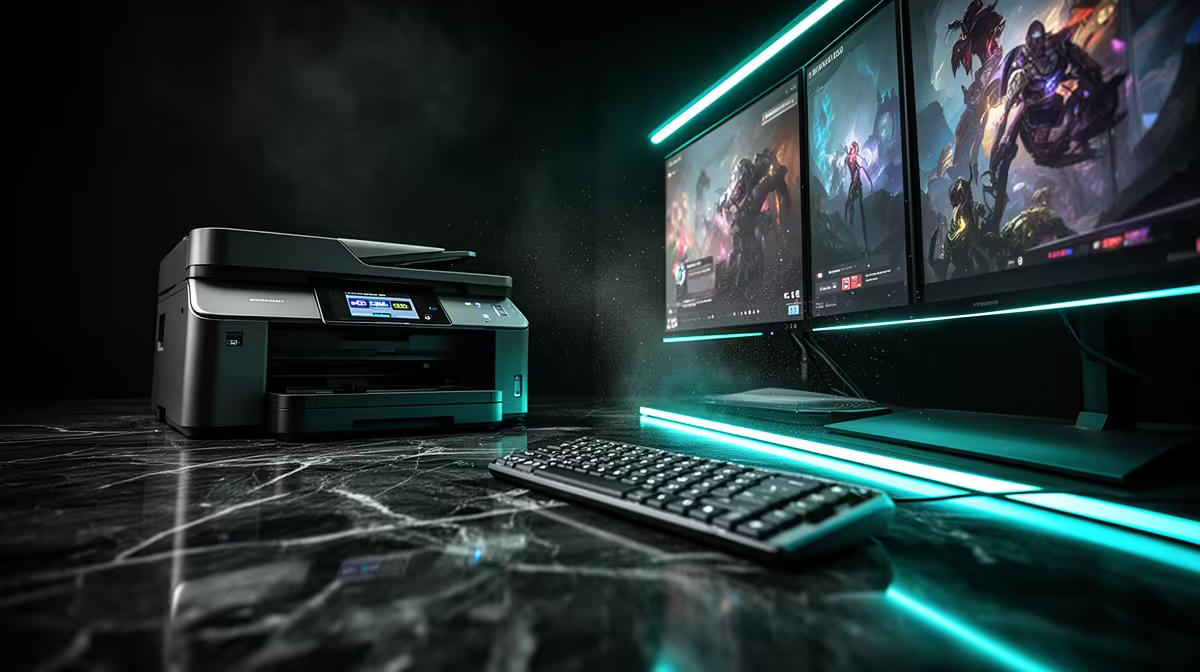
A home printer is worthwhile for a student who produces worksheets, marked drafts or signed forms each week. It has no effect on gaming and should not consume the portion reserved for a capable computer or network. Compare annual pages and consumables with campus or local print services before buying.
Count a term of paper
Separate black text, colour diagrams, scans and special paper sizes. Ask for ink or toner yield and replacement cost. The supplied factpacks contain no verified home-printer SKU or price, so current models must be checked for duplex support, Wi-Fi, drivers and supply availability. A low box price can become expensive when cartridges hold little ink.
Keep printing out of the gaming path
Place the printer away from computer exhaust and drinks. Connect it through the network without installing unnecessary utilities on the gaming PC. Update firmware, change default administrator credentials and protect scanned personal documents. Schedule large driver downloads outside online matches if bandwidth is limited.
Buy when regular output saves enough trips and deadline stress to justify maintenance. Use a service bureau for rare colour or large-format jobs. Keep digital assignments in two locations, because a printed copy does not preserve editable work. The student should treat printer and gaming upgrades as separate decisions.
Planning a study desk? > Check Evetech printer availability and compare supplies against the expected page mix.