Quick Answer
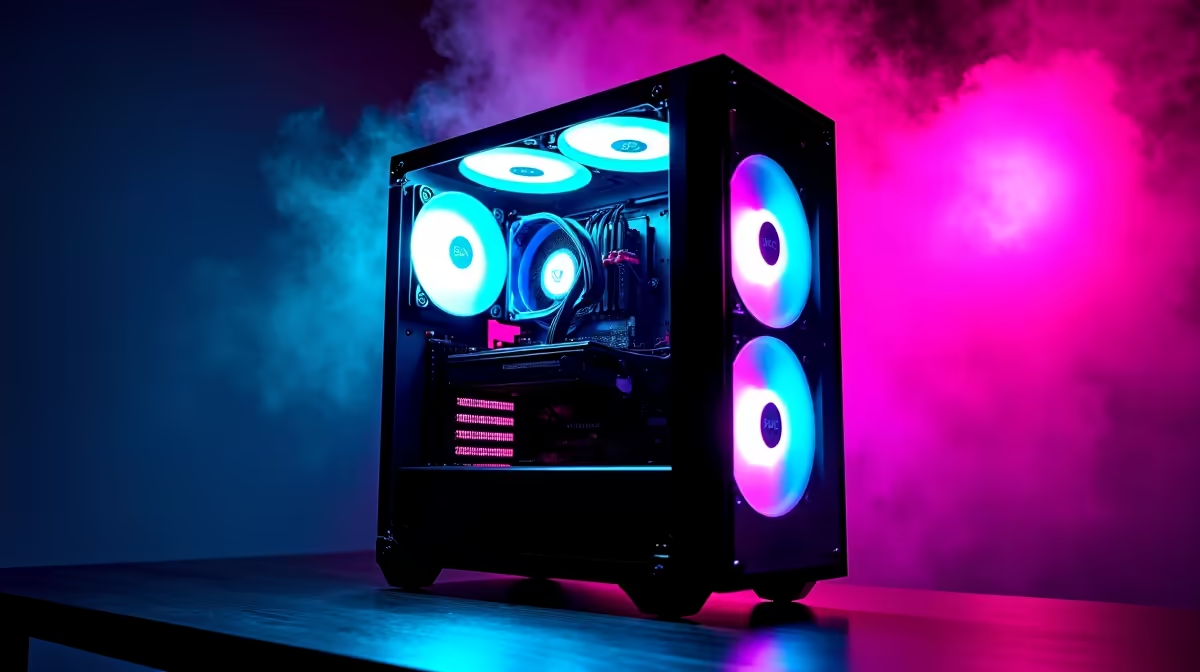
Reverse fans face their clean blade disc toward the tempered glass panel instead of exposing the motor hub and struts. The result is an unobstructed spinning disc with continuous LED illumination visible through the glass, creating a polished showcase appearance that standard fans cannot match from the same viewing angle.
What Glass-Side Builds Reveal About Standard Fans 🖥️
A tempered glass side panel is a feature showcase: it exists to display the components inside. When standard fans are mounted as front intake, they face the glass with their motor hub visible through the spinning blades. The hub is a plastic dome with three to five structural struts that interrupt the visual field. Under ARGB lighting, these struts cast shadows across the LED ring, creating a broken-light-ring effect that most enthusiast builders find aesthetically unsatisfying.
The Visual Improvement of Reverse Orientation 🌈
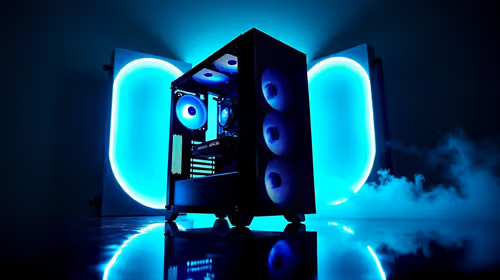
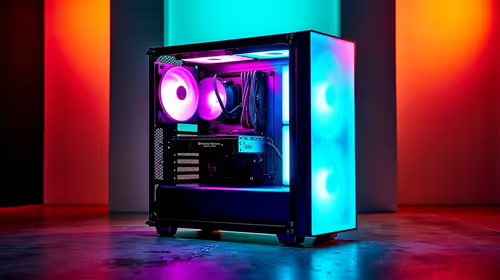
A reverse-mounted fan presents its blade face to the glass. Purpose-built reverse fans engineer the blade disc to be visually continuous: no visible hub protrusion, no strut shadows. The outer LED ring illuminates without obstruction. In ARGB configurations, colour animations sweep cleanly around the full ring. When three reverse fans are stacked in a front intake column behind glass, the effect is a symmetrical, layered display that makes the whole build look more deliberate and premium.
Aesthetic Setup Tips for Maximum Impact 🎨
Position the three front intake fans in a tight vertical stack with minimal gap between them: 2mm to 5mm frame clearance achieves a near-seamless column of spinning discs. Use a uniform ARGB colour theme across fans, RAM, and CPU cooler ring to create visual cohesion. Rainbow gradient modes look busiest and least coherent; static colour or slow breathing effects give the most polished result.
Practical Considerations Beyond Looks 🔧
Reverse ARGB fans cost R50 to R200 more per unit than comparable standard fans. This premium is worthwhile when the side panel is large enough that the fans occupy significant visual real estate, which is the case in most ATX mid-tower builds with three-quarter or full glass panels. For cases with a small porthole-style window, the visual uplift is less dramatic. Verify that your chosen reverse fans are purpose-built for reverse orientation rather than physically flipped standard fans: the latter can reduce static pressure by 10 to 20% depending on blade pitch.
Clean the Interior Glass Before Sealing ⚡
Before closing the tempered glass panel for the final time, wipe the interior face with an alcohol-free lens cloth. Thermal paste residue, fingerprints, and dust on the interior surface are impossible to remove without re-opening the case and they significantly reduce the visual clarity of your ARGB fan display.
FAQ
Do all glass-side cases support reverse-mount fans?
Physically yes, since most cases use standard 120mm or 140mm screw hole patterns. However, some cases position front intake fans behind a shroud that hides the fan face anyway, making reverse orientation pointless. Check whether the fan face is directly visible through the glass before specifying reverse fans.
Can reverse fans be used in top exhaust positions for the same visual effect?
Top exhaust fans are typically not visible through a glass side panel, so the visual benefit of reverse orientation does not apply. Standard fans work equally well and cost less in non-glass-visible positions.
Is there a setup where reverse fans look worse than standard fans?
Yes: if the case's front intake chamber is enclosed by an opaque front bezel with only small vent holes, neither fan orientation is visible and the reverse premium is wasted. Open-mesh fronts with large intake openings are the ideal pairing.
Building a glass-side showcase PC?
Evetech stocks reverse-orientation ARGB fans and tempered glass cases designed to let your build's lighting and components take centre stage.