


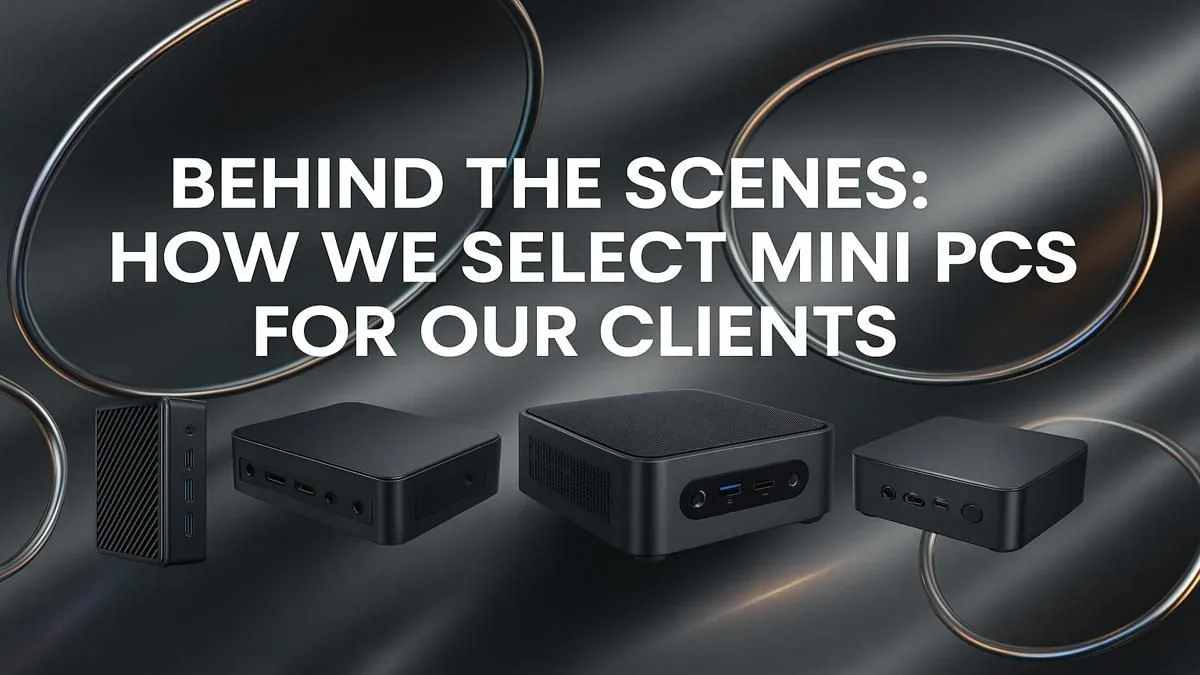
Tired of that beastly tower taking up half your desk? In South Africa, where space can be a premium, a massive PC case isn't always practical. What if you could get incredible performance for work, media, and even gaming in a box that fits in the palm of your hand? That's the magic of a mini PC. This expert guide will show you exactly how to choose a mini PC that perfectly fits your needs and budget.
Your Mini PC Selection Guide: Key Factors 🔧
Choosing the right mini PC is all about matching the hardware to your daily tasks. It’s not a one-size-fits-all solution. Let's break down the crucial elements to consider so you can make a smart choice.
What's Your Mission? (Use Case)
First, ask yourself: what will this PC primarily do? Your answer dramatically changes which model is right for you.
- Home Theatre & Media (HTPC): If you're streaming 4K content from Netflix or running a Plex server, you don't need a monster CPU. Focus on models with great video output (HDMI 2.1) and quiet operation.
- Office & Productivity: For smashing through spreadsheets, emails, and Zoom calls, a mid-range Intel Core i5 or AMD Ryzen 5 with 16GB of RAM is the sweet spot. It offers snappy performance without breaking the bank.
- Light Gaming & Creative Work: Want to play Valorant or edit photos? Look for models with more powerful integrated graphics, like AMD's Radeon series, or those with dedicated GPUs.
Considering your primary goal is the most important step. You can explore a wide selection of mini PCs to see how specs align with different tasks.
The "Hart" of the Matter (CPU, RAM & Storage)
The processor (CPU), memory (RAM), and storage (SSD) are the core trio that determines your PC's speed. When you choose a mini PC, don't just look at the brand… look at the generation. A newer Intel Core i3 can often outperform an older i7.
For most users, 16GB of RAM is the new standard, ensuring smooth multitasking. And always, always opt for a Solid State Drive (SSD). The speed difference between an SSD and an old-school hard drive is massive, making your entire system feel more responsive. Many mini PCs allow you to upgrade RAM and storage later, offering a great future-proof path. It's worth a moment to browse our mini PC components to see what upgrade options are available.
Home Server Pro Tip ⚡
A mini PC makes an incredible, low-power home server. Install software like Plex for your movies, Home Assistant for smart home control, or Pi-hole to block ads on your entire network. They run 24 7 using a tiny amount of electricity compared to a full desktop tower, saving you money on your Eskom bill.
Connecting Your World (Ports & Connectivity)
A mini PC's small size means port selection is crucial. Before you buy, think about all the devices you need to connect. Look for:
- Multiple USB Ports: A mix of USB-A and modern USB-C is ideal.
- Video Outputs: At least one HDMI or DisplayPort is standard. If you need to run multiple monitors, check that the PC supports it.
- Connectivity: Wi-Fi 6 and Bluetooth 5.2 are essential for fast, stable wireless connections and peripherals. An Ethernet port is a must for the most reliable internet speeds. ✨
Budgeting in Rands (Price vs. Performance)
You don't need to spend a fortune to get a fantastic mini PC. The key is finding the performance sweet spot for your budget. For everyday work and media consumption, you can find excellent machines. Even for more demanding tasks, there are many powerful units under R22,000 that deliver serious punch without the hefty price tag of a full custom-built tower. Set a budget, stick to it, and focus on the features that matter most for your use case.
Ready to Reclaim Your Desk Space? Choosing the right Mini PC doesn't have to be complicated. For a massive selection of compact powerhouses perfect for any task, from home media to office productivity, Evetech has you covered. Explore our full range of Mini PCs and find your perfect fit today.











