



PCIe 5.0 vs PCIe 4.0 for Video editing in 4k in SA
PCIe 5.0 vs PCIe 4.0 for video editing in 4k is mainly about fit, features, compatibility, cost, and upgrade path, not one automatic winner. SA buyers should match the choice to the setup.
Read moreFit the 360mm radiator at the top of the case with intake fans pulling air up, seat the pump on the CPU with thin even-pressure paste, then wire ARGB and PWM to the motherboard CPU fan header. Match specs to your build and use case before you commit to the upgrade.
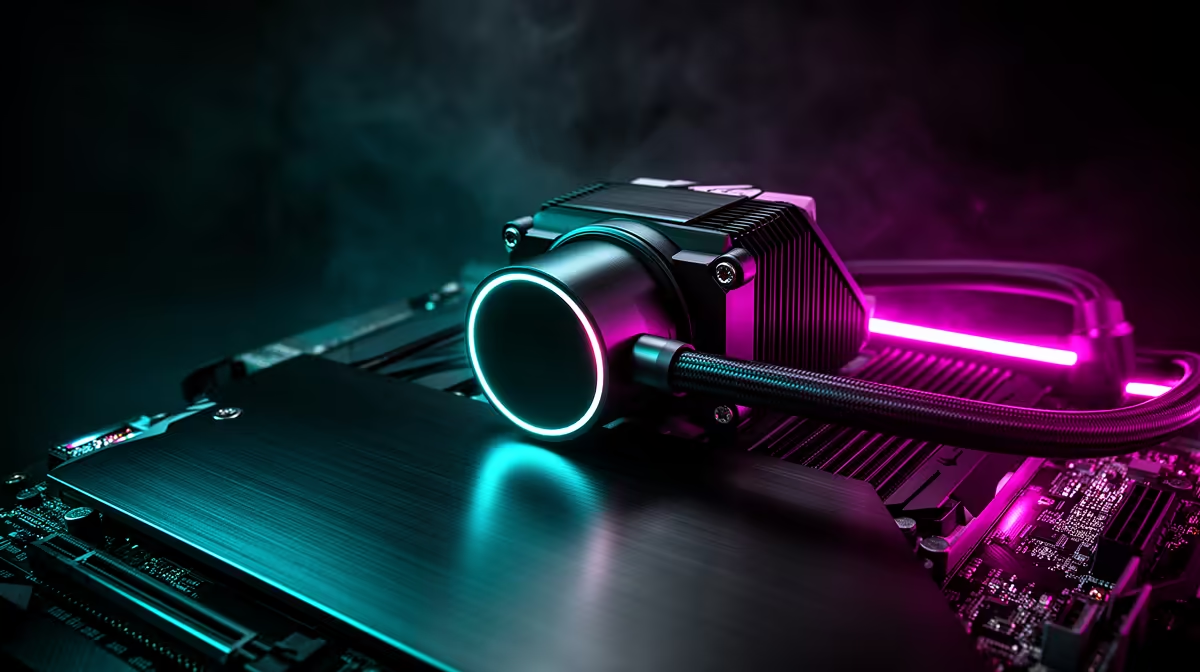
Mount the 360mm radiator in the front or top case position, seat the pump head on the CPU with pre-applied thermal paste, connect the pump to the CPU_FAN header and the radiator fans to CHA_FAN headers or a hub, then configure a custom pump and fan curve in the UEFI before first boot.
Front-mounted radiators pull fresh outside air through their fins before it enters the chassis, giving the radiator the coldest possible inlet air. Front mounting is the better thermal choice for high-TDP CPUs like the Ryzen 9 9950X. The trade-off is reduced GPU clearance: the radiator plus fans add 90 to 120mm of front depth. Confirm your GPU fits in the remaining space before committing to front-mount.
Top-mounted radiators exhaust warm case air out through the top panel. This is the most common configuration because it does not affect GPU clearance. The trade-off is that the radiator sees pre-warmed case air, raising inlet temperature by 3 to 8 degrees compared to front mounting. For most Ryzen 7 9700X gaming builds, top mounting is the simpler and sufficiently capable choice.
Secure the radiator to the case panel before installing the pump head on the CPU. This sequence prevents hose tension from shifting the pump head positioning. Mount the three radiator fans to the radiator with the provided M3 screws, then attach the radiator-fan assembly to the case mount points.
Apply the backplate to the rear of the motherboard. For AMD AM5 boards, remove the stock plastic backplate and install the AIO's steel backplate for a more secure mount. Apply the pump head with pre-applied thermal paste facing the IHS, tighten mounting screws in a star pattern to snug. Connect the pump power cable to the CPU_FAN header. Connect the three radiator fans to a hub or CHA_FAN headers. Orient hoses so they exit from the top of the radiator toward the CPU socket, preventing air bubbles from accumulating in the pump head.
Enter the UEFI and set the pump to run at 100 percent speed at all times. AIO pumps are effectively silent and their sole function is circulating liquid. Set radiator fans to a custom curve: 600 RPM at 40 degrees Celsius, ramping to 100 percent speed above 80 degrees Celsius.
Run a 20 to 30 minute stress test and monitor CPU temperatures with HWiNFO64. A properly installed 360mm AIO should keep a Ryzen 9 9950X below 85 degrees Celsius under full multi-core load in a South African summer room at 28 to 30 degrees ambient.
Orient the pump head so hoses exit from the top of the unit. This keeps any residual air bubbles away from the pump impeller housed at the bottom of the pump head, preventing a gurgling sound that is easily avoided by correct hose routing from the start.
No. Pre-applied thermal paste from reputable AIO manufacturers is formulated for optimal coverage. Adding more risks overflow around the IHS edges without improving thermal transfer.
Closed-loop AIOs are sealed and do not require liquid maintenance. The manufacturer designs the liquid volume for five to seven years of rated lifespan.
No. The top panel fan mounting rail is sized for specific radiator lengths. A 360mm radiator is 120mm longer than a 240mm unit and physically does not fit in a 240mm position.
Ready to install a 360mm AIO in your gaming PC? Evetech stocks 360mm AIO liquid coolers alongside compatible ATX and E-ATX gaming cases with front and top 360mm mounting support.
PCIe 5.0 vs PCIe 4.0 for video editing in 4k is mainly about fit, features, compatibility, cost, and upgrade path, not one automatic winner. SA buyers should match the choice to the setup.
Read more
Wi-Fi 7 vs Wi-Fi 6e for competitive esports comes down to router support, latency goals, device compatibility, and coverage. SA buyers should match the choice to the real network setup.
Read more
ATX 3.1 vs ATX 3.0 for mMO and live-service games buyers - what changes is mostly about compatibility, budget, upgrade path, and setup fit. SA buyers should check device support and real needs before expecting a clear win from either option.
Read more
LGA 1851 vs LGA 1700 can affect Twitch and YouTube streaming when gaming and encoding share CPU resources. For SA creators, the real-world difference depends on encoder choice, memory support, motherboard cost, thermals, and upgrade plans.
Read more
X870E vs X670E for aaa single-player gaming is mainly about fit, features, compatibility, cost, and upgrade path, not one automatic winner. SA buyers should match the choice to the setup.
Read more
Hall Effect switches vs Mechanical switches for mMO and live-service games is mostly about compatibility, budget, upgrade path, and setup fit. SA buyers should check device support and real needs before expecting a clear win from either option.
Read more
A fake 113GB GTA VI ISO reportedly used empty padding around a small malware payload. SA gamers should delete unofficial builds, keep Windows security active and wait for official channels.

Wi-Fi 6E vs Wi-Fi 6 matters for 4K video editing when files move across a network. The real-world difference between Wi-Fi 6E and Wi-Fi 6 for video editing in 4K depends on NAS access, cloud uploads, router range, and SA creator workflows.

The difference between PCIe 5.0 and PCIe 4.0 for SA gamers is mostly bandwidth headroom. Compare GPU slot needs, NVMe speed, motherboard support, and upgrade timing before paying extra for a newer platform.

Gaming PC stuck pixel checks in South Africa should confirm the monitor fault first. Use colour tests, screenshot comparison, cable swaps, display menu checks, and clear photos before deciding on support.

Shokz OpenFit Air 2 earbuds weigh 7.2g each and use a redesigned dual-driver open-ear layout. SA buyers should choose them for comfort and awareness, not maximum isolation.

AMD's current driver now lists a Radeon RX 9050 4GB, while product coverage details a narrowed memory system. SA buyers should weigh the low VRAM ceiling against current local Radeon options.

Samsung Display has demonstrated a 16-inch 2.5K OLED laptop panel running at 300Hz. SA buyers should wait for a named notebook, full panel specifications and a local price before planning an upgrade.

Microsoft says some Windows 11 game crashes after recent updates are linked to RGB-related drivers. Affected SA gamers should confirm the update and driver before using the published registry workaround.

RTX 5090 on a 650W PSU is a tight pairing with very limited headroom. For SA gaming PCs, focus on total system draw, PSU quality, connector support, CPU choice, and avoid OC plans unless the full build is carefully power-limited.
PCIe 5.0 vs PCIe 4.0 for video editing in 4k is mainly about fit, features, compatibility, cost, and upgrade path, not one automatic winner. SA buyers should match the choice to the setup.

850W PSU safety for RTX 5090 is plausible with a quality unit and balanced parts. In SA, confirm connector support, CPU power draw, case airflow, PSU age, and spare capacity before building around 850W.
Wi-Fi 7 vs Wi-Fi 6e for competitive esports comes down to router support, latency goals, device compatibility, and coverage. SA buyers should match the choice to the real network setup.