Quick Answer
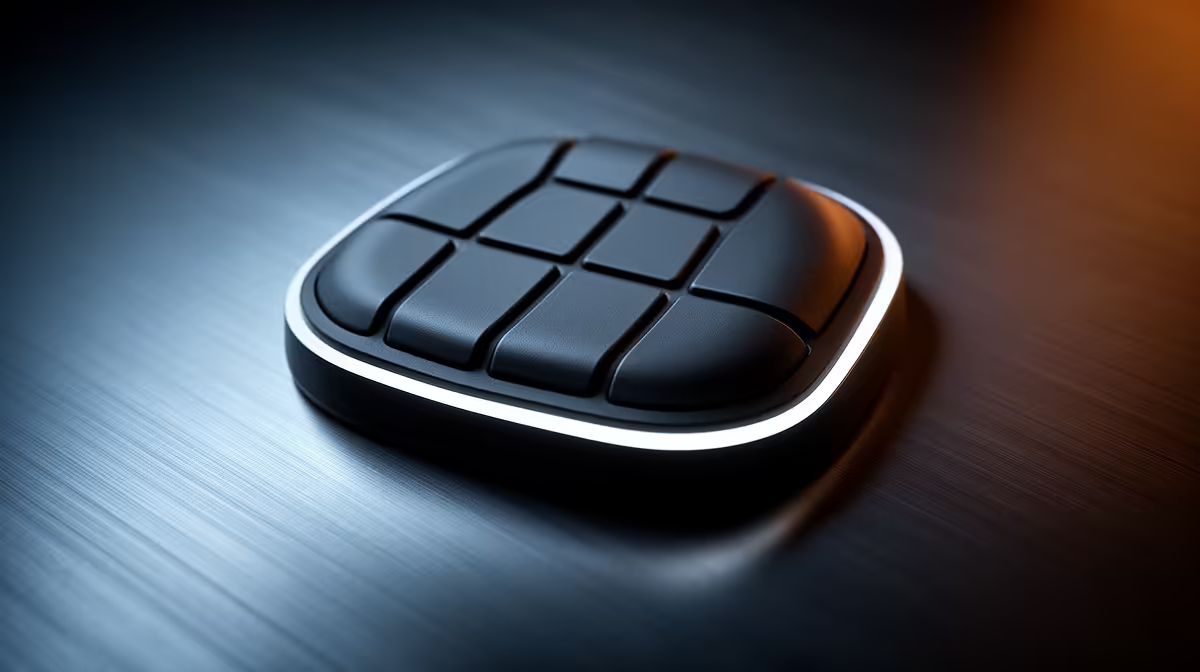
An 8-way directional thumbpad on a gaming keypad reduces hand strain in long sessions by allowing the thumb to handle directional navigation, freeing the fingers from constant WASD repetition. Repositioning movement input to the thumb lowers the repetitive stress load on the index and middle fingers, which are the primary fatigue points in extended gaming or editing sessions.
Why Standard WASD Creates Fatigue Over Time 🔧
In a standard keyboard configuration, the index and middle fingers handle both movement keys (W, A, S, D) and combat or action keys, alternating rapidly between the two roles. During a four-hour Diablo IV session these fingers execute tens of thousands of small lateral movements without rest. Repetitive strain from this pattern is one of the most common complaints among South African PC gamers who work eight-hour days then game for another three to four hours.
How the 8-Way Thumbpad Redistributes the Load 🖥️
An 8-way directional thumbpad maps movement to a joystick-style input operated by the left thumb, similar to the left stick on a gamepad. The thumb is naturally suited to directional tasks: it has a wide range of motion, stronger base muscles, and lower fatigue susceptibility than the index finger for sustained directional input. With movement handled by the thumb, the fingers manage abilities and macro keys, reducing their total workload significantly. This split is especially valuable in isometric games like Path of Exile 2 and action-RPGs where simultaneous movement and skill activation is constant.
Setting Up Your Thumbpad for Maximum Comfort 💡
Position the keypad so your left wrist rests in a neutral, unbent position. The thumbpad should sit slightly below the main key cluster so the thumb falls on it naturally without requiring wrist pronation. If the keypad has adjustable tilt, set the near edge slightly lower than the far edge so fingers curl downward rather than bending upward. Take a five-minute break every 90 minutes regardless of setup quality. For South African summer conditions in Johannesburg and Cape Town where indoor temperatures can reach 30 degrees Celsius and above, palm sweating reduces grip quality and increases muscle tension, so a ventilated or raised wrist rest makes a further practical difference.
Remap Thumbpad Diagonals for Action-RPGs ⚡
In action-RPGs and isometric games, assign northwest, northeast, southwest, and southeast thumbpad directions to dodge or roll abilities rather than pure directional movement. This turns every diagonal direction into a simultaneous move-and-evade input, cutting the number of keys your fingers manage during boss fights and reducing total finger workload by roughly 30 percent in high-action moments.
FAQ
How long does it typically take to adjust to using a thumbpad for movement?
Most gamers adapt within two to five hours of play across one or two sessions. The movement direction mapping feels intuitive quickly because it mirrors gamepad muscle memory. The bigger adjustment is reassigning finger habits away from WASD.
Are gaming keypads with 8-way thumbpads available locally in South Africa?
Yes. Keypads with directional thumbpads or integrated joysticks are stocked at Evetech and carry local warranty support. Current pricing for thumbpad-equipped keypads in South Africa ranges from roughly R1,400 to R3,000 depending on switch type and build quality.
Can the thumbpad be used for camera control in games like third-person action titles?
Depending on software support and driver mapping, yes. Some keypad drivers allow the thumbpad to output mouse movement, effectively acting as a slow, directional trackpad for camera control, though it does not replace a mouse for precision aiming.
Ready to reduce hand fatigue during long gaming sessions?
Evetech stocks gaming keypads with directional thumbpads and ergonomic designs, available with local warranty and delivery across South Africa. Browse the gaming keypads section at Evetech.