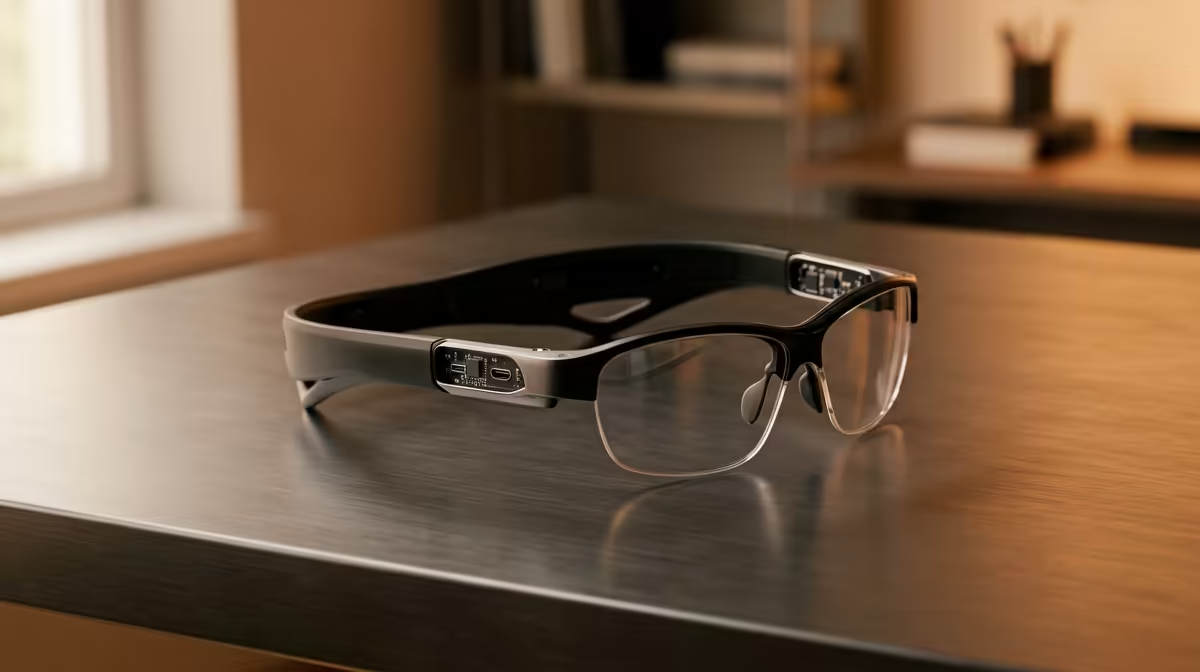
Quick Answer
For a first-year setup AR glasses earn their place only if you want a big private display in a shared res room. Expect to spend roughly R6,000 to R9,000, and remember the R5,200 NSFAS device allowance is better spent toward your core laptop first.
What Actually Matters: Panel, Weight, Eye Comfort
The numbers that count are per-eye resolution (aim for 1080p), refresh rate (60Hz minimum, 90Hz to 120Hz for smoother motion), and weight under about 80g so your nose does not ache after an hour. Field of view around 45 to 50 degrees gives a virtual screen that feels like a 130-inch display about three metres away. NSFAS pays a R5,200 device allowance, which on its own does not cover even the cheapest R8,000 laptop, so accessories like this are usually a separate budget line.
Connection And Device Compatibility
Most AR glasses need USB-C DisplayPort Alt Mode to carry video, which many laptops, the newer handhelds, and recent phones support but plenty of cheaper devices do not. If your source only has HDMI or a USB-C port that does not output video, you will need an adapter, so confirm this before you spend. A device that cannot output DisplayPort over USB-C simply will not drive the glasses, no matter the price.
Battery, Adapters, And The Real Total Cost
Many glasses draw power from the host device, which drains a handheld or phone faster, so factor a powered adapter into your budget. Add roughly R800 to R1,500 for the right dock or beam adapter if your device lacks native video-out. Budget for the full kit, not just the glasses.
FAQ
How much do good AR glasses cost in SA?
Quality 1080p-per-eye glasses currently stocked at Evetech typically sit in the R6,000 to R9,000 band. Cheaper no-name units exist but often skip the brightness, weight, and warranty support that make them comfortable for daily use.
Do AR glasses replace a laptop or gaming PC?
No. They are a display only, so you still need a device to do the computing and to output video over USB-C. Think of them as a portable extra screen, not a standalone computer.
Will my laptop or handheld actually drive AR glasses?
Only if it outputs video over USB-C DisplayPort Alt Mode, which not every USB-C port supports. Check your device's spec sheet for DP Alt Mode before buying, or plan for a compatible adapter.
Confirm your laptop or handheld supports USB-C DisplayPort Alt Mode, then compare the 1080p-per-eye AR glasses currently stocked at Evetech.