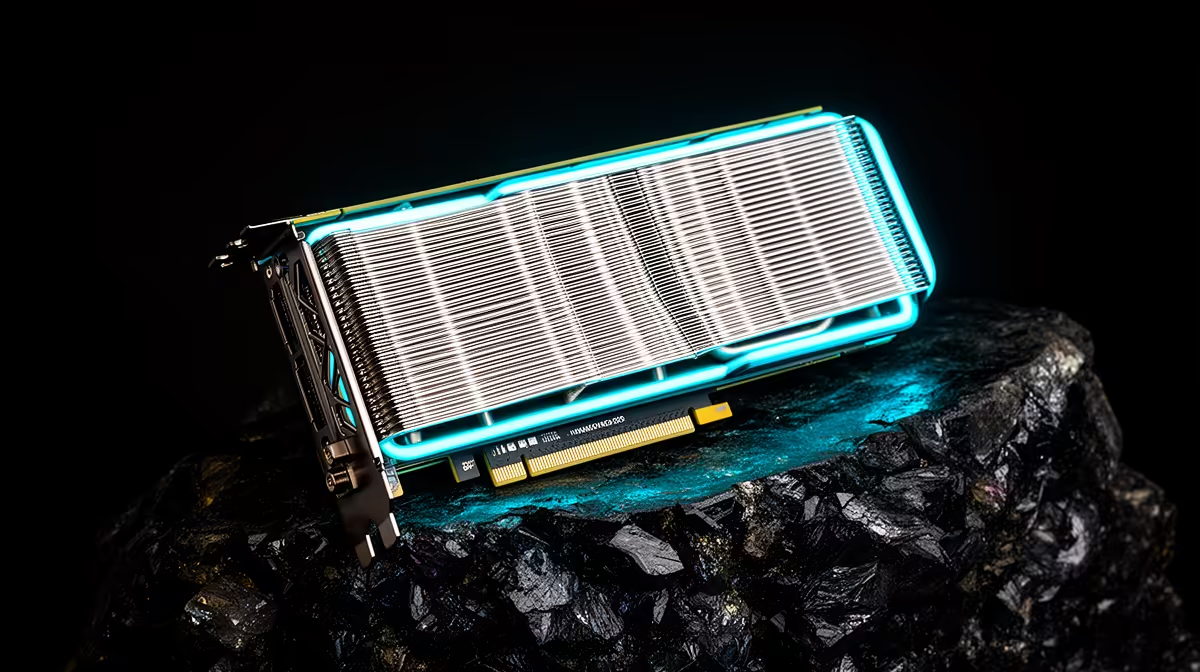
Inno3D is one of several NVIDIA board partners, which means the exact GPU determines the performance tier and the specific cooler determines much of the ownership experience. For Inno3D GPUs in South Africa, check the live model, seller and terms. A value reputation cannot replace a product-code comparison.
Quick Answer
Inno3D GPU availability in South Africa can vary with importer, NVIDIA generation and shipment. A card entering through an overseas route may add freight, customs duty and a support process outside the country. Compare it with cards on Evetech's live NVIDIA GPU category using the same chip, memory and cooler class.
🧠 Read the GPU name before the board partner
An Inno3D card uses an NVIDIA GPU, while the model tier determines most game performance and feature support.
Choose from the monitor, games and workload. A partner brand cannot turn one GPU tier into the next.
Check the full NVIDIA chip name and memory capacity on the exact Inno3D product page. Similar family styling can cover several tiers.
Use current benchmarks for average frames, low-frame behaviour, ray tracing and upscaling where you use them.
For creator work, check encoder, VRAM and application support. Gaming value alone may not describe the workstation job.
Once the GPU is chosen, compare partner coolers, dimensions, factory tuning, outputs and price.
💰 Test the value claim model by model
Inno3D is often discussed as value-focused, but local price position changes with shipment and promotion. Use current Rand totals.
Compare one base-clock design and one factory-overclocked version. The performance gain can be small beside the price and power difference.
Check included accessories and support bracket. A heavy card may need anti-sag hardware even when the box omits it.
Compare Inno3D with exact Zotac and Palit cards using the same GPU. Do not compare one brand's entry card with another brand's flagship cooler.
Use Evetech's GPU best-sellers as the current local reference. A different partner card may offer a clearer warranty path or better case fit.
Value includes power-supply changes and case fans. A low card price can expose another part of the build.
🌡️ Check cooling, size and daily noise
Measure card length, height, thickness and slot count. Include the power connector and side-panel clearance.
Run long gaming and creator loads. Record GPU, hotspot, memory temperature where exposed, fan RPM, power and room temperature.
Compare at the same GPU load and frame rate. A card drawing more power can run warmer without a poor cooler.
Listen for fan tone, bearing noise and coil sound. Individual card variation exists, so a brand reliability label cannot promise silence.
Test fan-stop transitions. Each fan should begin and stop through the model's intended control without clicking or sticking.
Clean filters and confirm case intake before judging the GPU cooler. Restricted cases make every card louder.
🔌 Verify reliability through evidence
Reliability should be assessed from the exact model, cooling, power, seller terms and a sustained test. Country-of-origin or brand size is weak evidence.
Confirm the current Inno3D warranty route with the seller. Ask who receives a fault and what documentation is required.
For an overseas card, price freight, customs assessment and possible return shipment. A value card can lose its advantage when it travels twice.
Read the PSU and connector requirements for the exact model. Use a suitable quality power supply and the specified cabling.
For a used Inno3D card, verify chip, memory and firmware. Inspect fans, heatsink, power sockets, screws and display ports.
Compare the software identification with the label and invoice. Mismatched firmware or an unexpected device ID needs explanation before payment.
Run a clean driver setup across several games. Check artefacts, crashes, clocks, temperatures and every output you need.
Begin at default clocks and power. Record driver version, case-fan curve and room temperature. Remove a seller tune so the hardware gets a fair test.
Ask about repair or mining history and treat the answer as context, not proof. Look for replaced screws, residue and damaged thermal pads.
Inspect heatsink fins from the card edge and shine a light through them. Dense dust can raise fan speed, while oily residue can indicate unsuitable cleaning or storage.
Turn each fan with power off. It should move without scraping. Then test fan stop, startup and the full speed range under control software supported for the card.
Run a graphics-memory test after an hour of gaming. Artefacts that appear only when the board is warm are easy to miss in a quick benchmark.
Check every display output at the target resolution, refresh and colour mode. Move one known-good cable between ports so a cable fault is not blamed on the card.
Test the PC after sleep and after the monitor changes refresh rate. Record black screens or driver resets with timestamps.
Measure hotspot spread and clock stability rather than core temperature alone. A cooler can keep the average reading acceptable while poor contact creates a large local difference.
Check card support and slot condition. A heavy cooler without a bracket can sag, and a damaged locking tab can make transport unsafe.
Keep serial photos and fitted packaging. Record the default driver and settings baseline before tuning.
Create a second profile only after the default passes. Apply a modest tune, then retest several engines and video playback. One benchmark is insufficient evidence of stability.
Store a known-good driver installer and baseline screenshots with the build notes. Future troubleshooting should begin from recorded facts rather than a remembered brand reputation.
Frequently Asked Questions
What market tier does Inno3D target?
The range can include value designs and higher-end coolers. Check the exact current model rather than a permanent brand tier.
Are Inno3D cards reliable for everyday gaming?
They can be when the exact card, power, cooling and support are sound. Use sustained testing and written terms.
Does Inno3D sell factory-overclocked models?
Model clocks can differ. Verify the current product code and compare the gain with power and price.
How does Inno3D compare with Zotac or Palit on price?
Compare exact cards using the same GPU and live Rand amounts. Promotions and shipment costs change the order.
Is warranty support available in South Africa?
The answer depends on seller and purchase route. Get the written term, receiving address and fault process.
Does Inno3D make flagship cards?
Ranges can extend into high-end GPU tiers. Check current generation listings and exact cooler designs.
What local NVIDIA alternative can I consider?
Use Evetech's current GPU range to compare cards with the same chip, memory and a suitable cooler.
Ready to compare NVIDIA partner cards?
Check Evetech's live GPU listings and match the chip, cooler, power and warranty route to your build.