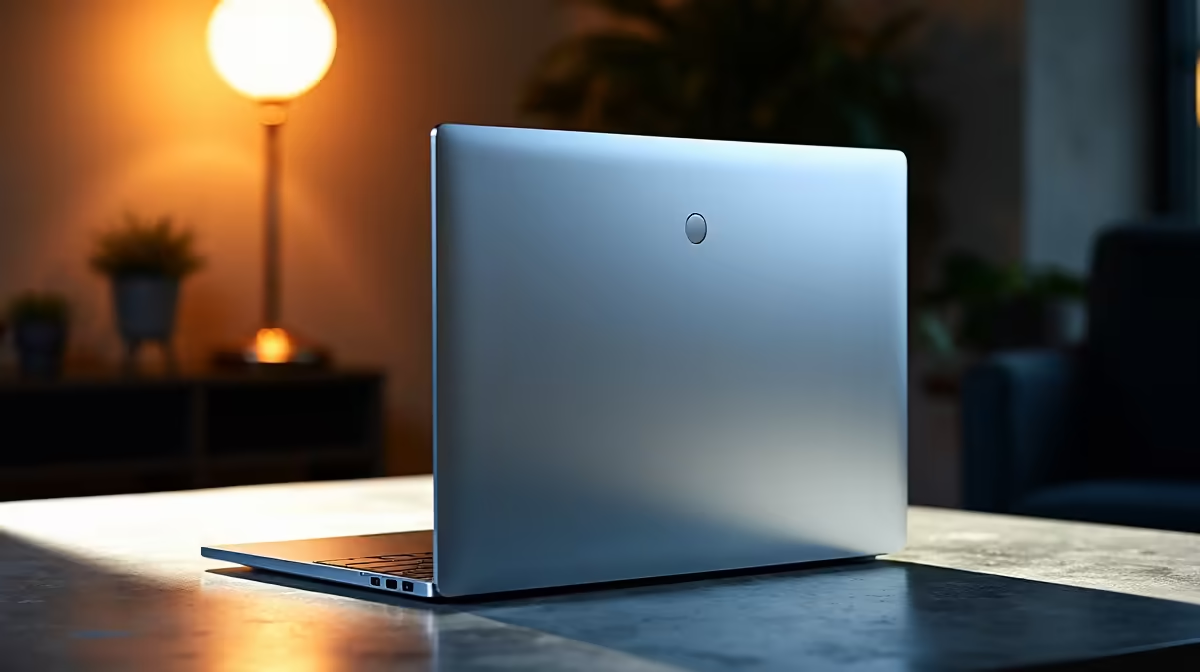
The ASUS Vivobook S14 OLED at R10,719 suits a remote professional who wants a sharper, more comfortable laptop screen without moving to a bulky machine. A 14-inch size makes sense when your desk is shared with notebooks, a second screen, or a compact keyboard, because it keeps the main device portable while still feeling serious enough for daily admin, calls, documents, and browser-heavy work.
What makes 14 inches practical for remote work
The ASUS Vivobook S14 OLED at R10,719 is the most natural pick here because the OLED spec matters during long sessions. Text looks cleaner, spreadsheets feel easier to scan, and video calls or slide reviews are less tiring than on a basic panel, especially if the notebook moves between a work desk and the couch.
If you prefer a larger 15-inch-style workhorse, the ASUS ExpertBook P1503 i5 at R9,858 is the sensible value option. The i5 spec is enough for email, CRM tabs, invoices, Teams-style calls, and document editing, while the ExpertBook line feels better suited to business routines than a purely casual machine.
For heavier multitasking, the Lenovo IdeaPad Slim 3 i7 at R13,400 and ASUS Vivobook X1504VA i7 at R13,999 both bring an i7 spec for busier workdays. The Lenovo LOQ RTX3050 at R9,500 is the odd but useful alternative if your home setup also needs RTX3050 graphics for creative apps or after-hours gaming.
Home Office Desk Fit In SA
On a small work-from-home desk, the ASUS ExpertBook P5405 at R12,700 gives you a more business-focused choice than a gaming-styled machine, while the ASUS Vivobook S14 OLED at R10,719 keeps the screen quality advantage for tight spaces. That matters when the notebook sits beside a fibre router cupboard, printer shelf, or compact monitor arm.
Ready to choose the right laptop?
For inch laptop right choice work, put ASUS ExpertBook P1503 i5 at R9,858 first and judge the setup around its listed spec.